 NFC OPERATIONS
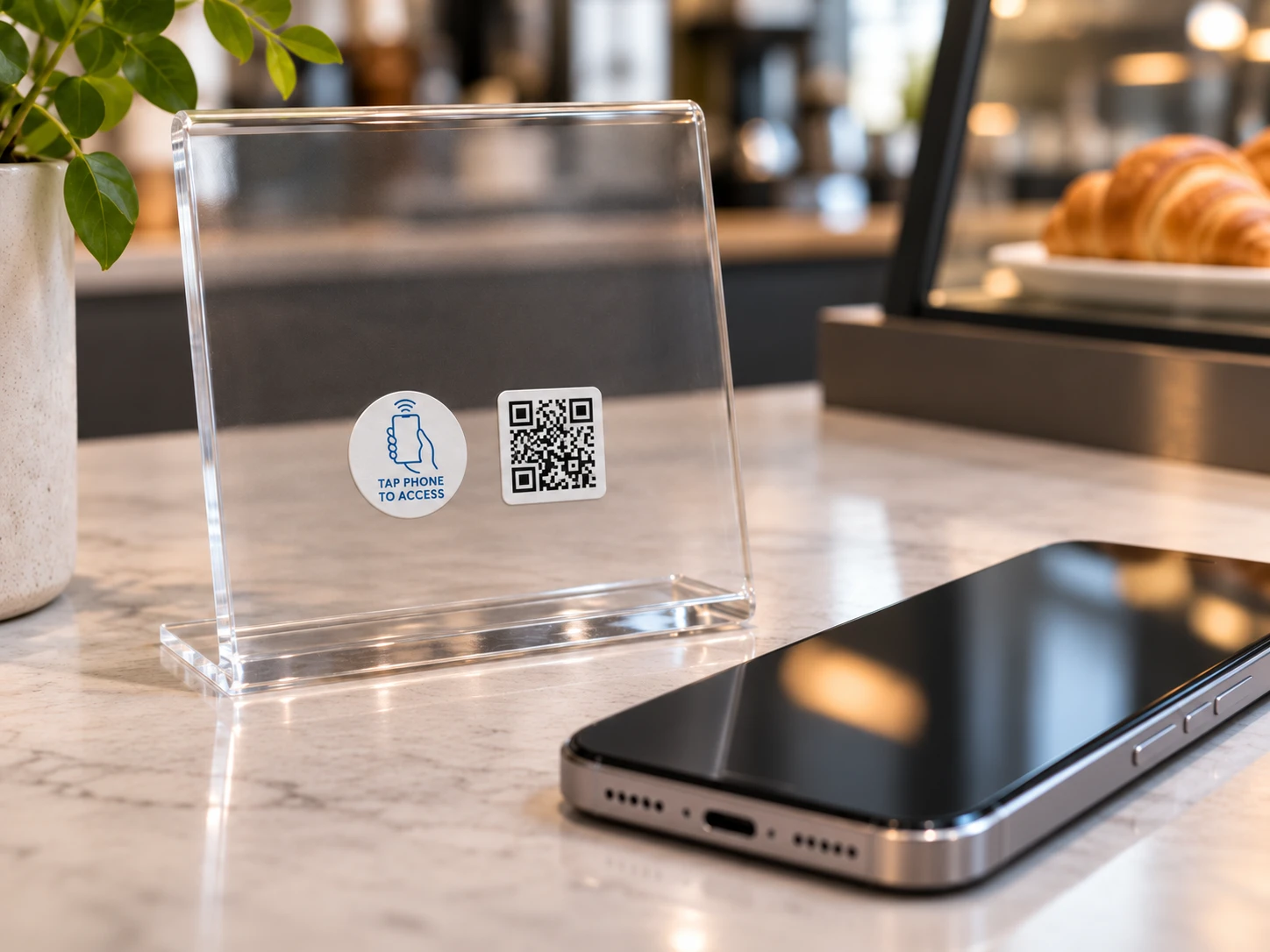
NFC and QR Code stickers are becoming practical access points for AI-powered customer support. A printed sign can direct customers to a business chatbot, an AI assistant or a familiar messaging application simply by tapping a compatible smartphone or scanning a QR Code.
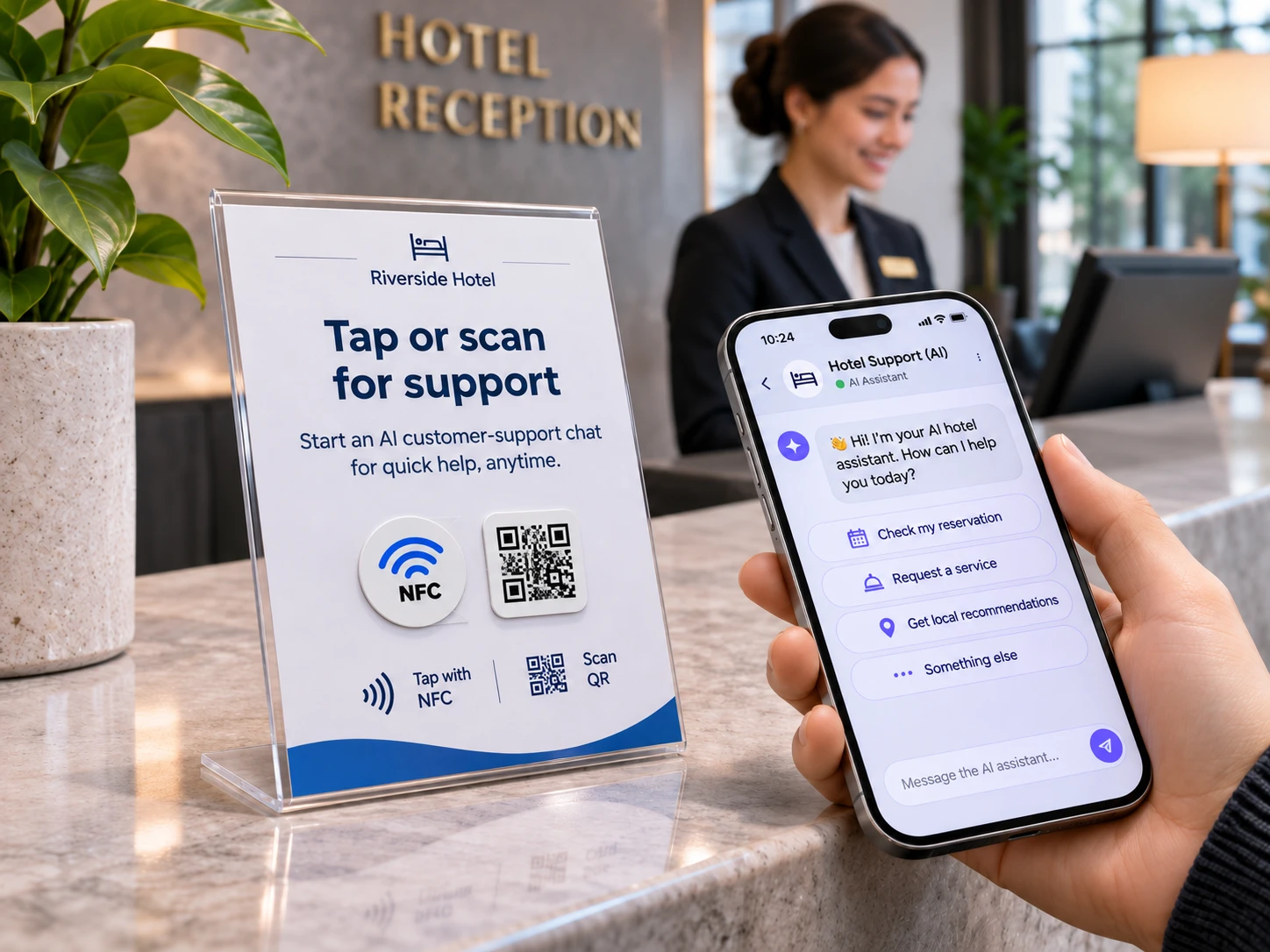
ChatGPT, Claude, Gemini and Muse Chat represent different approaches to AI conversations, while WhatsApp, Facebook Messenger and LINE offer familiar messaging channels. Businesses can use NFC and QR stickers to open a suitable support URL, provided the destination is configured and accessible to their customers.
A tourism project announced in Tokyo on November 11, 2026, offers a recent example. The pilot connects physical NFC and QR access points to a multilingual, AI-powered WhatsApp support service. The underlying idea is relevant to hotels, shops, events, product brands and other customer-facing businesses.
Tokyo Tests NFC and QR Signs for AI Customer Assistance
On November 11, 2026, technology company ikura announced a pilot project with Tokyu Land at shibuya-san, a tourist information center in Tokyo's Shibuya district. The project introduces an AI-powered visitor assistance service called "Chat with shibuya-san."
According to the official project announcement, the service is designed to answer tourism questions through WhatsApp, operating 24 hours a day in 50 languages. It uses official tourism information to help visitors with transportation, attractions, local facilities, luggage storage and practical travel questions.
NFC tags and QR Codes are being placed at the information center's entrance, tourist information desk and luggage-storage counter. Visitors can tap or scan to open a WhatsApp conversation connected to the AI assistance service.
The announced pilot period extends from mid-November 2026 through February 2027. Its effectiveness has not yet been established through published performance results.
The significance for businesses is the connection between a physical customer-service location and an online conversation. The printed access point directs customers to assistance without requiring them to search through several webpages.
ChatGPT, Claude, Gemini and Muse Chat: AI Support Destinations
AI conversations can make business information more accessible when customers need explanations rather than a static list of frequently asked questions. An appropriately configured assistant may answer questions about products, opening hours, services, policies or instructions.
Businesses can connect an NFC or QR sticker to an accessible support experience built using AI technologies such as the following.
- ChatGPT: A business can build a customer-support chatbot powered by OpenAI technology and host it on its own website. An NFC or QR sticker can open that chat page, where customers ask questions about the business. A general ChatGPT link or a shared conversation should not be mistaken for a dedicated company support assistant.
- Claude: Anthropic's AI technology can power customer-facing assistance on a business website or within a dedicated application. A sticker can link to that hosted interface. Ordinary public Claude conversation links are read-only snapshots and do not themselves provide a live support chatbot.
- Google Gemini: Businesses can use Gemini technology behind a hosted support assistant. Google's Gemini apps also offer customizable skills and sharing capabilities, subject to current account and access restrictions. Any destination intended for customers must be tested for public accessibility.
- Muse Chat: MuseChat focuses on customizable AI personas and conversational engagement. Where a business has an appropriate customer-accessible chat experience, an NFC or QR sticker can direct visitors to its URL. The intended use and sharing permissions should be checked before deployment.
- Meta Muse: Meta's Muse is a separate personal AI agent that also offers small-business productivity features. It can be accessed through supported Meta experiences, including WhatsApp. However, a personal Muse conversation is not automatically a public, business-managed customer-support channel.
The distinction between an AI platform and a customer-support destination is important. A business needs an assistant that is configured for its information, available to the intended audience and connected to a working URL.
The NFC sticker opens that URL. The AI service supplies the conversation, answers, language features and any automated workflows.
WhatsApp, Messenger and LINE for Tap-to-Chat Customer Service
AI-powered support is not the only option. Many customers prefer communicating through messaging applications they already use, especially when they need assistance from a real employee.
NFC and QR stickers can connect directly to an appropriate business messaging link.
- WhatsApp: A business can use a valid click-to-chat link to open a conversation with its WhatsApp account. Messages may be answered by employees or a separately configured automated assistant.
- Facebook Messenger: A business can direct customers to a supported Messenger link associated with its Facebook Page. The conversation can provide customer assistance, service information or follow-up communication.
- LINE: A business with a LINE Official Account can use an appropriate LINE link to connect customers with its messaging channel. This is particularly useful when serving customers who regularly communicate through LINE.
- Website live chat: Businesses can also link directly to a customer-support page containing an AI chatbot, staffed live-chat interface or contact form.
The communication channel does not determine whether the answers are AI-generated. A WhatsApp or LINE conversation may be handled entirely by staff, while a website chatbot may provide automated assistance. Some businesses combine both approaches, using automation for common questions and human support for more complex issues.
Another practical option is to create a mobile-friendly support page with several buttons, such as "Ask our AI assistant," "Chat on WhatsApp" or "Contact our team." One NFC and QR sticker pair can open this page and let customers choose their preferred support method.
Where Businesses Can Place NFC and QR AI Chat Stickers
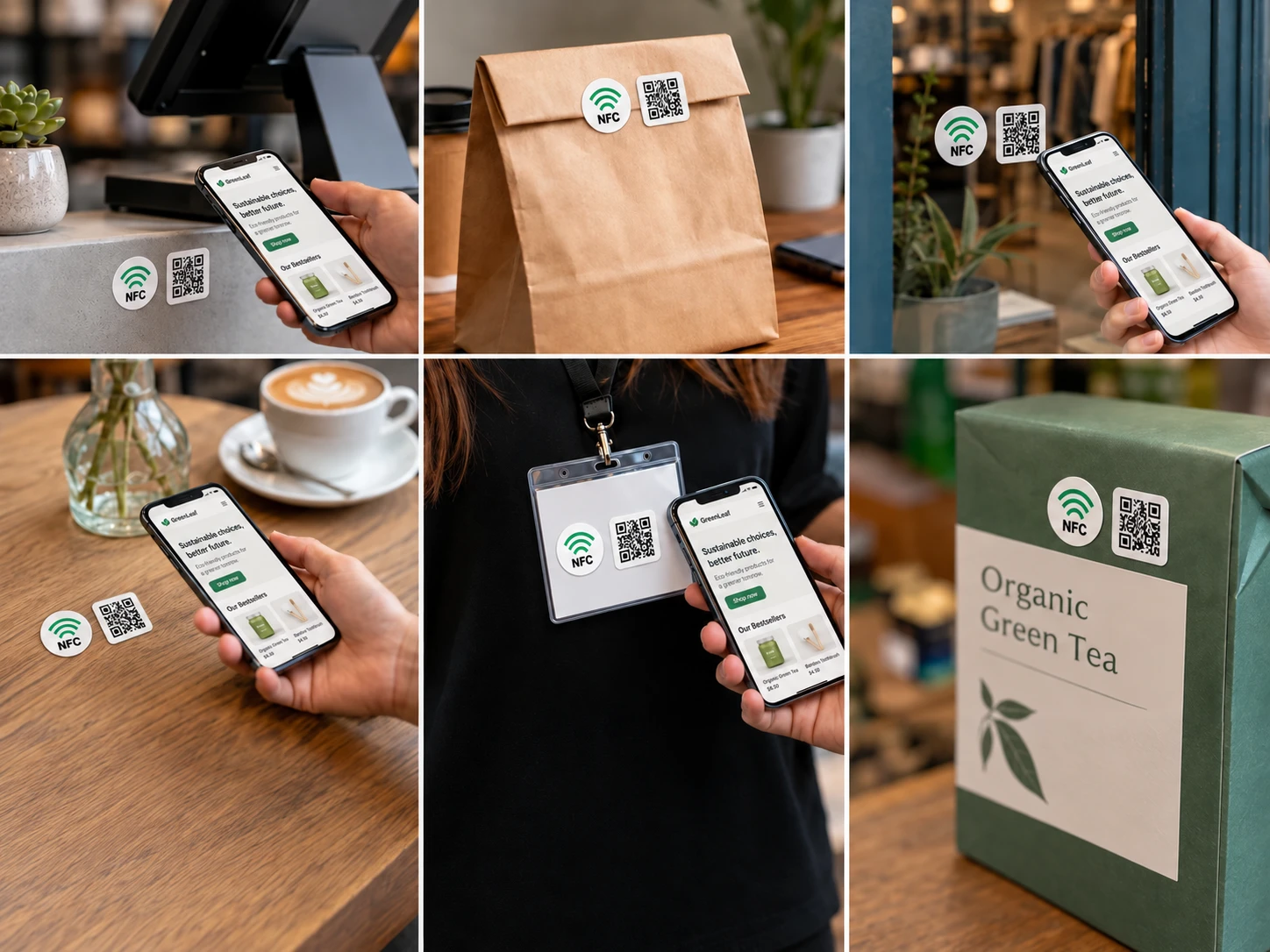
NFC and QR customer-support stickers work best when they are placed where customers naturally look for information. Each sticker should lead to a relevant chat or support destination rather than an unrelated homepage.
- Hotels and hospitality: Place a sticker at reception, beside a room information display or near a guest-service sign. Link it to a digital concierge, guest-support chatbot or hotel messaging account.
- Retail stores: Add a sticker to a checkout counter or product-information display. Customers can open a support conversation about product availability, care instructions, returns or store policies.
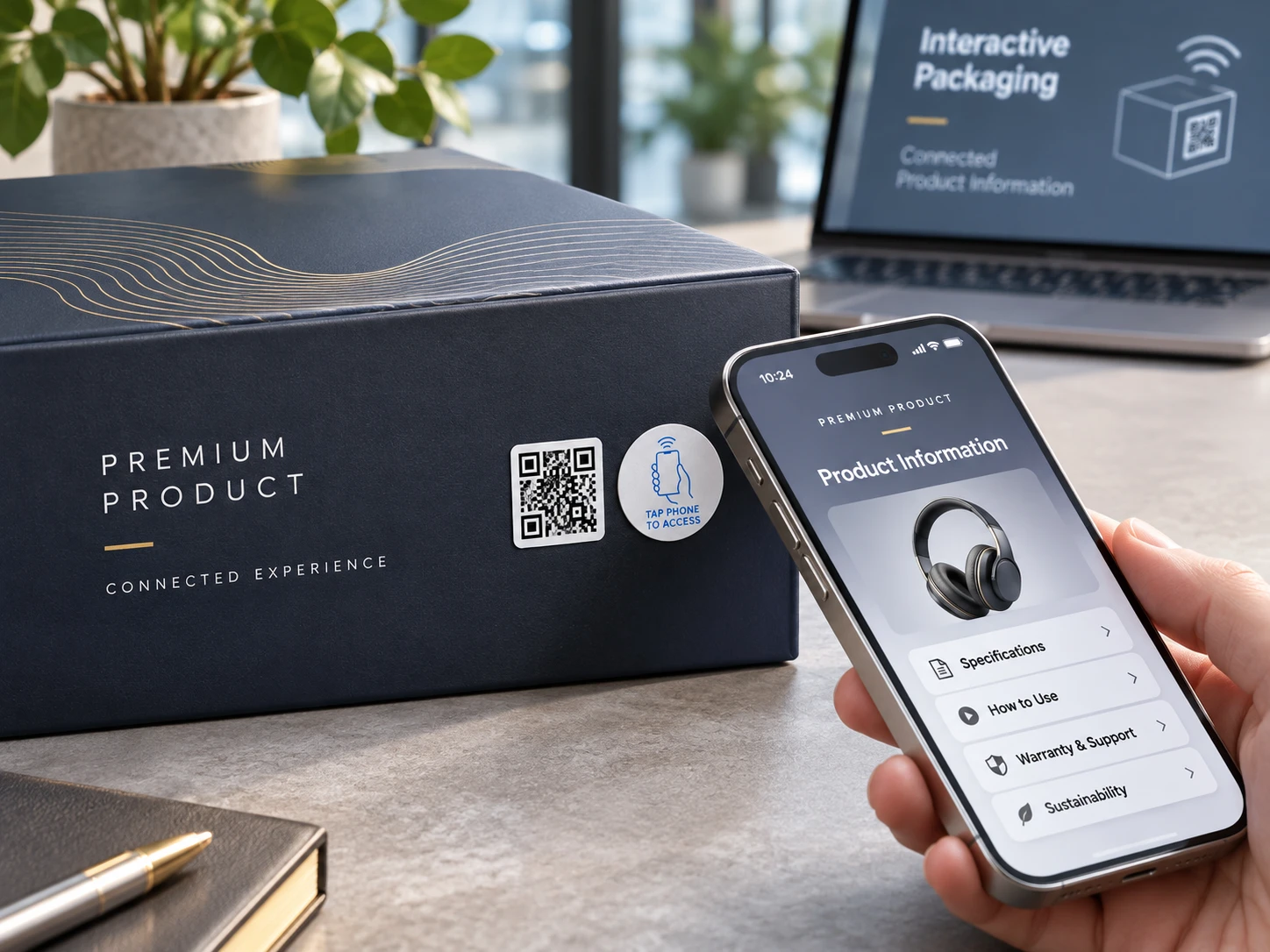
- Product packaging: Print NFC and QR stickers for product boxes or instruction cards. Link customers to a support assistant, troubleshooting guide or warranty assistance webpage.
- Events and conferences: Position stickers beside information desks, entrance signs or event programs. Link them to a chatbot covering schedules, locations, exhibitor information and frequently asked questions.
- Equipment and facilities: Add stickers near equipment instructions or service points. Open a support webpage offering manuals, maintenance information or a way to report an issue.
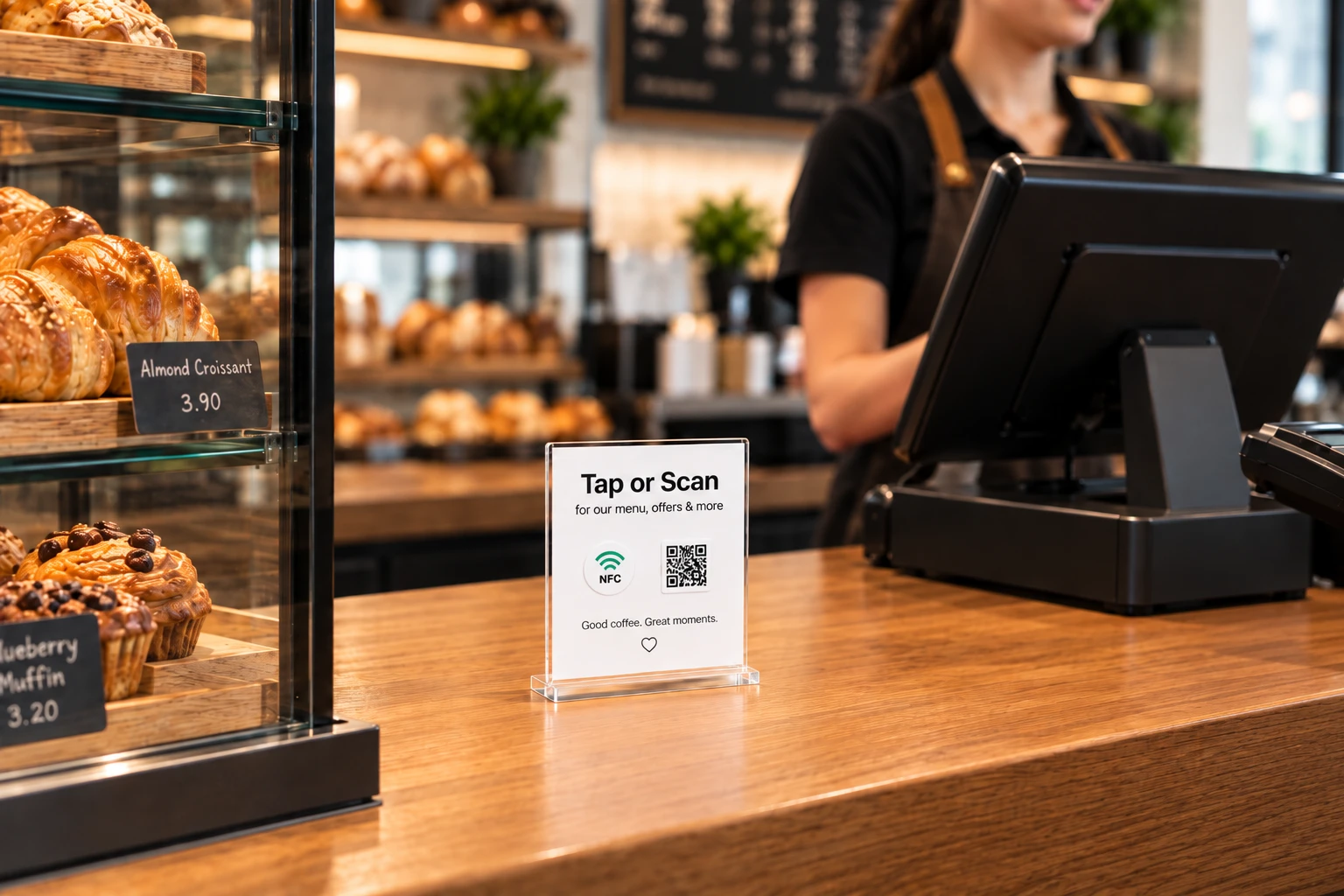
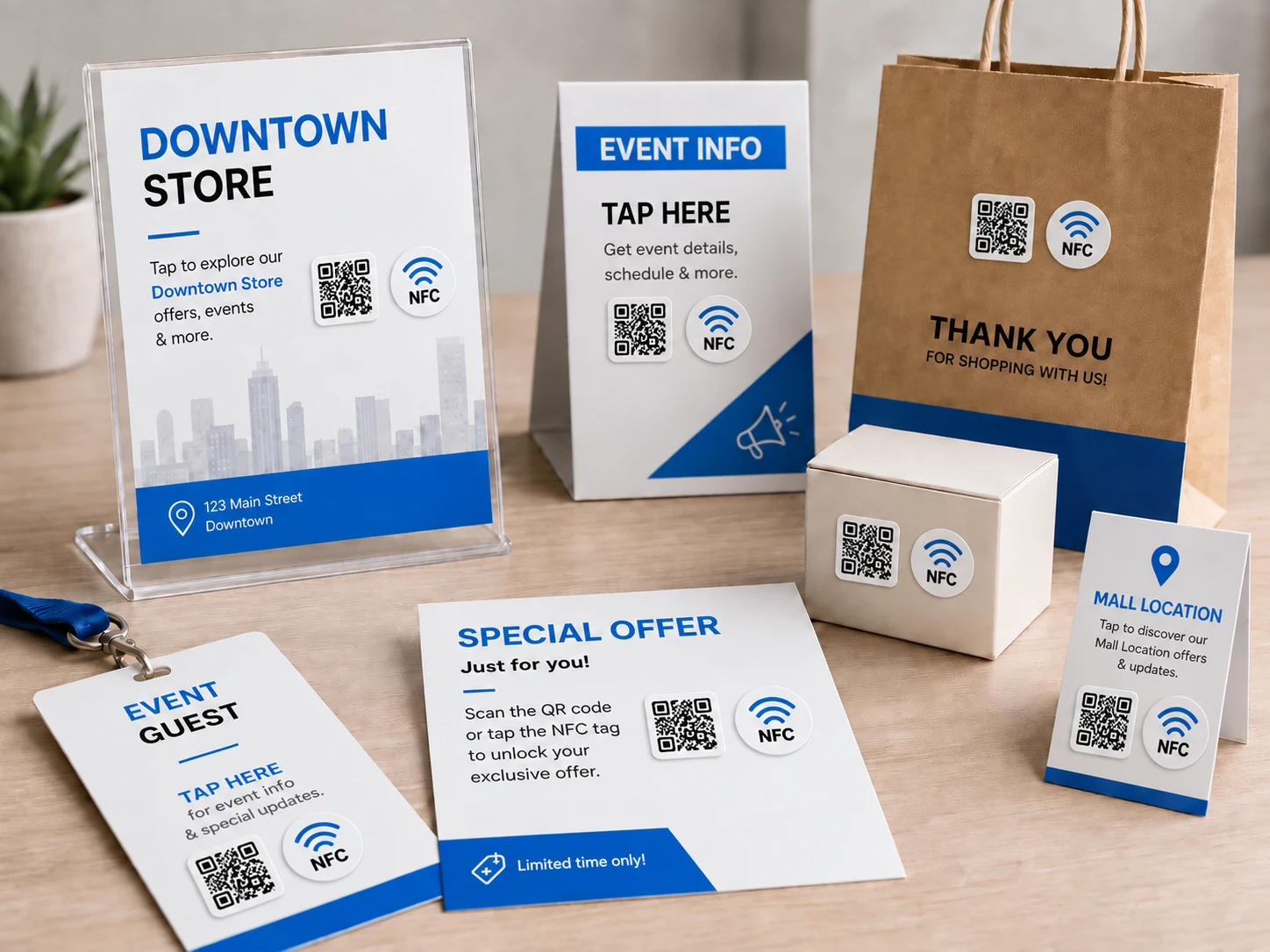
The image shows an illustrative NFC and QR access point in a retail environment. A similar sign could invite customers to "Tap or scan for support" or "Ask our AI assistant," with the destination configured according to the business's needs.
For more placement ideas, see NFCOP's guides covering hotel guest information stickers and NFC and QR stickers for product packaging.
How NFCOP Turns an AI Chat URL into a Ready-to-Use Sticker
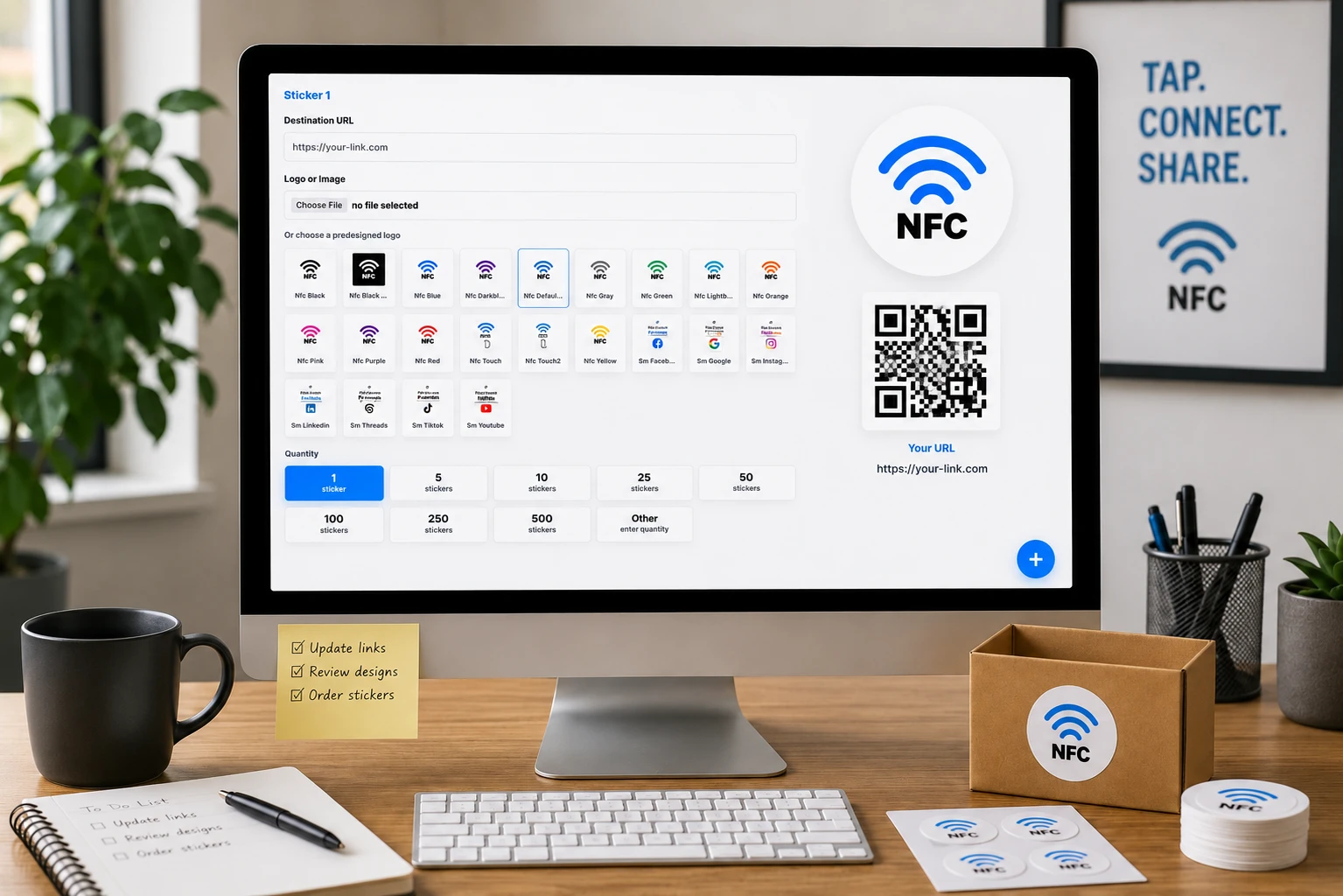
A business does not need to manufacture or program NFC tags to create a physical support access point. Once its AI assistant or messaging destination is ready, NFCOP provides a practical way to connect that URL to a printed NFC sticker and matching QR Code.
NFCOP specializes in custom-printed NFC URL stickers for businesses, marketing teams and organizations. Customers can select their destination URL, choose or upload a design and order the required number of stickers.
NFCOP handles the printing and professional URL encoding before delivery. Matching QR Code stickers are created for the same destination, allowing customers to tap the NFC sticker with a compatible phone or scan the QR Code instead.
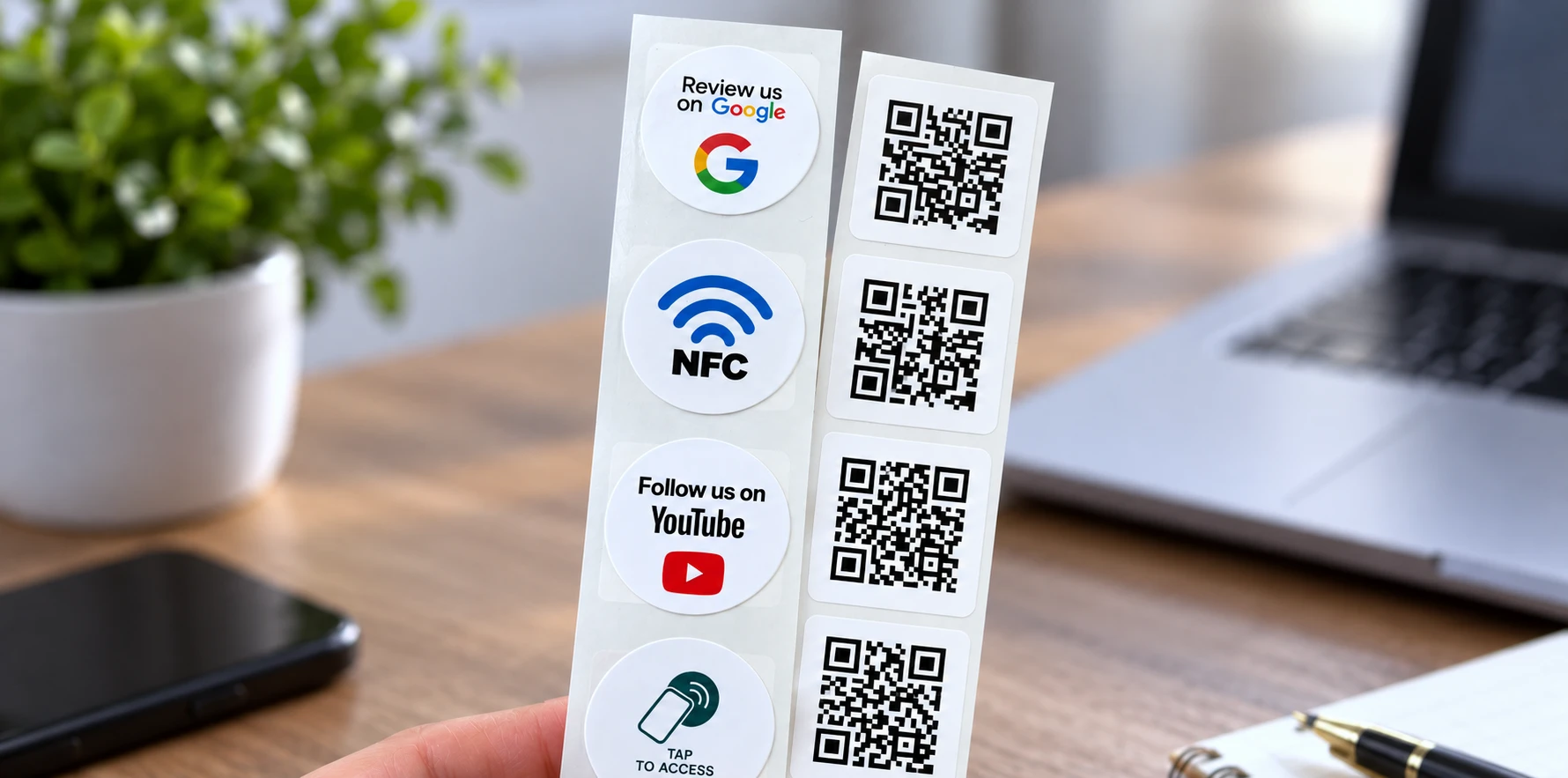
For example, a hotel could order branded stickers pointing to its existing AI guest-assistance webpage. A retailer could use a different design linking to its WhatsApp support account. An equipment supplier could link product labels to a technical-support assistant.
The chat platform remains independent of NFCOP. NFCOP supplies the printed, pre-encoded access point that opens the selected URL; it does not create the AI assistant, operate the messaging account or manage customer conversations.
Customers generally do not need a special app just to read a compatible NFC URL sticker or scan its QR Code. However, the destination service may require an installed messaging application, login or other access permissions.
Dynamic URLs: Update the AI Support Destination Without Reprinting
Businesses may change their support technology over time. A customer-service team might begin with WhatsApp, introduce an AI chatbot on its website or reorganize its existing assistance pages.
NFCOP offers optional Dynamic URLs that allow an existing sticker to continue working when its final destination changes. Instead of replacing every printed sticker, the business can update the linked destination through the supported Dynamic URL configuration.
Possible uses include updating a hotel guest-help link, redirecting product-support stickers to a new assistant or changing an event's online information destination.
Dynamic URLs also provide supported usage statistics, helping businesses review interactions with their link destinations. These statistics do not automatically measure chat satisfaction, successful AI answers or customer-service resolution. Such information must come from the relevant support platform.
Businesses can review the NFCOP FAQ for sticker compatibility and Dynamic URL features before choosing their configuration.
What to Check Before Connecting NFC Stickers to AI Customer Support
A useful support sticker needs a clear destination and a reliable customer experience. Businesses should test the complete process before placing stickers in public areas.
- Check the destination: Confirm that the URL opens the correct chat or support webpage on different smartphone models.
- Verify access: Check whether customers need an account, app, login or permission to use the service.
- Review AI answers: Keep business information accurate and provide human assistance for questions the AI cannot resolve.
- Protect customer information: Review privacy settings and avoid collecting sensitive information through unsuitable public chat experiences.
- Use clear instructions: Label each sticker according to the actual destination, such as "Ask our AI assistant" or "Message our support team."
A business should only advertise 24-hour or multilingual support when its selected chat service genuinely offers those capabilities. The NFC and QR stickers provide access, not the underlying support functions.
AI Customer Support Starts with a Simple Tap or Scan
Tokyo's November 2026 tourism pilot provides a documented example of NFC and QR signs connecting visitors to AI-powered messaging support. It shows a practical way to place digital assistance at physical customer-service locations.
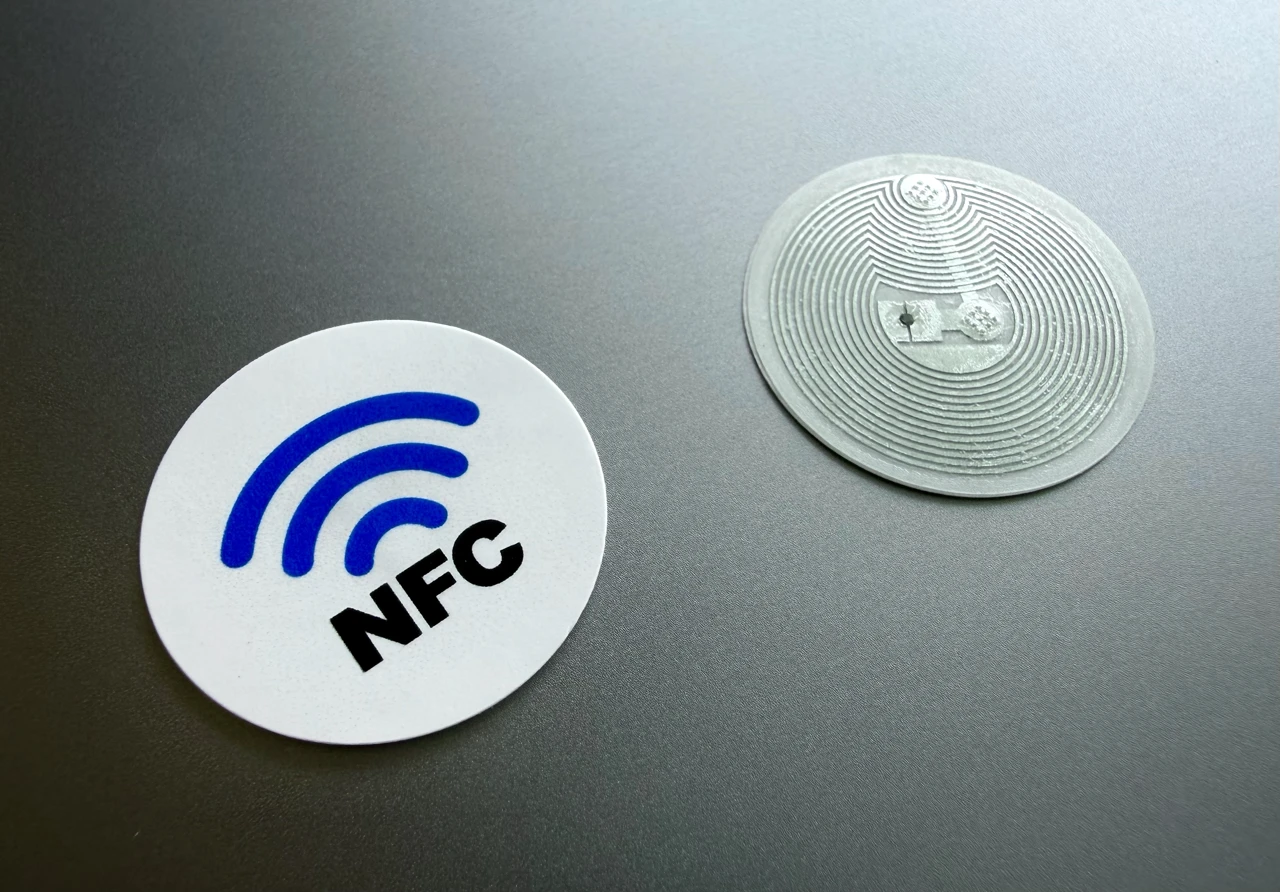
The same access method can connect businesses to properly configured ChatGPT-, Claude- or Gemini-powered chatbots, suitable Muse Chat experiences, WhatsApp, Messenger, LINE or an existing website support system.
For hotels, retailers, event organizers and product brands, the value is making an existing customer-support destination easier to reach when customers need it.
If your business already has a working AI chat or messaging URL, explore NFCOP's custom printed, pre-encoded NFC and matching QR Code stickers to create a branded, ready-to-place tap-or-scan customer-support point.