 NFC OPERATIONS
Printed marketing materials can generate valuable customer interactions, but measuring their effectiveness is often challenging. Whether you distribute promotional stickers, display QR Codes in stores, or use NFC tags at events, understanding which physical touchpoints attract visitors can help improve your marketing strategy.
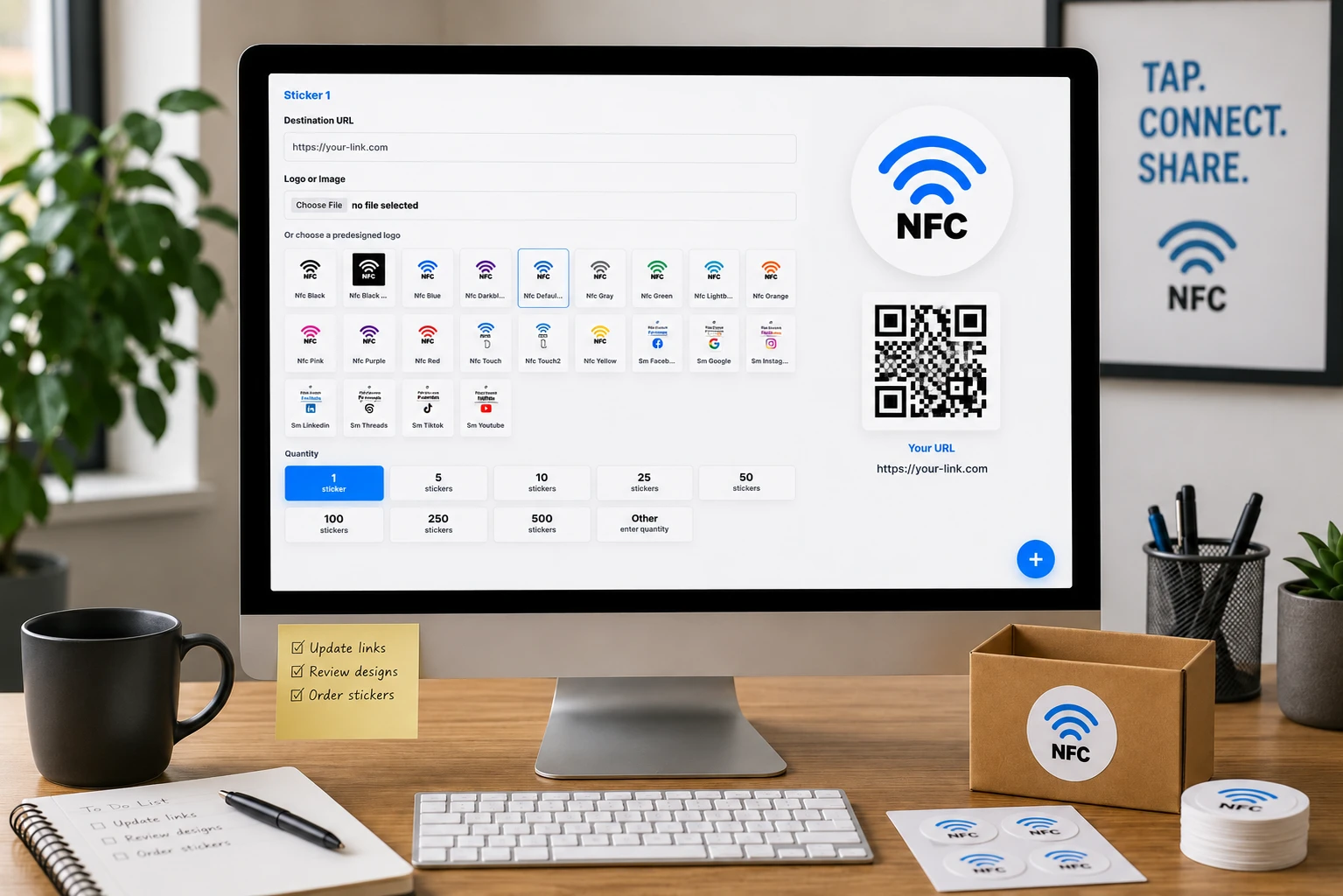
By assigning dedicated tracking URLs to individual campaigns, designs, or locations, businesses can connect offline interactions with online activity. NFCOP supports this approach with custom printed NFC stickers, chip encoding, matching QR Codes, and optional Dynamic URLs for destination management and usage statistics.
1. Track Printed Campaigns with Dedicated URLs
Using a single URL across every printed marketing material makes it difficult to identify where visitors originate. A more effective approach is to assign unique links to different touchpoints.
For example, a retail campaign could use separate URLs for each store, while an exhibition could assign individual links to promotional displays or event booths.
| Touchpoint | Example URL | Tracking Objective |
|---|---|---|
| Promotional Sticker | example.com/sticker-a | Compare campaign designs |
| Retail Location | example.com/store-a | Identify store-generated visits |
| Event Booth | example.com/event-a | Evaluate event engagement |
| Product Packaging | example.com/product-a | Measure product-related interest |
| Printed Brochure | example.com/brochure-a | Track promotional traffic |
Example URLs are provided for illustration purposes.
These links can also include UTM parameters for integration with compatible website analytics platforms. This allows marketing teams to compare traffic sources and evaluate which printed campaigns contribute to website visits or form submissions.
2. Combine NFC Stickers and QR Codes for Easy Customer Access
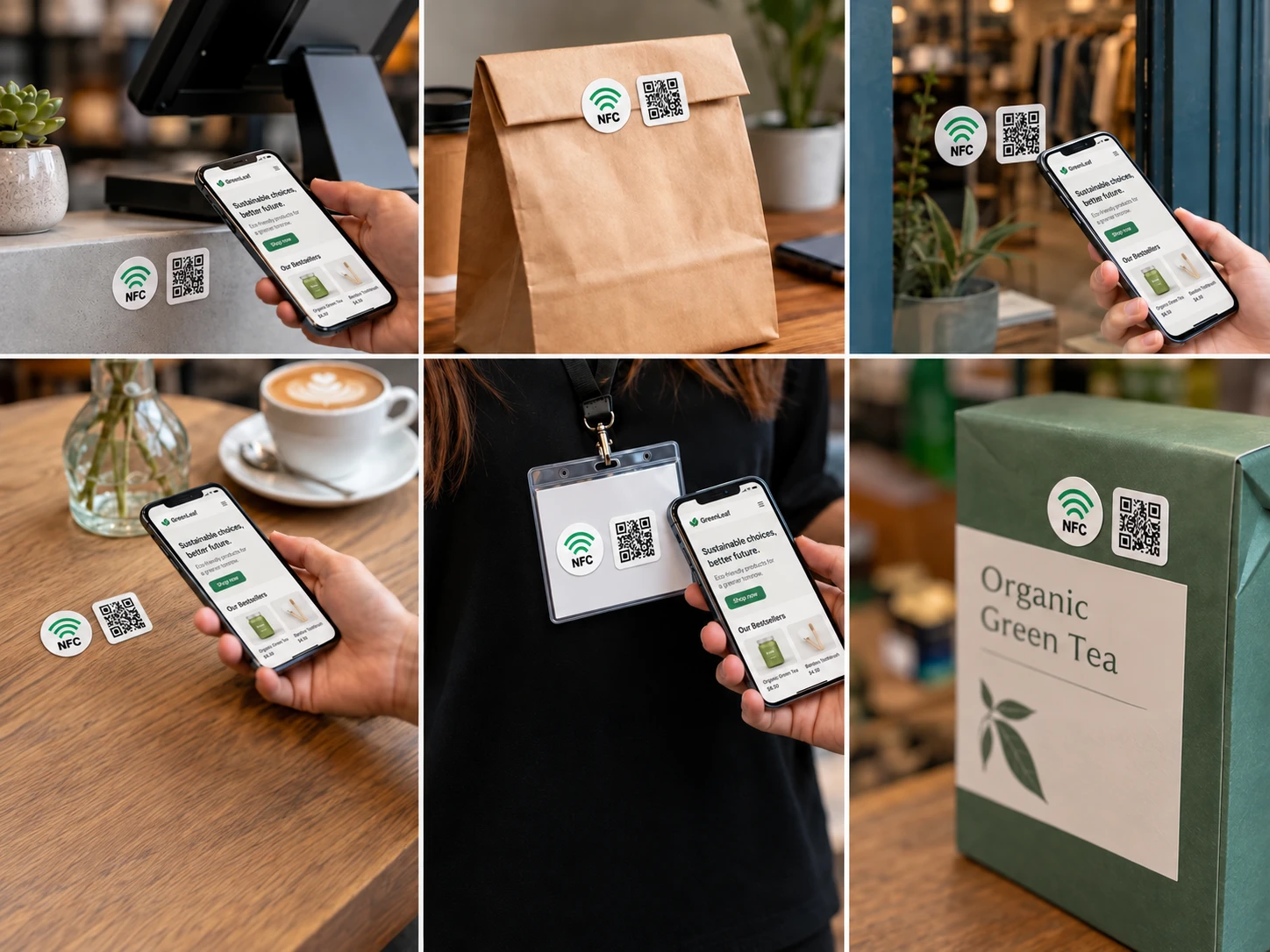
NFC and QR Code technology offer two convenient ways to connect printed materials with digital content.
- NFC Tags: Customers tap a compatible smartphone against an NFC-enabled sticker to open the encoded URL.
- QR Codes: Customers scan the printed code using their smartphone camera to access the linked content.
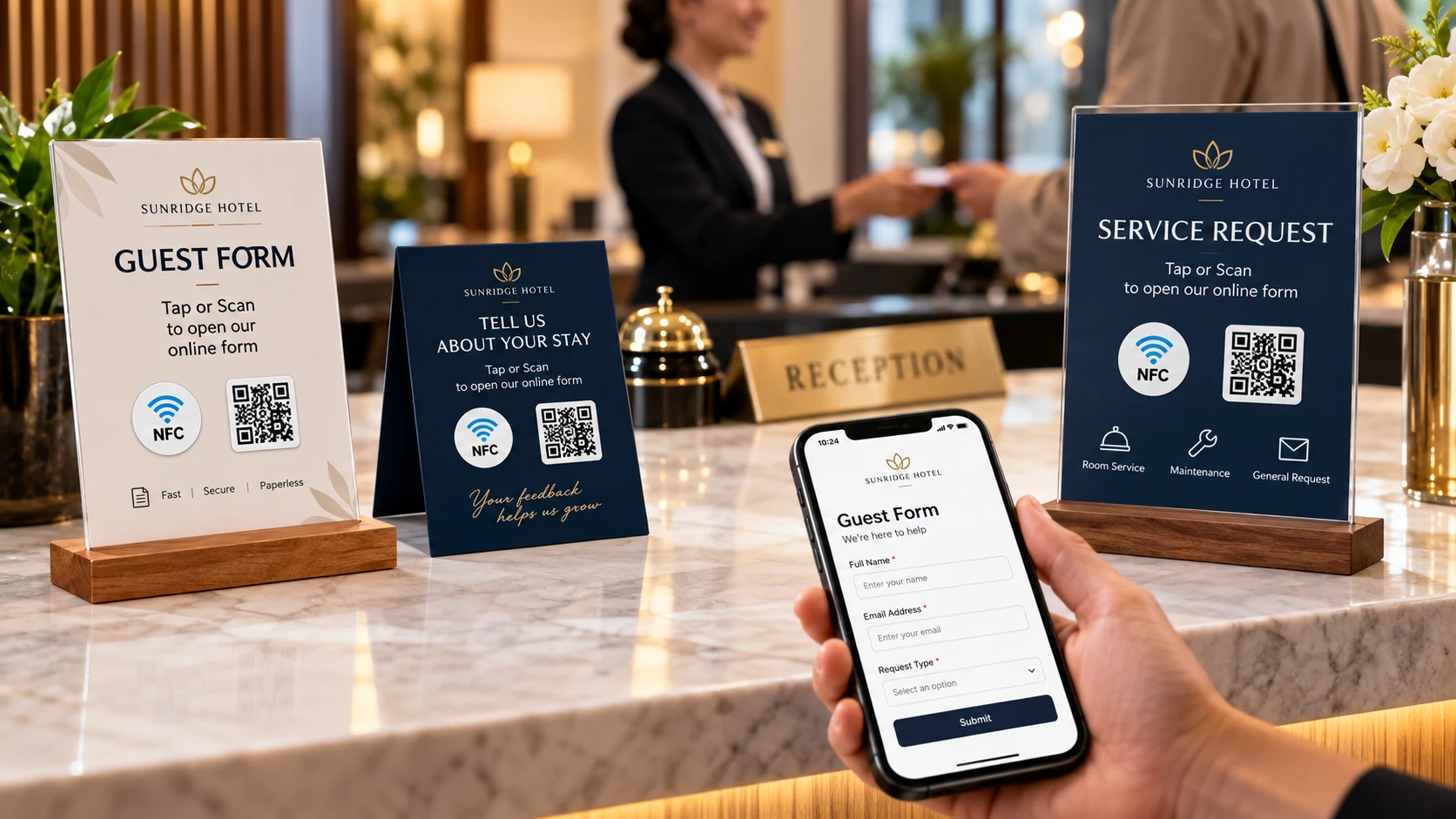
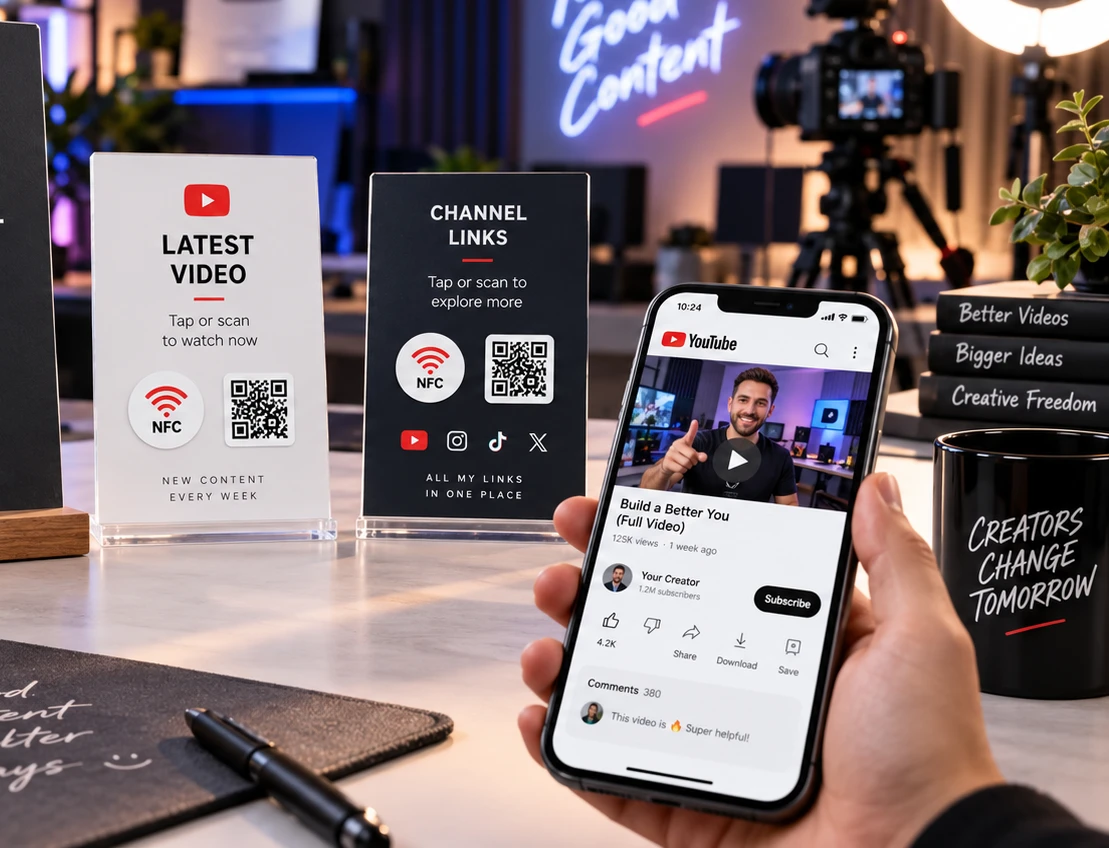
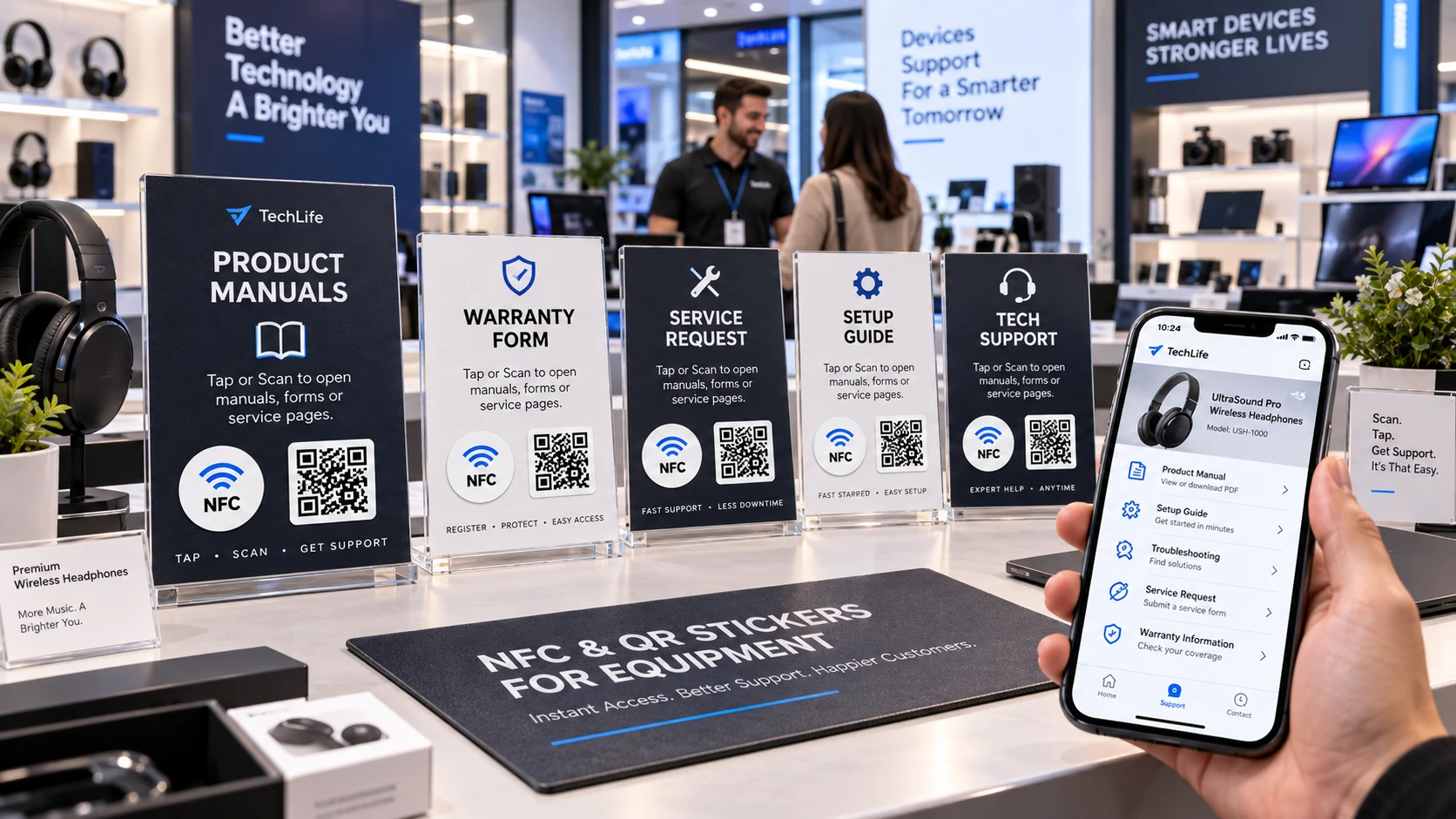
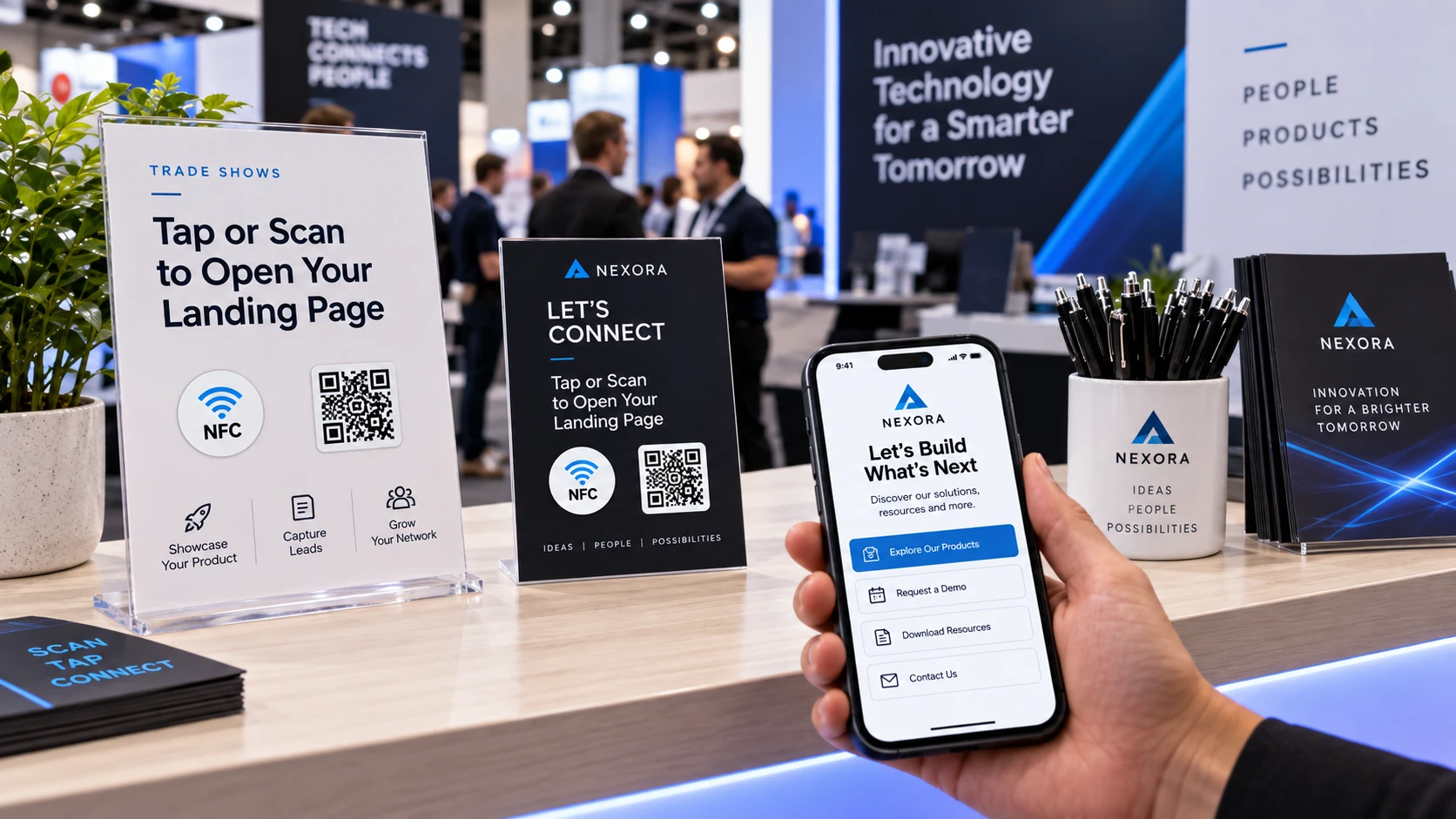
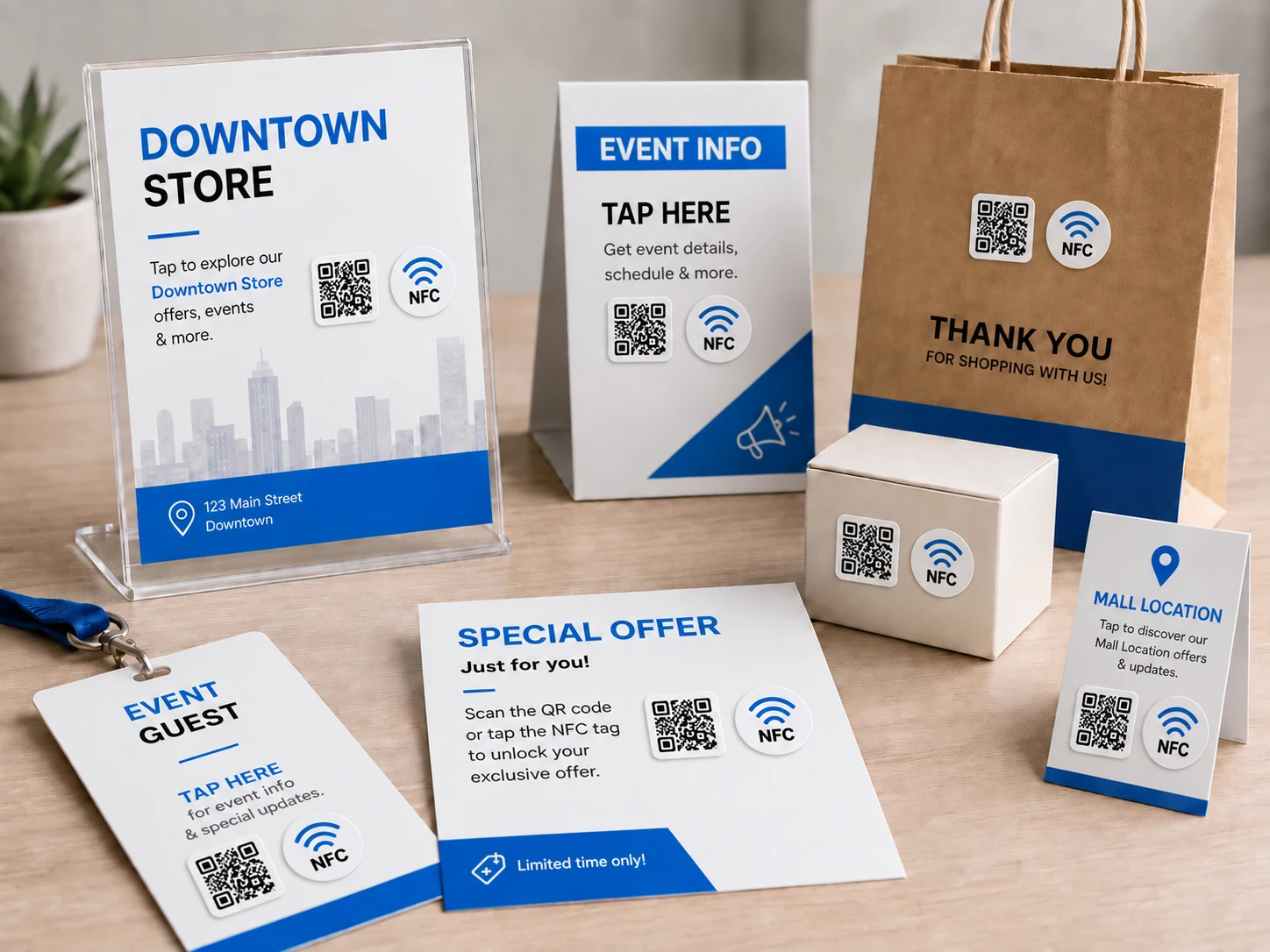
Combining both technologies on one sticker gives users a choice of interaction methods without requiring separate promotional materials. This is particularly useful for product labels, retail displays, business cards, exhibition stands, and customer feedback points.
Both methods can direct users to the same destination. Alternatively, separate tracking links can be configured when a business needs to distinguish NFC taps from QR Code scans.
3. Custom NFC Sticker Production and Dynamic URL Options
NFCOP provides custom sticker production for businesses that want printed materials prepared for immediate deployment. Available services include:
- Custom Printing: Branded NFC stickers with campaign-specific artwork and designs.
- NFC Chip Encoding: Programming chips with the destination URLs supplied for the project.
- QR Code Integration: Printing matching QR Codes alongside NFC functionality.
- Optional Dynamic URLs: Supporting destination changes without reprinting stickers, when configured through a compatible redirect service.
- Usage Statistics: Optional reporting to help review interactions with individual campaign links.
Dynamic URLs are especially useful for promotions that change over time. A sticker initially linked to a seasonal offer, for example, can later direct visitors to a new campaign while retaining the same printed material.
This flexibility can reduce unnecessary reprinting and support longer-term use of NFC-enabled marketing assets.
4. How to Launch Your NFC and QR Code Tracking Campaign
Preparing a campaign with NFCOP involves a straightforward process:
- Prepare your destination URLs for the landing pages, forms, or online content you want customers to access.
- Choose your sticker design and determine where the materials will be displayed or distributed.
- Define your tracking structure by identifying which designs, locations, or campaigns require unique links.
- Confirm your quantity and any requirements for Dynamic URLs or usage statistics.
- Receive your prepared stickers with the NFC chips encoded and QR Codes printed, ready for deployment.
A clear URL structure helps your team organize campaign data and compare performance across physical marketing channels. It also makes future reporting easier as additional locations, materials, or campaigns are introduced.
Connect Your Printed Marketing to Measurable Results
NFC-enabled stickers and QR Codes help bridge the gap between physical marketing and digital engagement. With dedicated links, businesses can identify traffic sources, evaluate touchpoint performance, and make more informed campaign decisions.
Start your project with NFCOP. Prepare your destination URL, select your custom sticker design, and confirm your quantity. NFCOP can produce and encode your stickers with matching QR Codes and optional tracking features, ready for your next campaign.