 NFC OPERATIONS
NFCOP removes friction from opening online forms and surveys by letting people tap an NFC sticker or scan a QR Code exactly where feedback, registration, or data collection needs to happen.
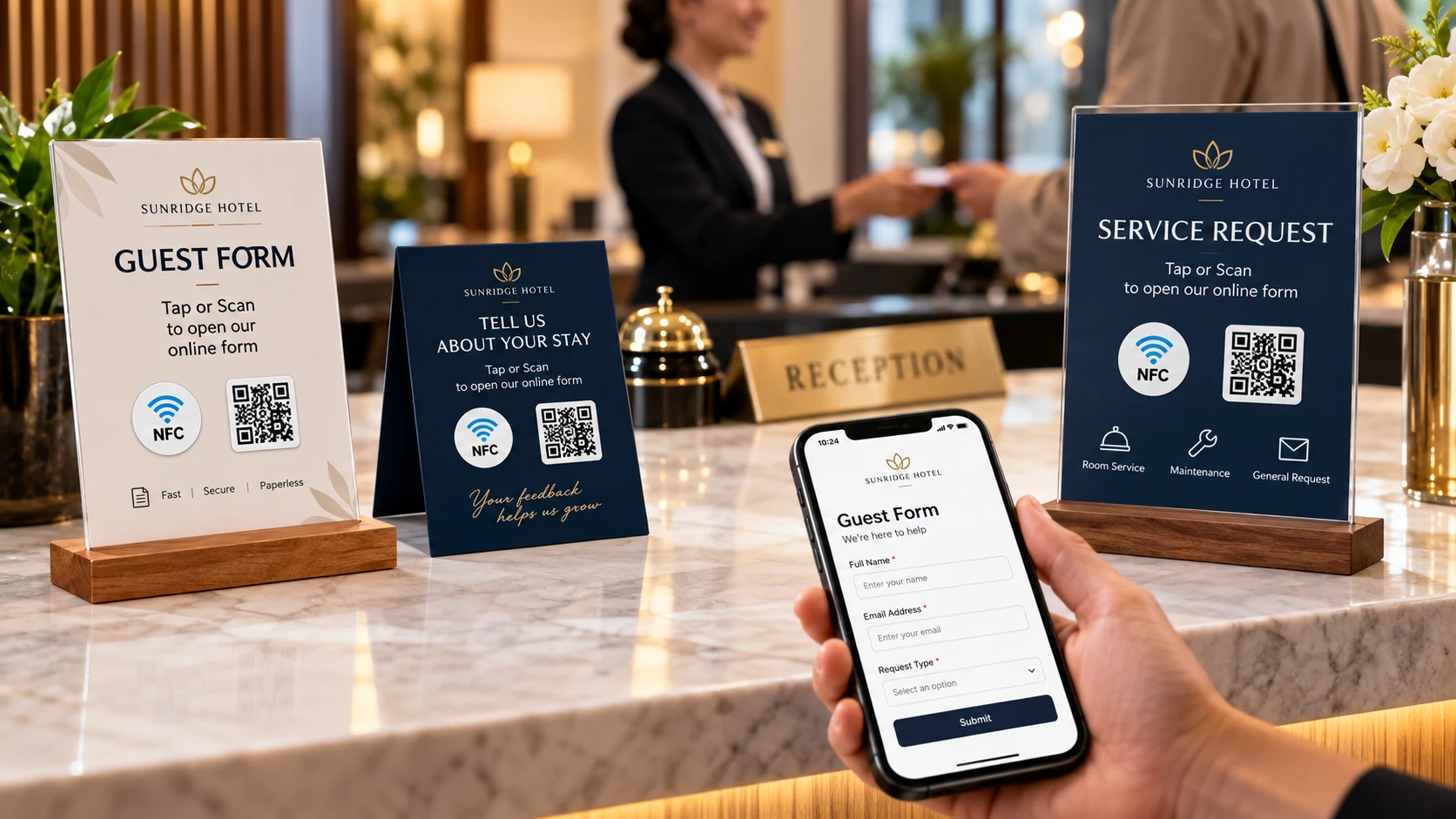
For teams collecting registrations, customer feedback, surveys, applications, inspection data, or lead information, the goal is not simply to print an attractive sticker. The goal is to make the next action clear, immediate, and measurable.
Why NFC and QR Stickers for Forms Matter
Online forms are convenient, but completion rates can suffer when people need to type a long URL, search for a page, or remember to complete the form later.
A well-placed NFC and QR Code sticker creates a direct connection between the physical moment and the digital form. Instead of asking someone to remember what to do next, you give them an immediate action: tap or scan, open the correct page, and continue.
The most effective campaigns keep the experience simple:
- Keep forms as short as possible.
- Clearly explain what the form is for.
- Place the sticker where the action naturally takes place.
- Use Dynamic URLs when you want to update destinations or track visits later.
Form URLs and Survey Placements
The destination should match the physical context in which someone sees the sticker.
| Placement | URL to Open | Purpose |
|---|---|---|
| Event table or check-in area | Registration form | Makes event signups faster and easier. |
| Classroom, store, or service counter | Survey or feedback form | Captures opinions while the experience is still fresh. |
| Product, equipment, or service area | Inspection or intake form | Reduces manual typing and data-entry errors. |
Good destinations for NFC and QR stickers include Google Forms, Typeform forms, event registration pages, feedback forms, intake forms, questionnaires, inspection forms, application forms, and lead capture pages.
Choose the page that best matches what the visitor needs to do at that exact moment rather than simply linking to the page that is easiest to copy.
A sticker placed on a table, product, sign, package, badge, counter, or piece of equipment should make the next step obvious.
For example, a sticker might say:
- Tap or scan to register
- Tap or scan to leave feedback
- Tap or scan to complete the inspection
- Tap or scan to request more information
Clear calls to action help people understand what will happen before they tap or scan.
Why Use Both NFC and QR Codes?
NFC and QR Codes give users two convenient ways to reach the same form.
With NFC, users with compatible smartphones can simply hold their phone near the sticker. With a QR Code, they can open their camera and scan the code.
Including both options makes the sticker more accessible and gives users a familiar alternative if they prefer scanning instead of tapping.
Use Dynamic URLs for More Flexibility
A Dynamic URL can make printed NFC and QR stickers more useful over time.
Instead of permanently linking the sticker to one destination, you can redirect visitors to a different form or landing page later without replacing the physical sticker.
Dynamic URLs can also provide useful statistics about how often the link is opened, helping teams measure engagement and understand whether a campaign is being used.
This is especially useful for recurring events, changing surveys, seasonal promotions, rotating questionnaires, and forms that may need to be updated after the stickers have already been distributed.
Collect Form Responses With Less Friction
NFCOP can produce custom printed NFC stickers, encode the NFC chips, include matching QR Codes, and provide optional Dynamic URLs for future destination changes and usage statistics.
The stickers can be prepared and delivered ready to use, making it easier to connect physical locations, products, events, and customer interactions directly to your online forms.
If this use case fits your project, the process is simple: prepare your destination URL, choose your sticker design, confirm your quantity, and start creating your NFC and QR Code stickers.