 NFC OPERATIONS
NFCOP puts manuals, maintenance forms, troubleshooting guides, and service portals directly on the equipment where users need them most. For operations teams, facility managers, service providers, manufacturers, and equipment owners, the goal is more than creating a professional-looking sticker. It is about making the next action clear, immediate, and measurable.
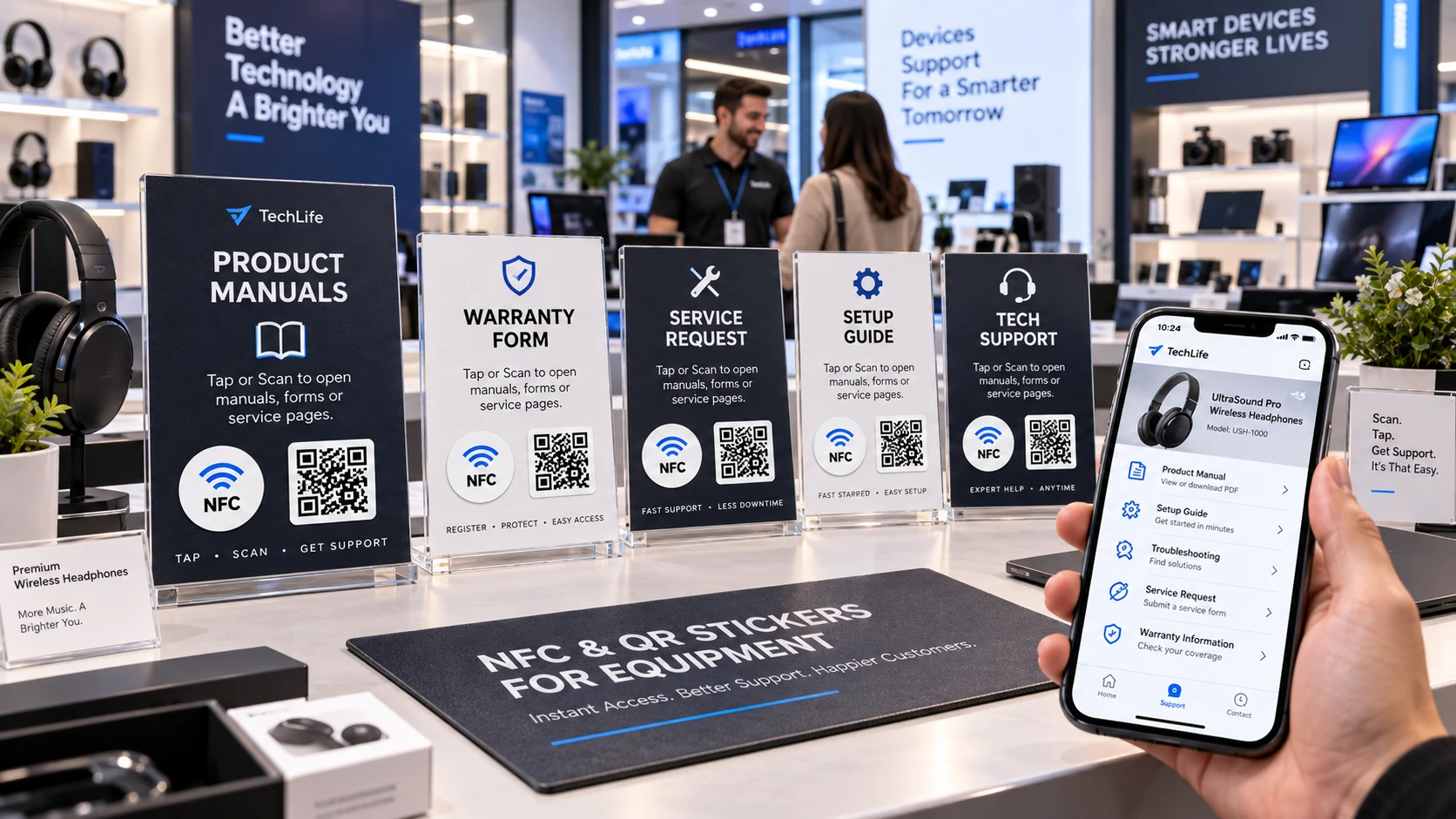
Why NFC and QR Code Stickers Matter
Manuals, forms, and service information are often stored in folders, websites, or internal systems, while the need for that information happens at the machine, tool, or piece of equipment itself. A well-placed NFC and QR Code sticker creates a direct connection between the physical equipment and the digital resource a user needs.
The experience should be simple: tap the NFC sticker or scan the QR Code, open the correct page, and continue without searching, typing long URLs, or asking where to find the information.
- Place stickers in durable, easy-to-access locations.
- Link directly to the correct equipment model or resource.
- Use editable or Dynamic URLs when manuals and service information may change.
Equipment URLs and Service Placements
| Placement | URL to Open | Purpose |
|---|---|---|
| Tool or machine | Equipment manual | Helps users find operating instructions immediately. |
| Control panel | Troubleshooting guide | Speeds up problem solving and reduces unnecessary service calls. |
| Service label | Maintenance or service request form | Makes reporting faults and requesting support easier. |
Other useful destinations include inspection forms, maintenance checklists, spare parts pages, safety information, training resources, warranty pages, and service request portals.
The most effective URL is the one that matches the user's situation at that exact location. Instead of linking every sticker to a general homepage, consider what someone standing in front of the equipment is most likely trying to accomplish.
A sticker placed on a machine, control panel, product, package, sign, badge, table, or service counter should provide a clear answer to the user's immediate question.
Keep Your Links Flexible
Equipment can remain in service for years, while manuals, procedures, contact details, and support pages may change over time. Using a Dynamic URL allows the destination behind the NFC chip or QR Code to be updated without replacing the printed sticker.
Dynamic links can also make it possible to measure interactions, helping teams understand how often stickers are being used and which equipment or locations generate the most activity.
Keep Equipment Information Easy to Access
NFCOP can produce custom printed NFC stickers, encode the NFC chips, include matching QR Codes, and provide optional Dynamic URLs for future link updates and usage statistics. Stickers can be delivered encoded, printed, and ready to apply.
To get started, prepare the URL you want each sticker to open, choose your design, confirm the required quantity, and create stickers that connect your equipment directly to the information and services your users need.