 NFC OPERATIONS
Every customer interaction is an opportunity to make information easier to access. Whether someone is browsing a store, opening a package, attending an event, or sitting at a restaurant table, a simple tap or scan can provide the information they need without searching for a website or typing a web address.
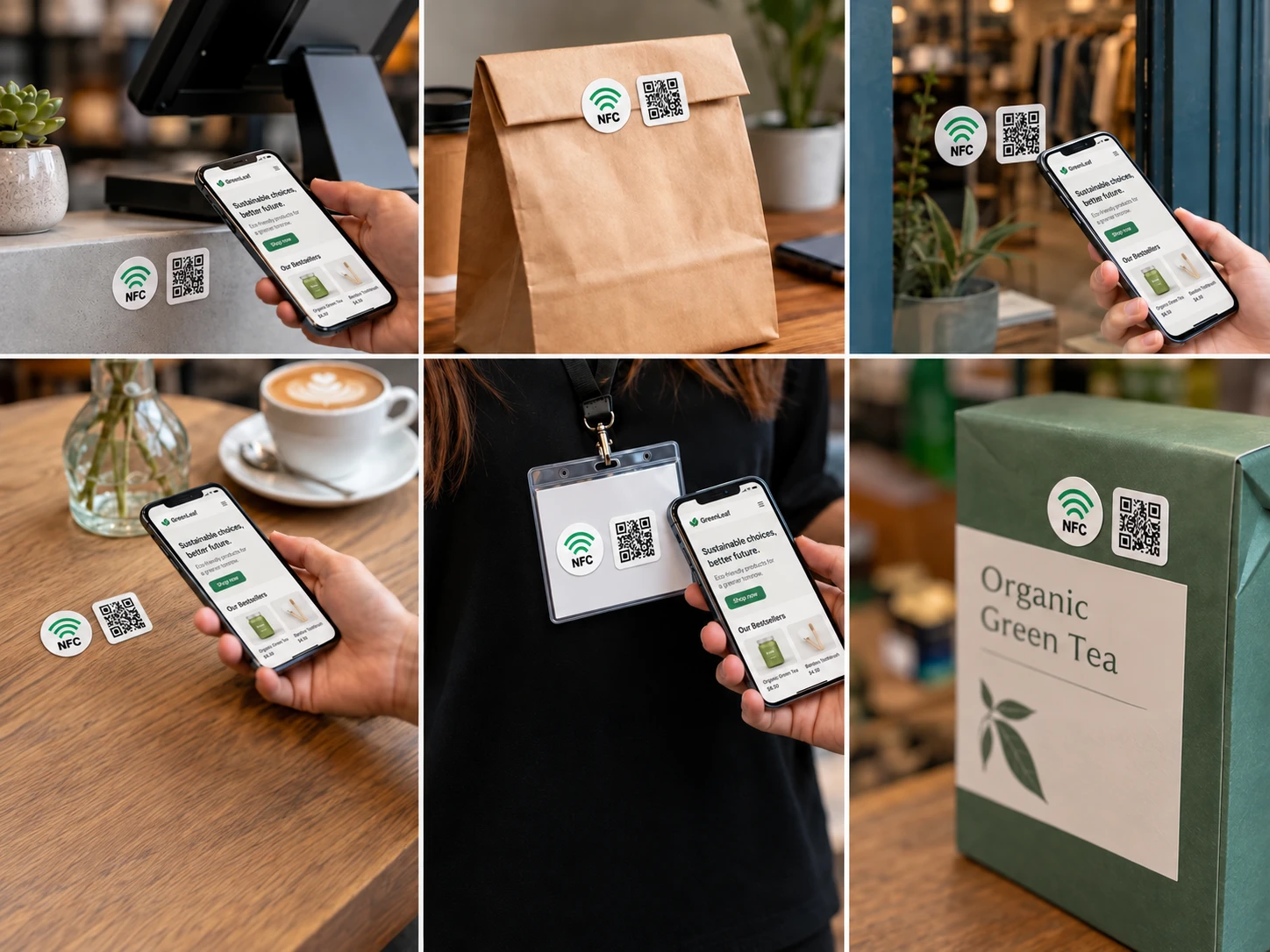
NFC tags, printed stickers, and QR Codes make this possible by turning ordinary surfaces into convenient digital access points. They can be placed on counters, windows, tables, product labels, badges, packaging, and promotional mailers to connect customers directly to relevant online content.
The possibilities extend beyond advertising. Businesses can use these small interactive elements to simplify daily interactions, answer common questions, and provide helpful information exactly where customers need it.
1. Everyday Places to Use NFC and QR Code Stickers
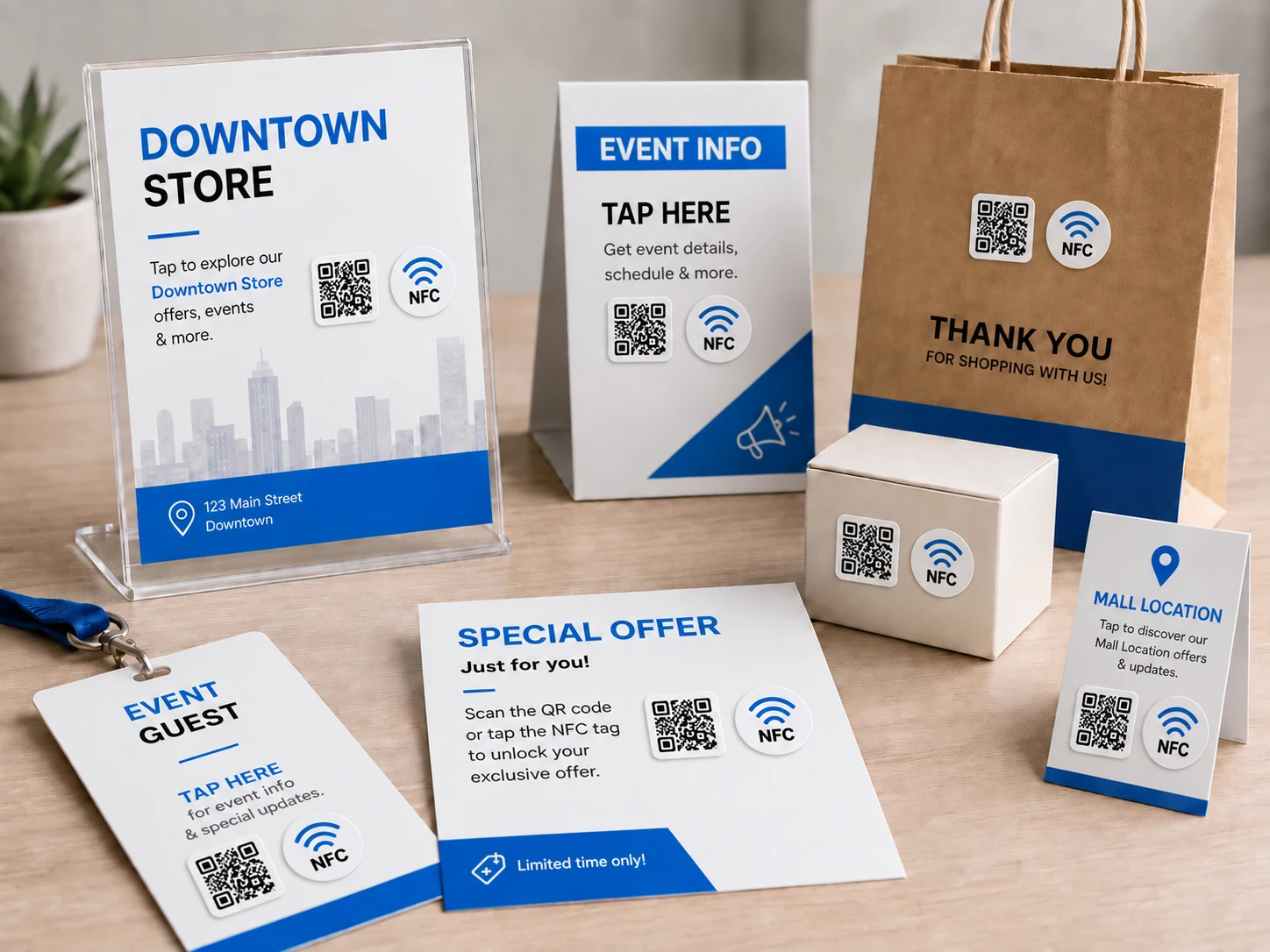
One of the biggest advantages of NFC stickers and QR Codes is their versatility. They can be incorporated into existing customer-facing materials without requiring major changes to physical spaces or business processes.
Here are some practical placement ideas for different customer environments:
| Placement | Customer Experience | Practical Application |
|---|---|---|
| Service Counters | Quick access to assistance | Open contact forms, appointment pages, or support information |
| Shop Windows | Information beyond opening hours | View product catalogs, business hours, or online stores |
| Restaurant Tables | Convenient self-service | Access digital menus, ordering pages, or feedback forms |
| Product Packaging | Additional product information | View instructions, tutorials, or product registration pages |
| Event Badges | Easy professional networking | Share contact details, portfolios, or company profiles |
| Promotional Mailers | Direct access to online content | Open exclusive offers, catalogs, or invitation pages |
| Product Labels | Helpful information at the point of use | Access care guides, specifications, or user manuals |
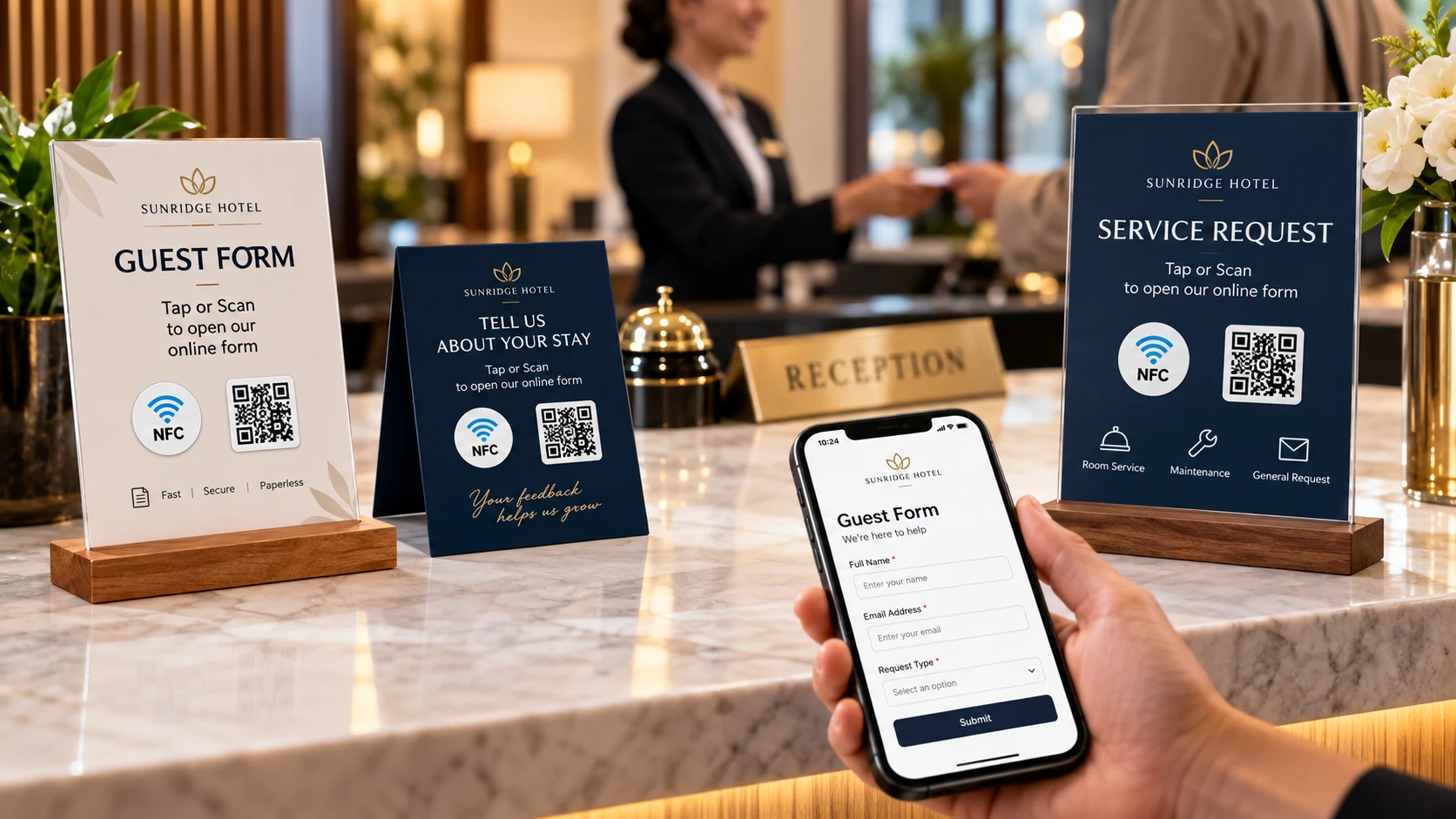
The most effective placements are those that answer a customer's immediate question or make their next action easier. A sticker on a product box might provide setup instructions, while one near a reception desk could open a check-in form.
2. Creative Ways to Improve Customer Interactions
A useful NFC or QR Code sticker should offer more than a generic link to a homepage. It should give customers a clear reason to interact with it.
Consider these everyday applications:
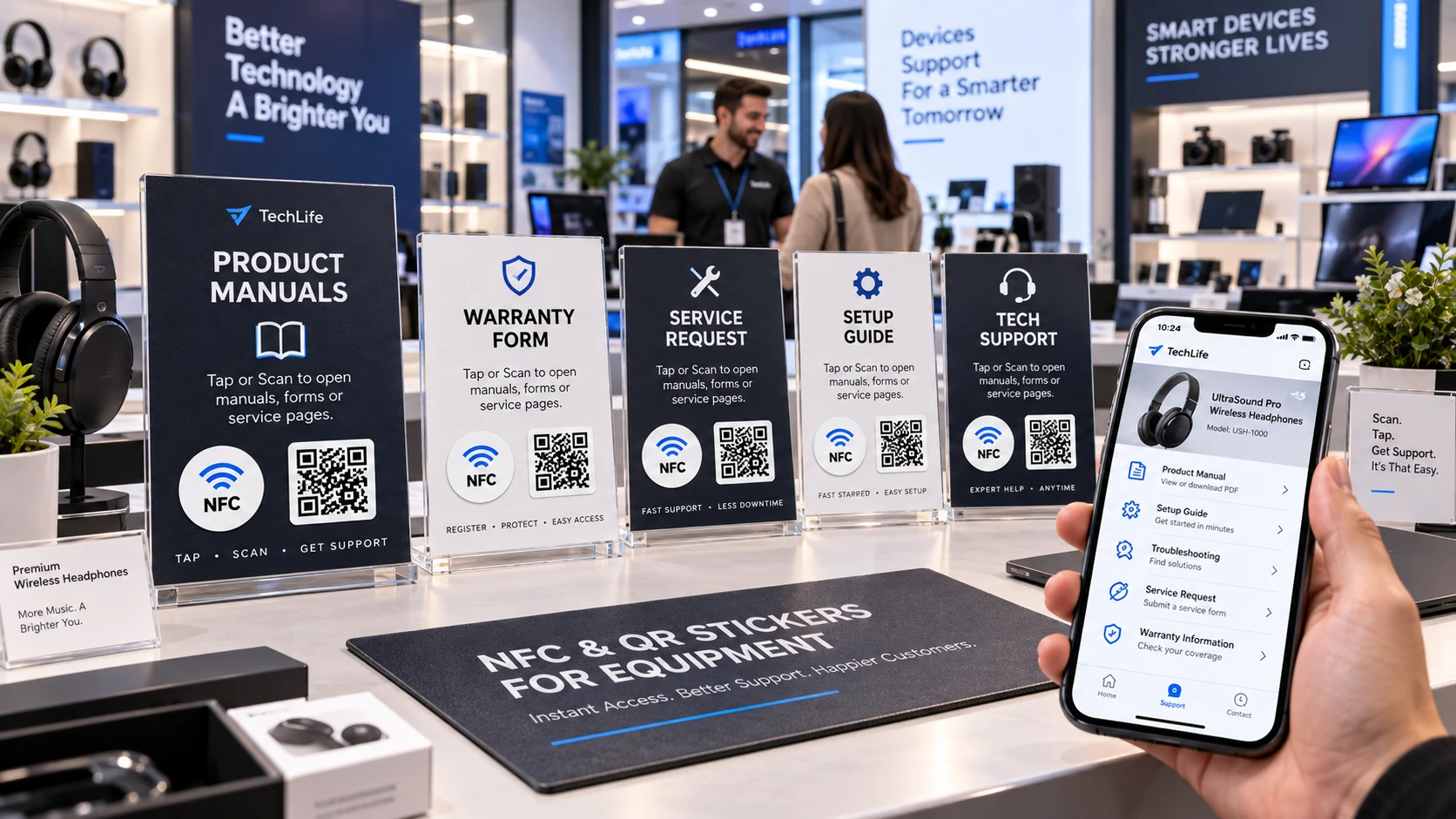
- Instant Customer Support: Place an NFC sticker near a service counter or on a product to provide direct access to FAQs, troubleshooting guides, or customer assistance.
- Digital Product Instructions: Add interactive labels to equipment, appliances, or packaging so customers can quickly find operating instructions and maintenance information.
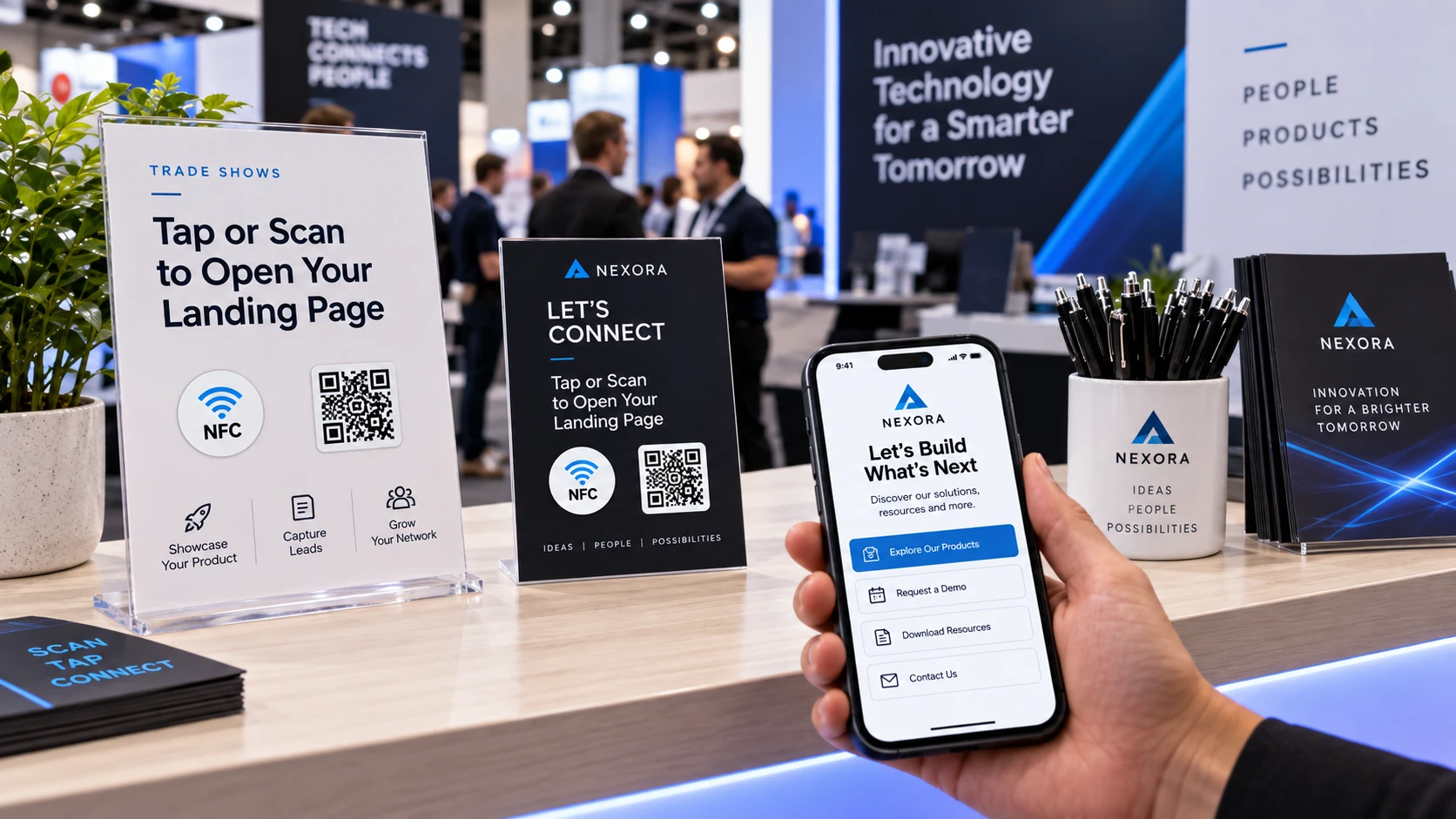
- Contactless Information Sharing: Use NFC-enabled event badges, presentation folders, or business materials to share professional profiles and contact information.
- Interactive Retail Displays: Help shoppers explore available colors, product specifications, size guides, or demonstration videos directly from a display.
- Easy Feedback Collection: Place a small sticker near a checkout area, exit, or reception desk to invite customers to share their experience through a short online form.
- After-Purchase Assistance: Include a sticker inside a shipment or on a thank-you card to provide warranty information, installation guidance, or helpful resources.
These applications are especially useful when customers would otherwise need to search online, ask an employee, or manually enter a long web address.
By making relevant information available at the point of interaction, businesses can create a smoother experience while reducing unnecessary steps.
3. Designing Stickers That Customers Actually Use
Placement alone does not guarantee interaction. The design and usability of a sticker are equally important, especially in busy retail spaces or locations where customers have limited time.
A few practical considerations can make a significant difference:
- Use a Clear Call to Action: Short instructions such as "Tap for Instructions," "Scan to View Menu," or "Open Product Guide" explain what customers can expect.
- Keep the Design Readable: Maintain sufficient contrast around QR Codes, leave appropriate clear space, and avoid overcrowding the sticker with text.
- Choose Accessible Locations: Position stickers where customers can easily reach them with a smartphone or scan them without awkward angles.
- Consider the Surface Material: Metal surfaces can interfere with standard NFC tags. Use NFC tags designed for metal mounting when the application requires it.
- Test Before Distribution: Verify that NFC taps and QR Code scans work correctly with different compatible smartphones, lighting conditions, and intended mounting surfaces.
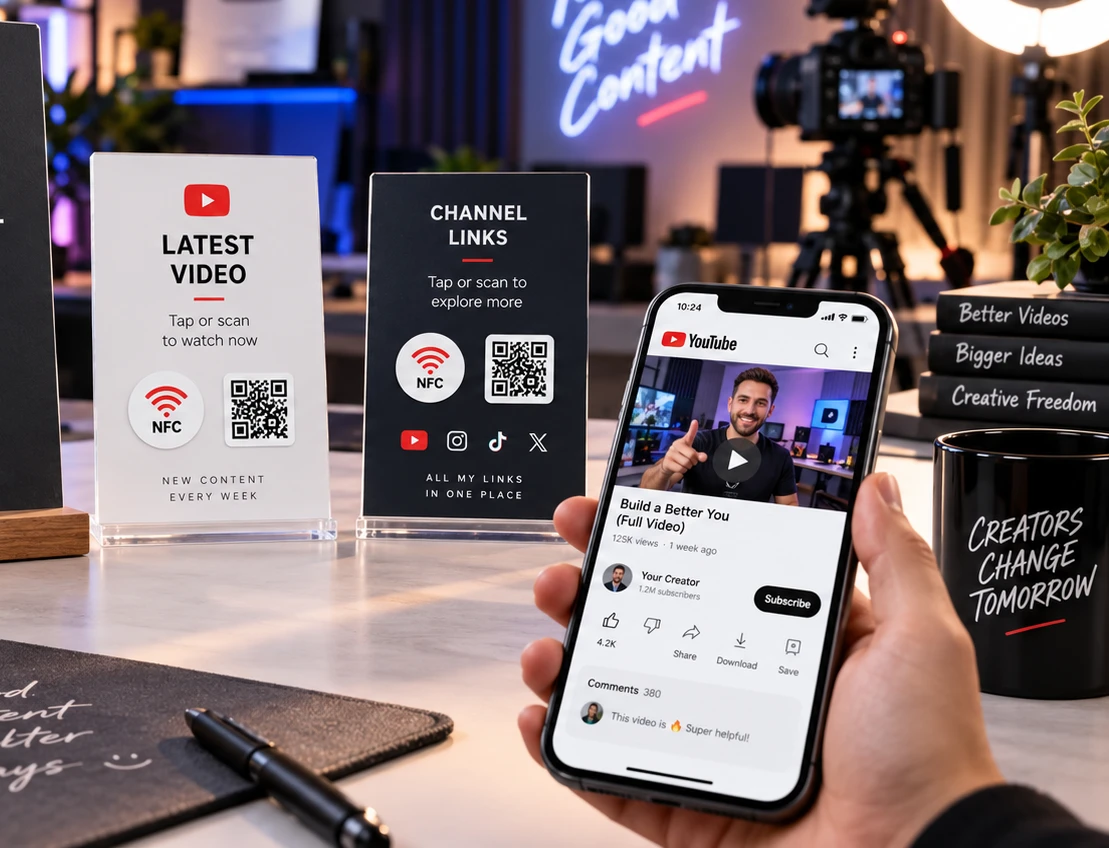
Including both NFC and QR Code functionality can also accommodate different user preferences. Customers who prefer scanning can use the QR Code, while those with compatible NFC-enabled devices can simply tap.
Above all, the destination should match the promise printed on the sticker. If the label says "View Instructions," customers should arrive directly at the relevant instructions rather than an unrelated homepage.
4. Bring Your Everyday Touchpoint Ideas to Life with NFCOP
Turning these ideas into physical stickers starts with identifying where customers interact with your business and what information would be most useful at those moments.
For example, a retailer might prepare window stickers linking to its online catalog, a manufacturer could add instruction links to product labels, and an event organizer might create NFC-enabled badges for attendees.
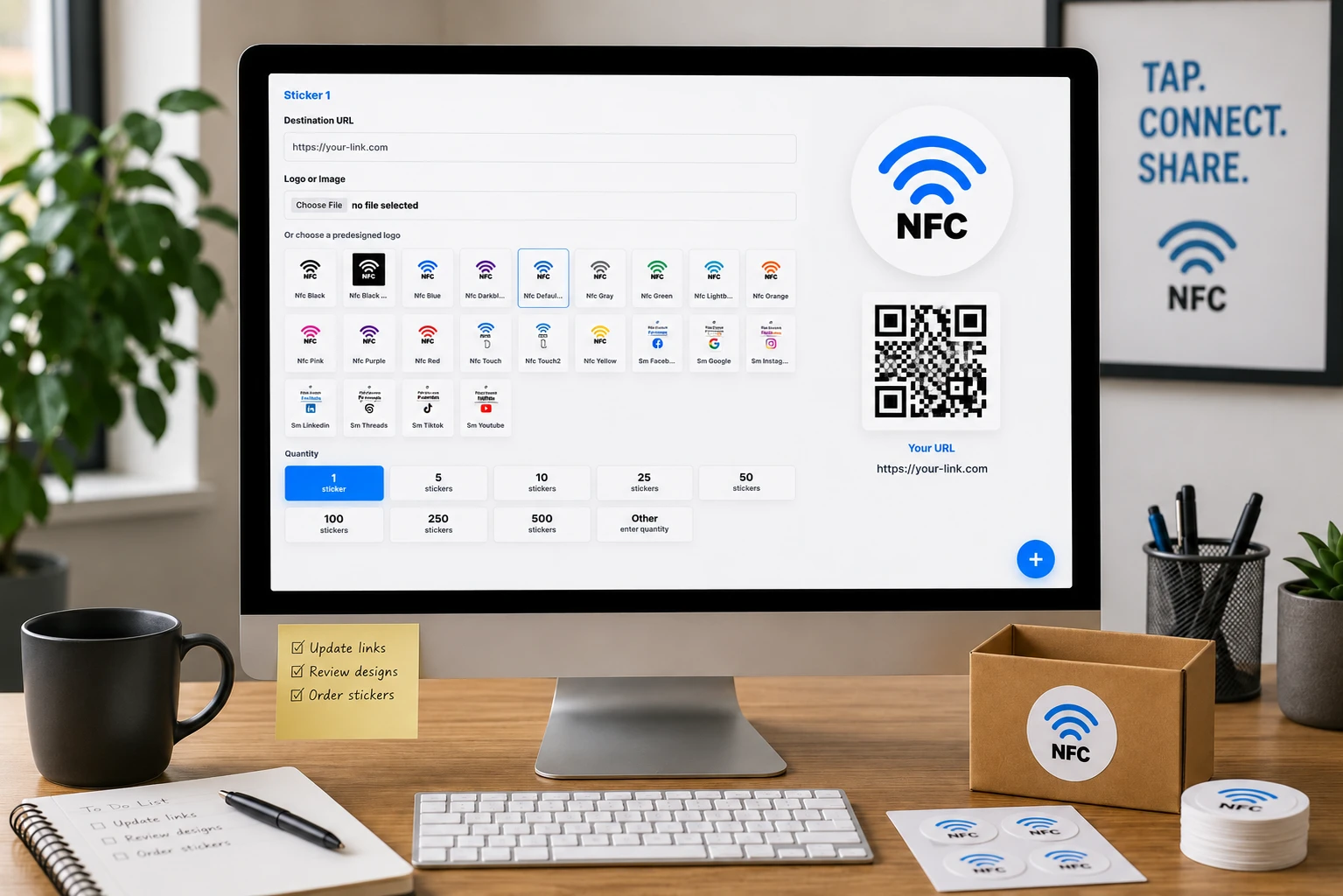
NFCOP provides custom printed NFC stickers for these applications, including NFC chip encoding and matching QR Code printing. Stickers can be prepared with your preferred artwork and destination URLs, then delivered ready for use.
Optional Dynamic URLs are also available for projects that may require destination changes or usage statistics over time.
To get started, consider the following steps:
- Identify the touchpoint: Choose where the sticker will be placed, such as a counter, window, product, or package.
- Define the customer action: Decide what customers should see or do after tapping or scanning.
- Prepare your design and URL: Select the appropriate message, artwork, and online destination.
- Confirm your quantity: Determine how many stickers you need for your locations, products, or activities.
Small Touchpoints, More Convenient Experiences
Improving the customer experience does not always require a complex digital system. Sometimes, a small sticker in the right location can eliminate an unnecessary step and help people find exactly what they need.
From interactive packaging to service counters and event materials, NFC tags and QR Codes offer a practical way to make everyday customer interactions more useful.
Have a touchpoint idea in mind? NFCOP can help you turn it into custom printed NFC and QR Code stickers. Choose your application, prepare your artwork and destination URL, and create ready-to-use stickers for your business.