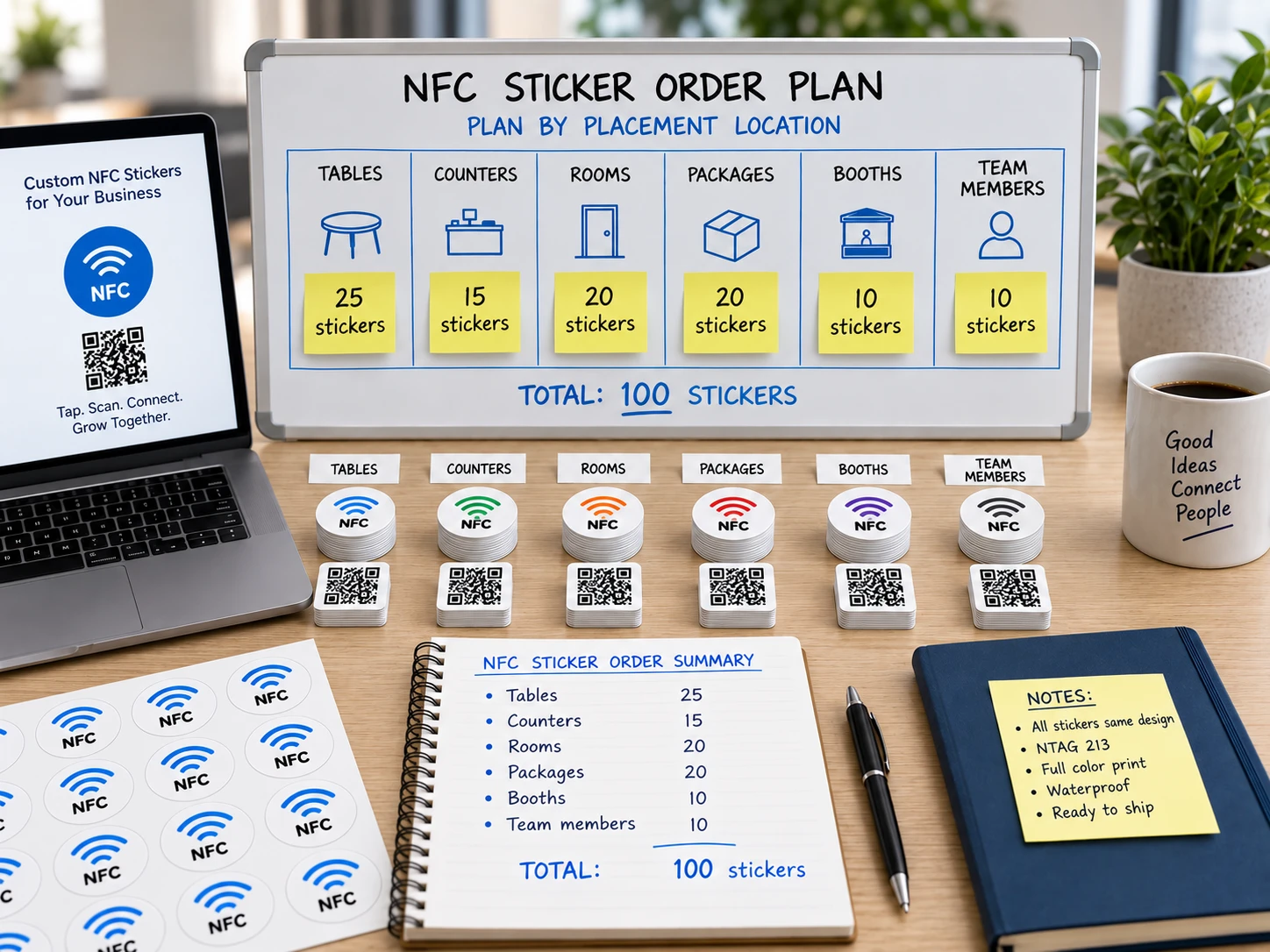
Order Workflow
How NFCOP prepares your order.
You choose the destination, customize the design, confirm your credits, and review delivery details. NFCOP handles the printing, NFC encoding, QR Code preparation, matching, quality control, and free delivery.
1
Add Your URL
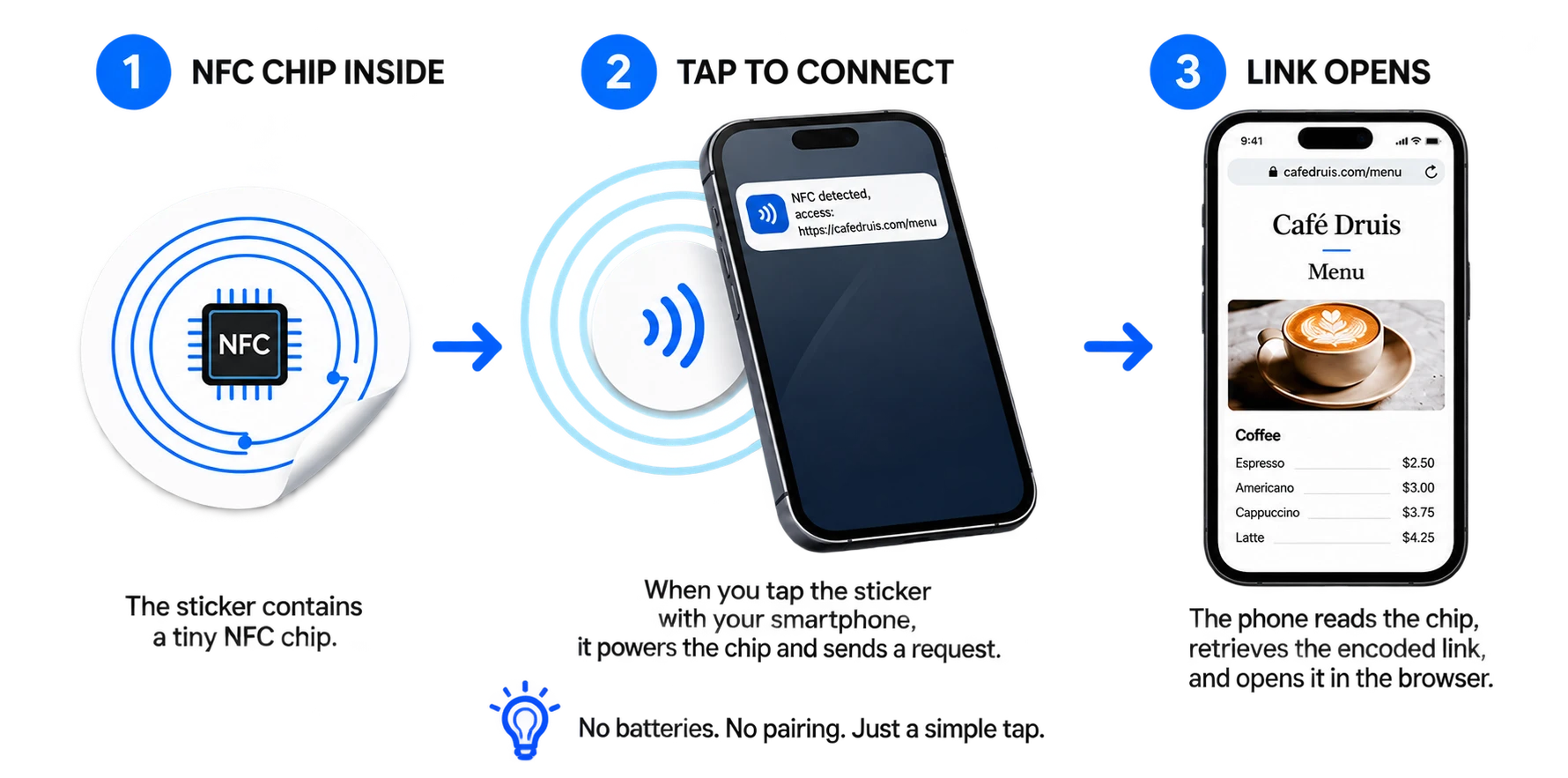
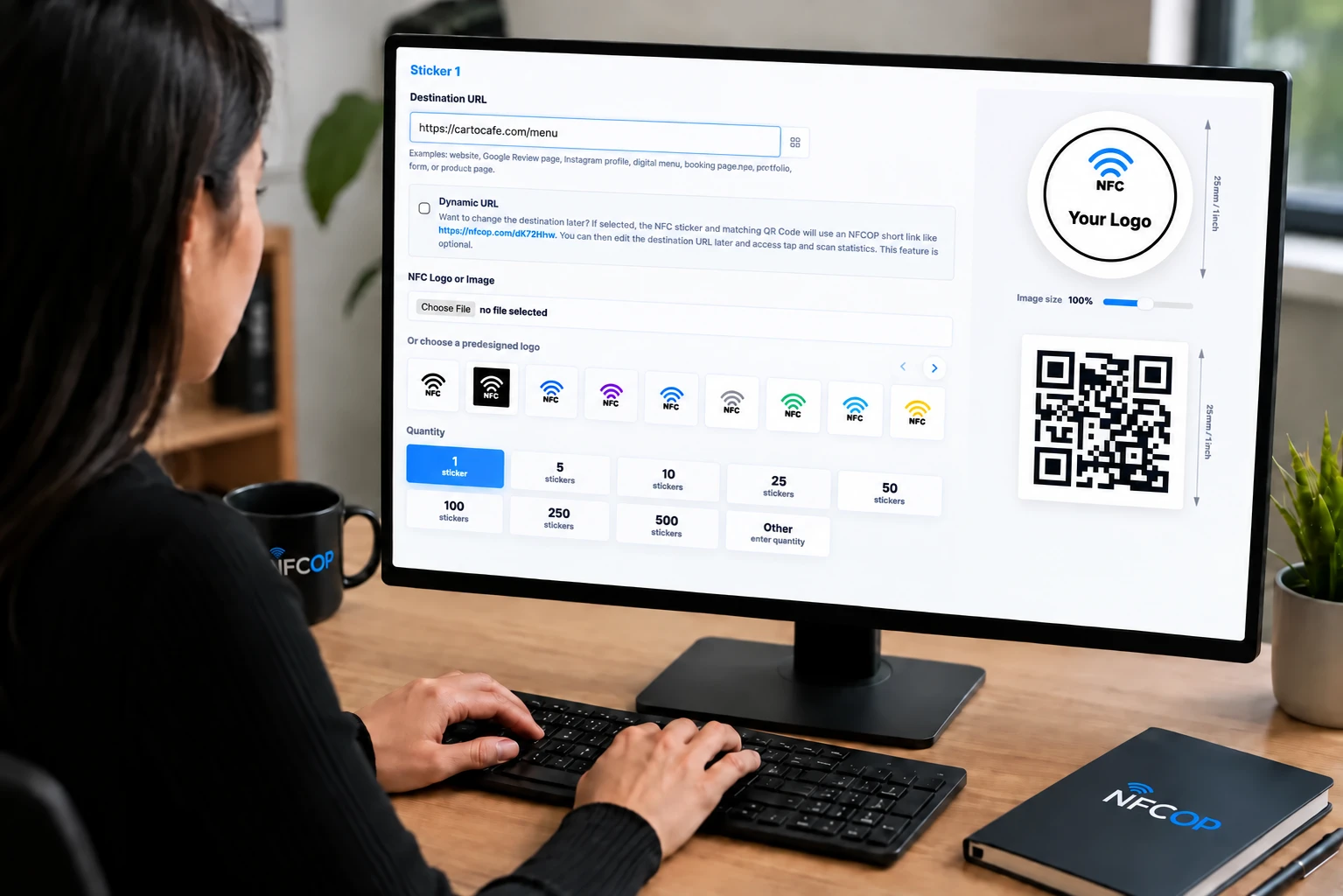
Choose where people should go when they tap or scan: a website, menu, Google Review page, booking form, portfolio, social profile, loyalty offer, product page, or any other valid URL.
You can create several sticker designs in the same order, each with its own destination.
2

Customize Your NFC Stickers design
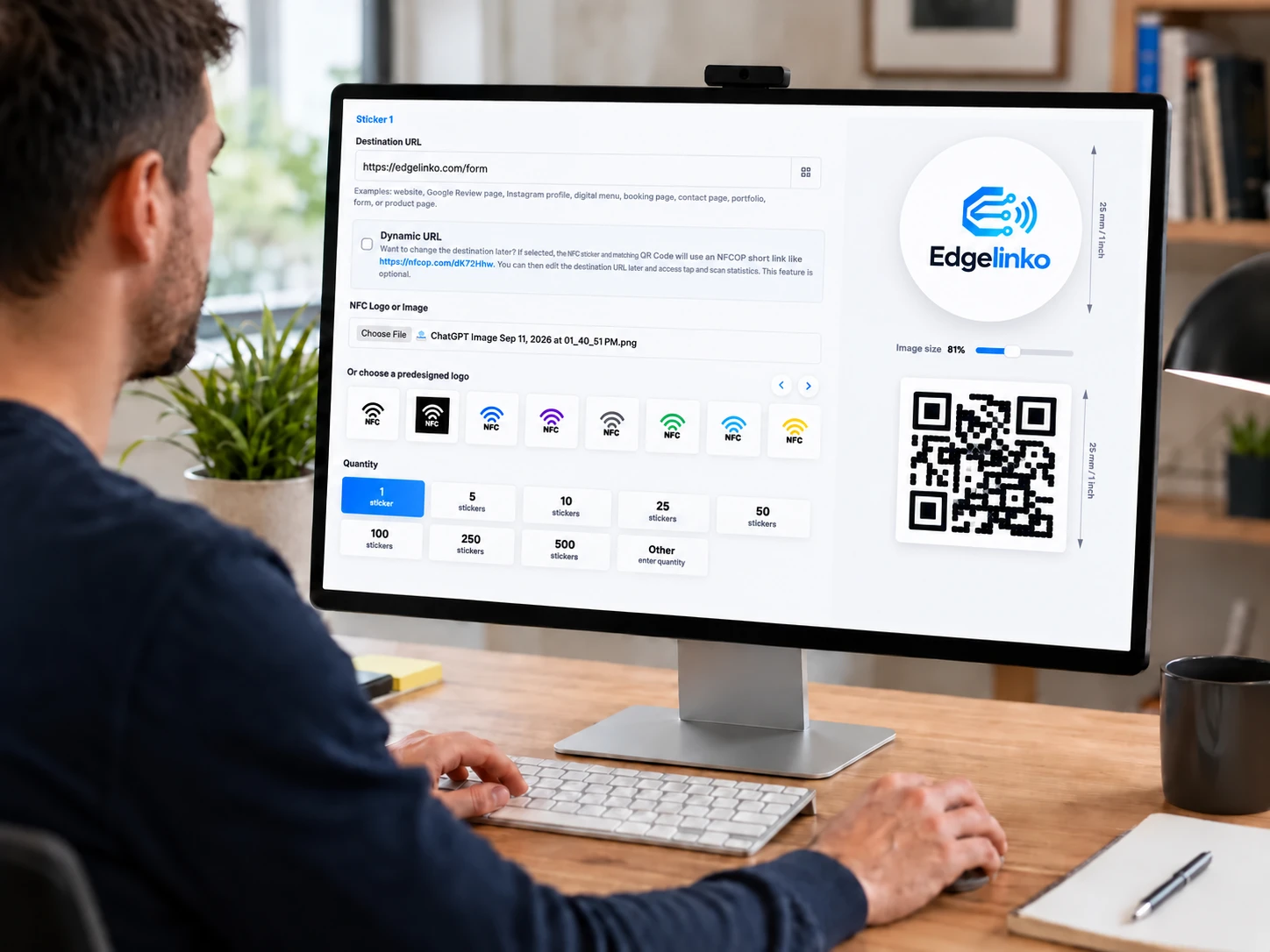
Upload your logo or image, or choose one of our predesigned graphics. Use the live preview to see how your NFC sticker will look before ordering.
3
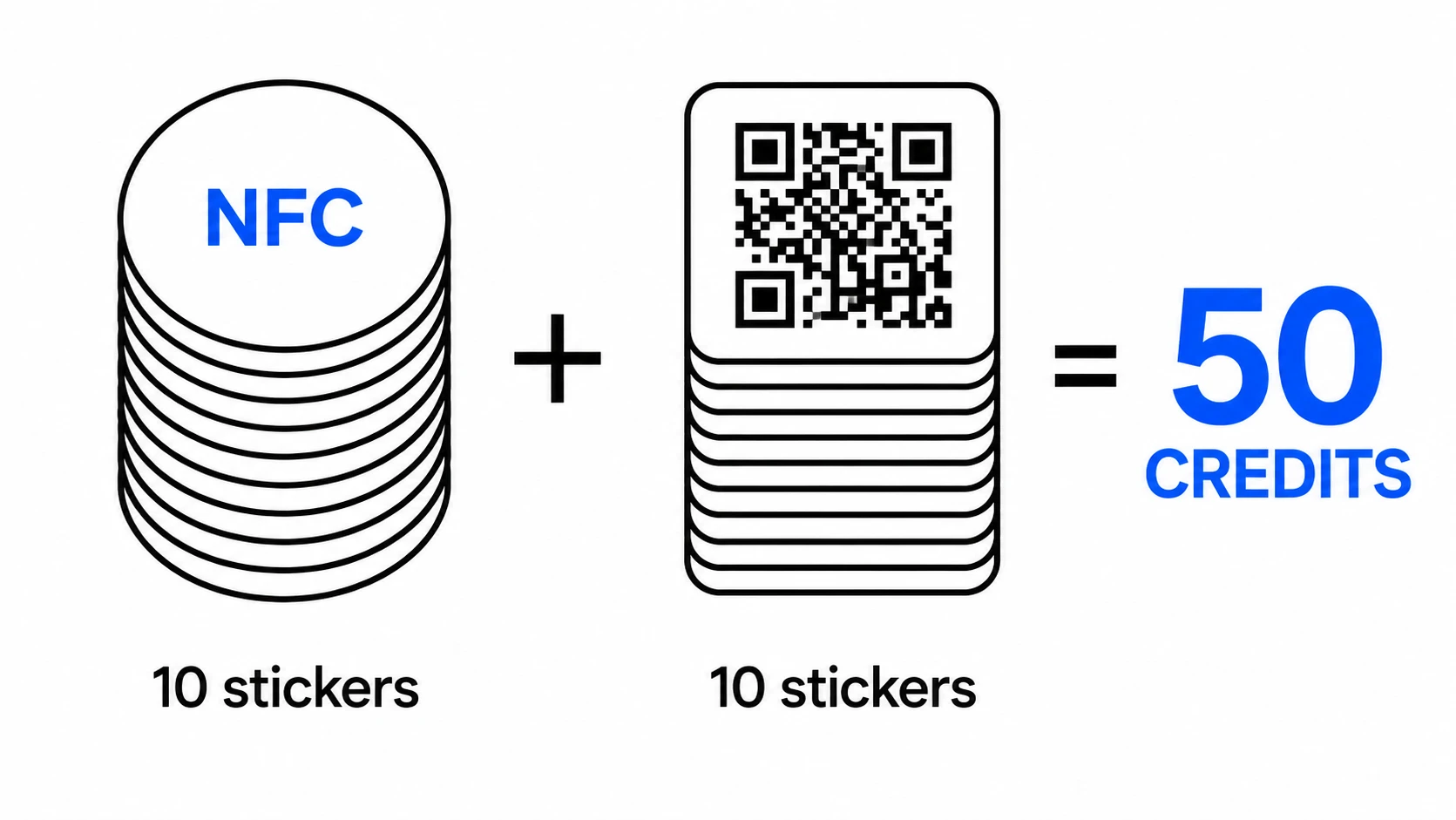
Choose Quantity & Confirm
Select the number of stickers you need and review your design, destination URL, quantity, delivery details, and order total.
4
Place Your Order
NFCOP uses a simple pay-as-you-go credit system. No subscription is required, and delivery is free.
5
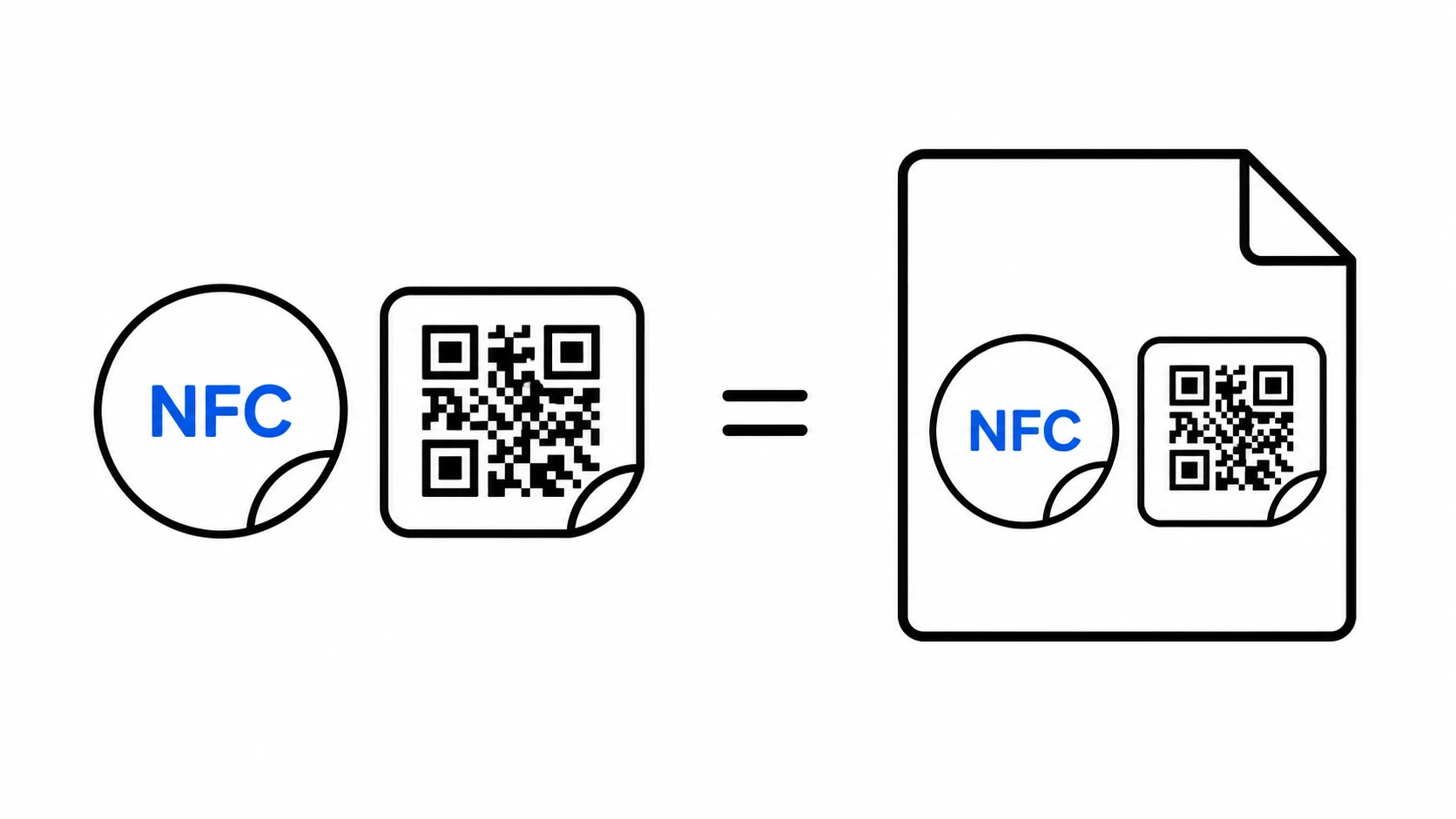
NFCOP prepares the production file
The preview image becomes the print reference for your NFC stickers. The destination URL is also prepared for NFC encoding and matching QR Code sticker creation.
6
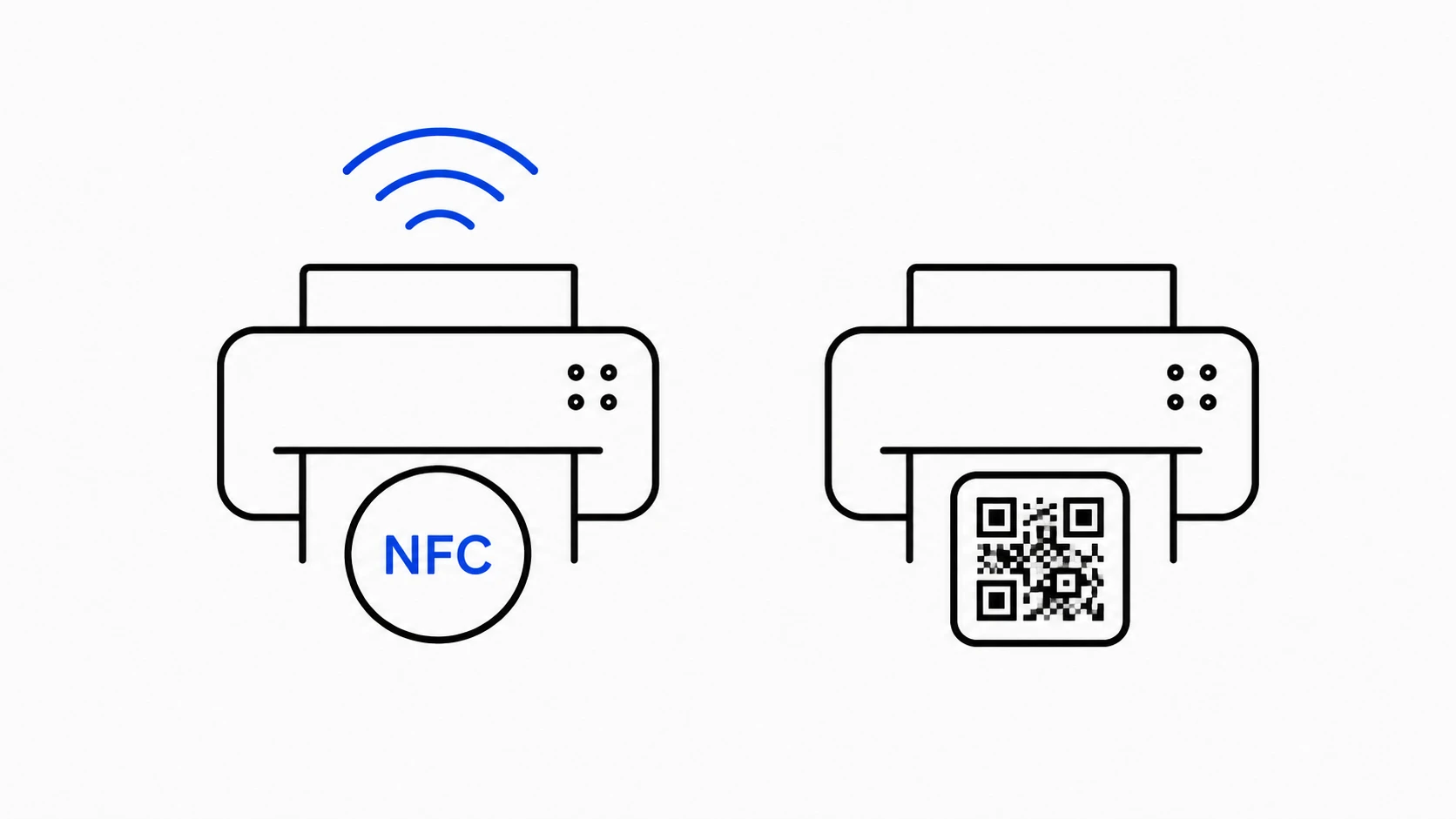
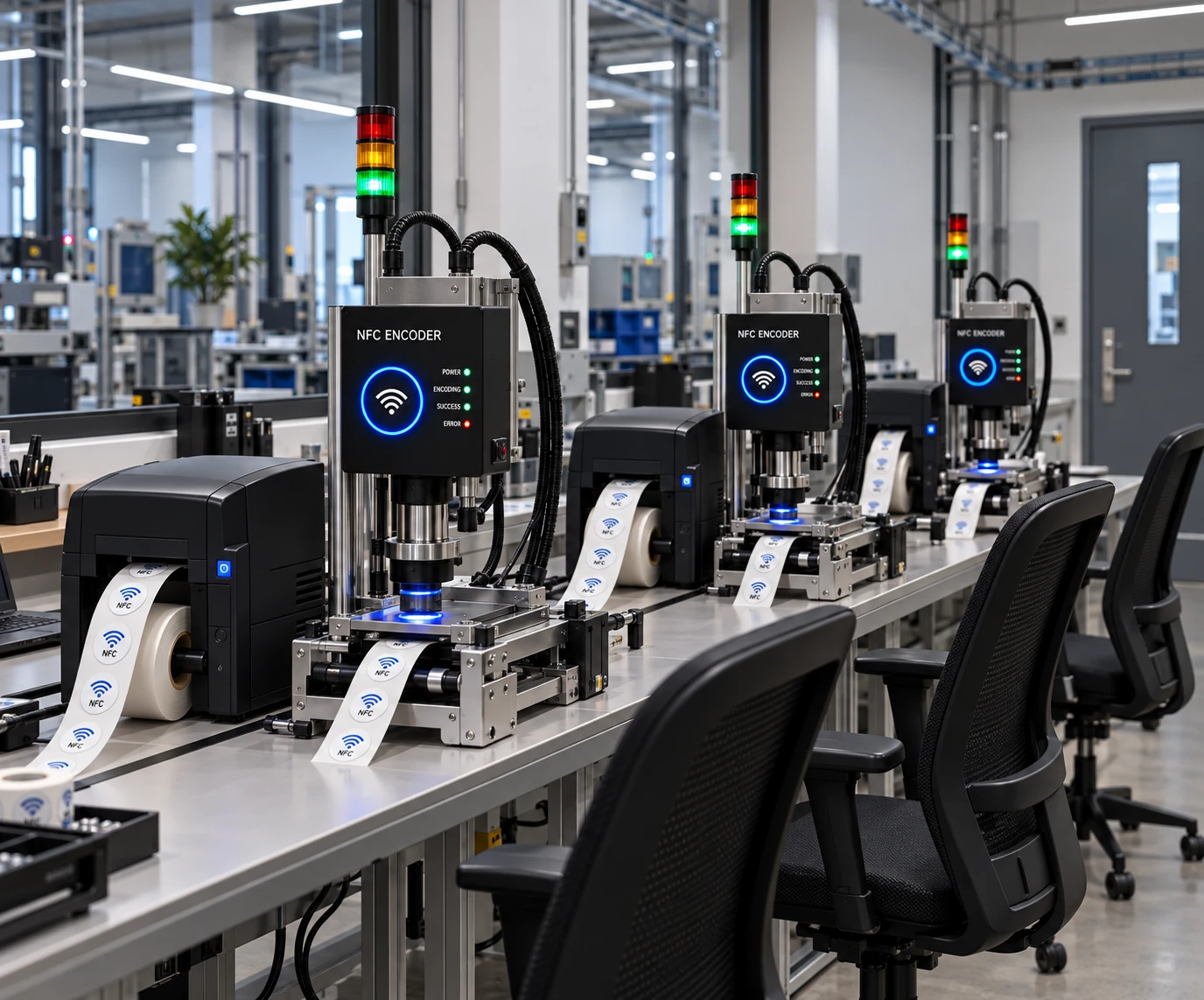
NFC & QR Sticker Printing and Encoding
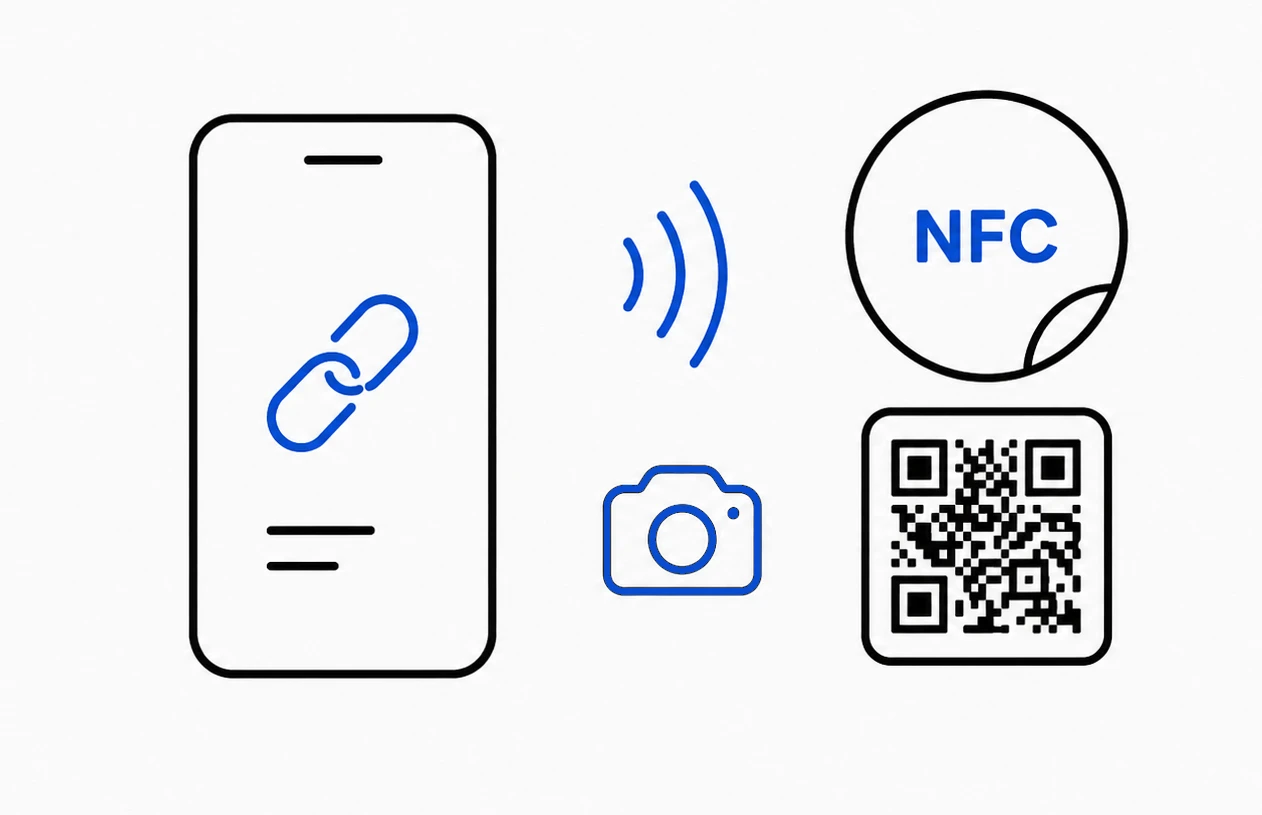
NFCOP prints your NFC sticker design, encodes the correct URL into the NFC chip, and creates the matching QR Code sticker for the same destination. Transparent protective film is included for each NFC and QR sticker to support further durability in varied environments.
7
Quality Control and Packaging Preparation
Each sticker is checked, counted, matched with the order details, and prepared for safe shipment.
8
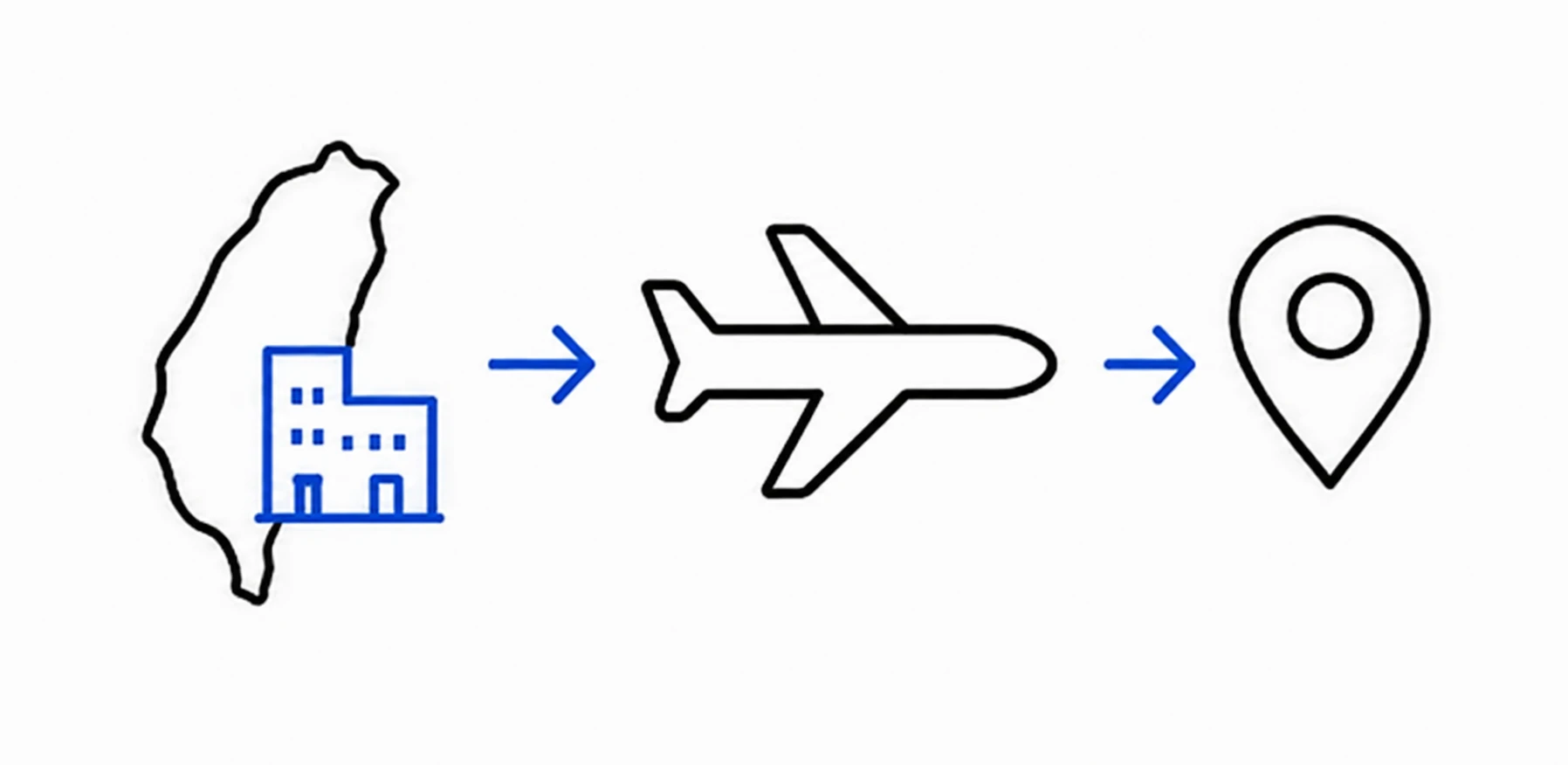
Logistics Coordination and Delivery
NFCOP coordinates free delivery from its Taiwan facility to the confirmed address and adds the tracking number when the order ships.
9
Receive and place your stickers
Your completed stickers arrive ready to use. Place NFC and QR Code stickers on counters, tables, packaging, windows, badges, menus, flyers, displays, or any customer touchpoint where a tap or scan saves time.
 NFC OPERATIONS