 NFC OPERATIONS
Printed. Encoded. Matched. Delivered.
Use these answers to choose the right destination, prepare your artwork, and understand what NFCOP sends with every order.
What is an NFC sticker?
An NFC sticker contains a small Near Field Communication chip. When a compatible smartphone is held close to the sticker, the phone can read the encoded information and open the destination URL.
What do I receive with my NFCOP order?
Your order includes your custom printed and encoded NFC stickers plus matching QR Code stickers. They arrive ready to use. Transparent protective film is included for each NFC and QR sticker to support further durability in varied environments.
Do I have to encode the NFC stickers myself?
No. NFCOP encodes the NFC chips during production. Your stickers arrive already programmed with the destination you selected.
How do the NFC and QR Code stickers work together?
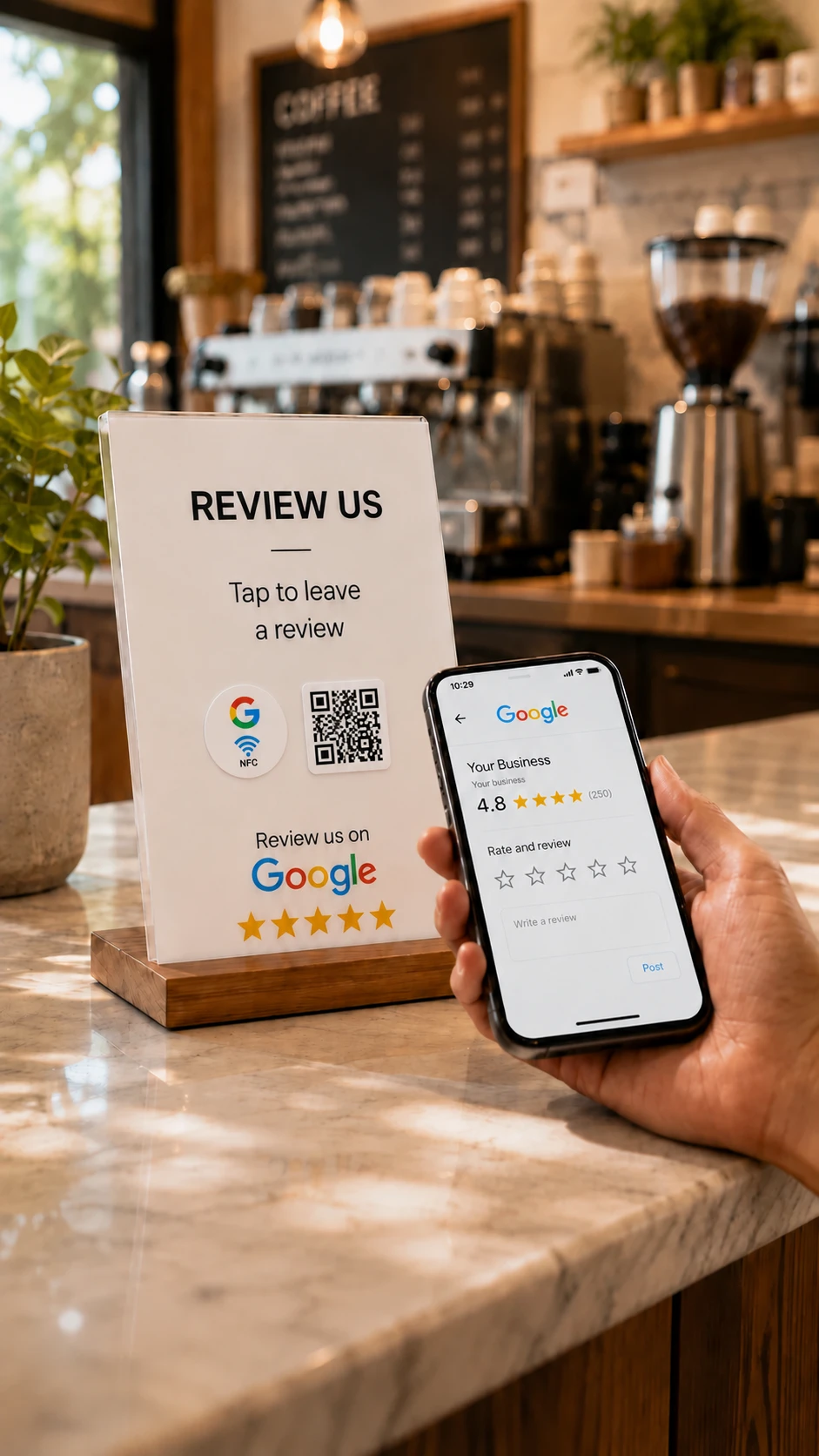
The NFC sticker and its matching QR Code sticker open the same destination. Customers can tap the NFC sticker or scan the QR Code.
Does NFC replace the QR Code?
No. NFC gives customers an additional way to access your content. QR remains a familiar alternative, which is why NFCOP provides both.
Can I use a different URL for each sticker design?
Yes. You can add multiple sticker designs to the same order and assign a different destination to each one.
Can I change the URL after my stickers are printed?
If you choose a normal direct URL, the destination encoded into the NFC sticker remains fixed. If you enable the optional Dynamic URL, you can change the destination later without replacing the physical sticker.
Do my customers need an app?
No dedicated NFCOP app is required. Compatible smartphones can read NFC tags directly, and QR Codes can be scanned using the phone camera or built-in QR functionality.
Do I need an NFC writer?
No. Your NFC stickers arrive already encoded.
Can I upload my own logo?
Yes. Upload your own logo, image, icon, or design during the order process. You can also choose from NFCOP predesigned graphics.
Can I order only a few stickers?
Yes. NFCOP supports small orders as well as larger quantities, with a minimum order total of 10 stickers.
Is delivery really free?
Yes. Standard sticker delivery is included with your order.
Is there a subscription?
No subscription is required to order NFCOP stickers or to use stickers encoded directly with your own URL. Optional NFCOP services such as Dynamic URLs are separate features.