 NFC OPERATIONS
NFC and QR Code pet ID tags can help someone who finds a lost dog or cat reach the owner. A tap with a compatible phone or a scan of the QR Code opens a webpage with contact details. The finder can then use the page to call or message the person responsible for the animal.
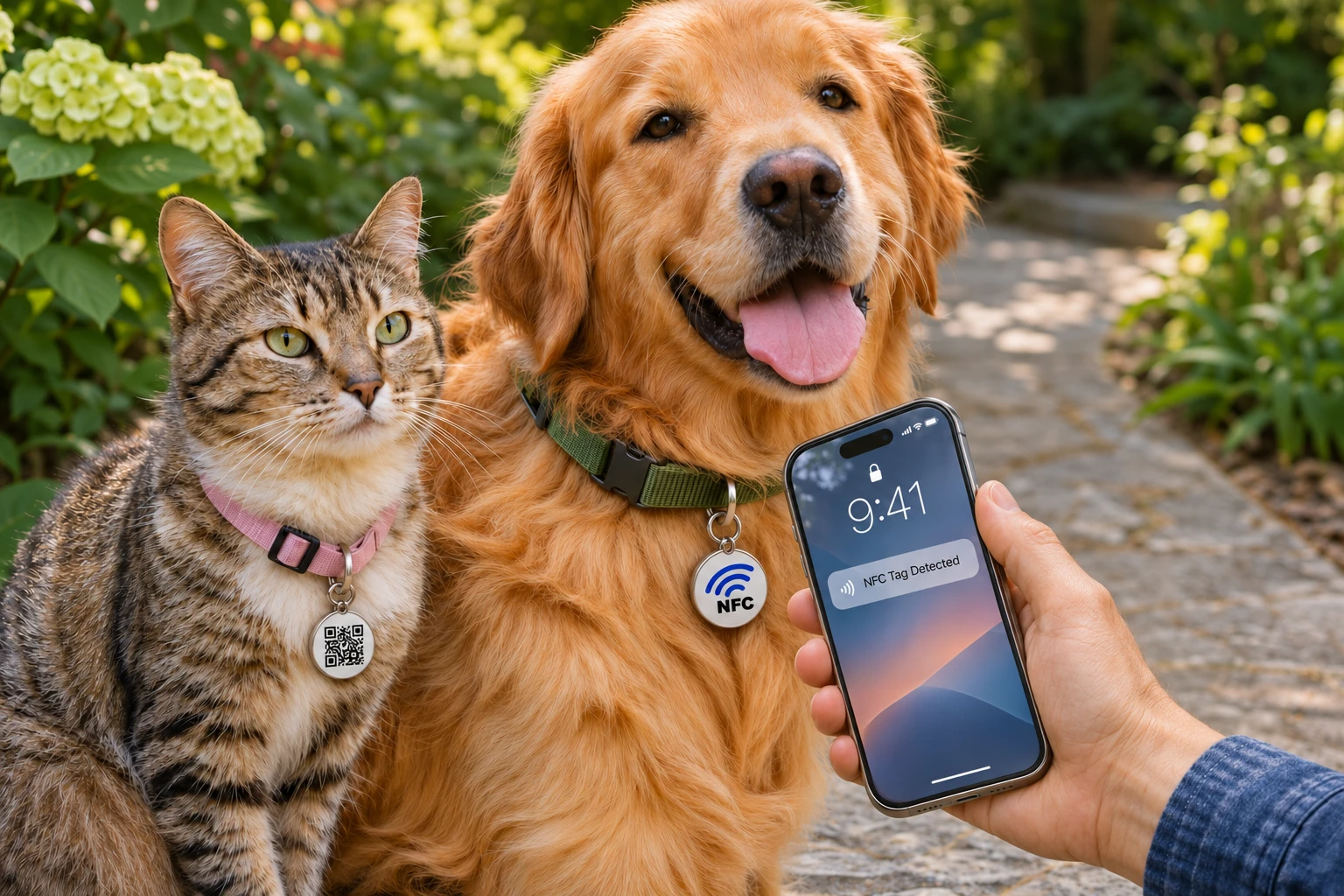
The purpose is straightforward: make the owner's contact information easy to find and use. For pet accessory businesses, shelters and rescue organizations, this is a practical application to consider when developing identification tags or adoption packs.
How NFC and QR Code Pet ID Tags Work
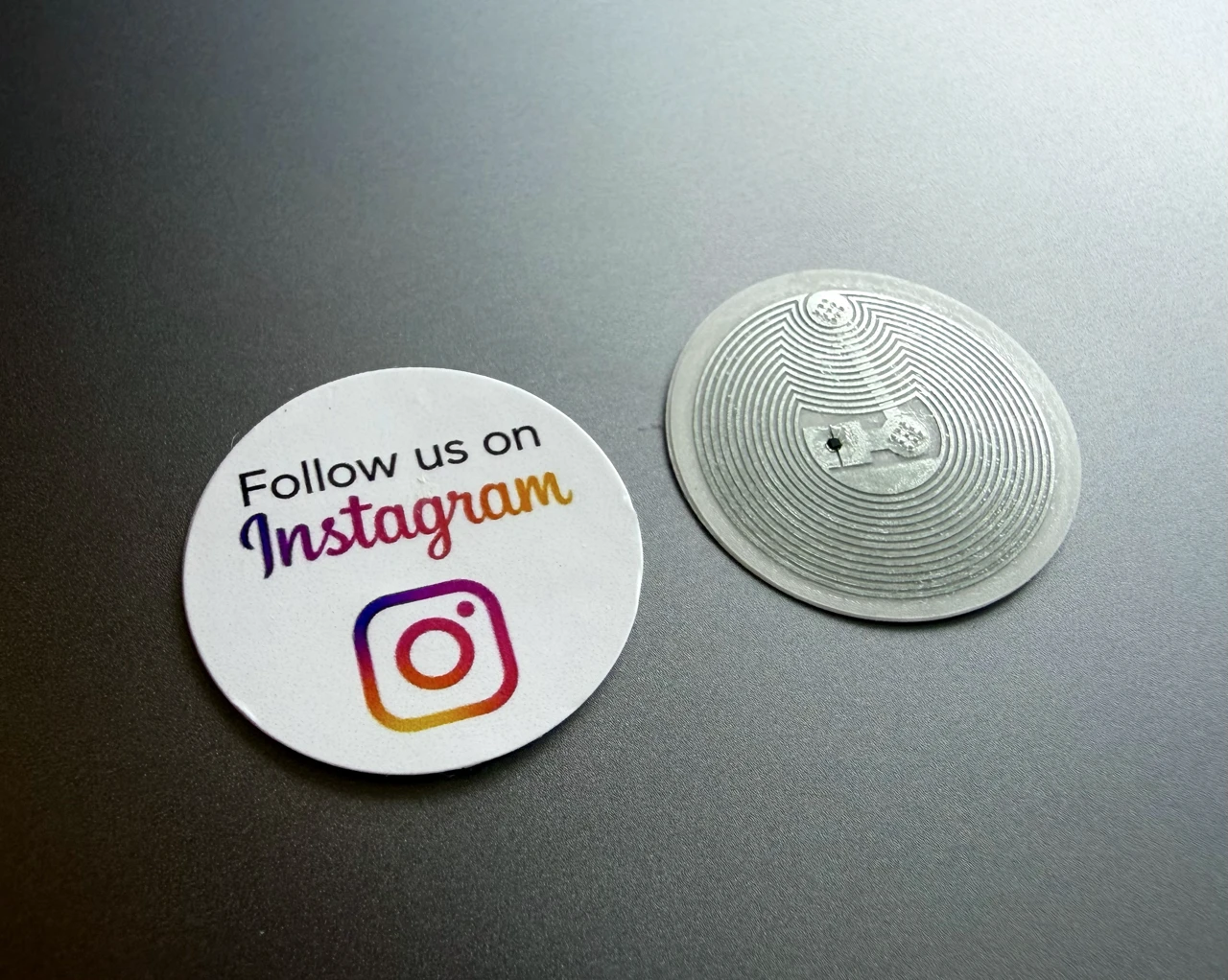
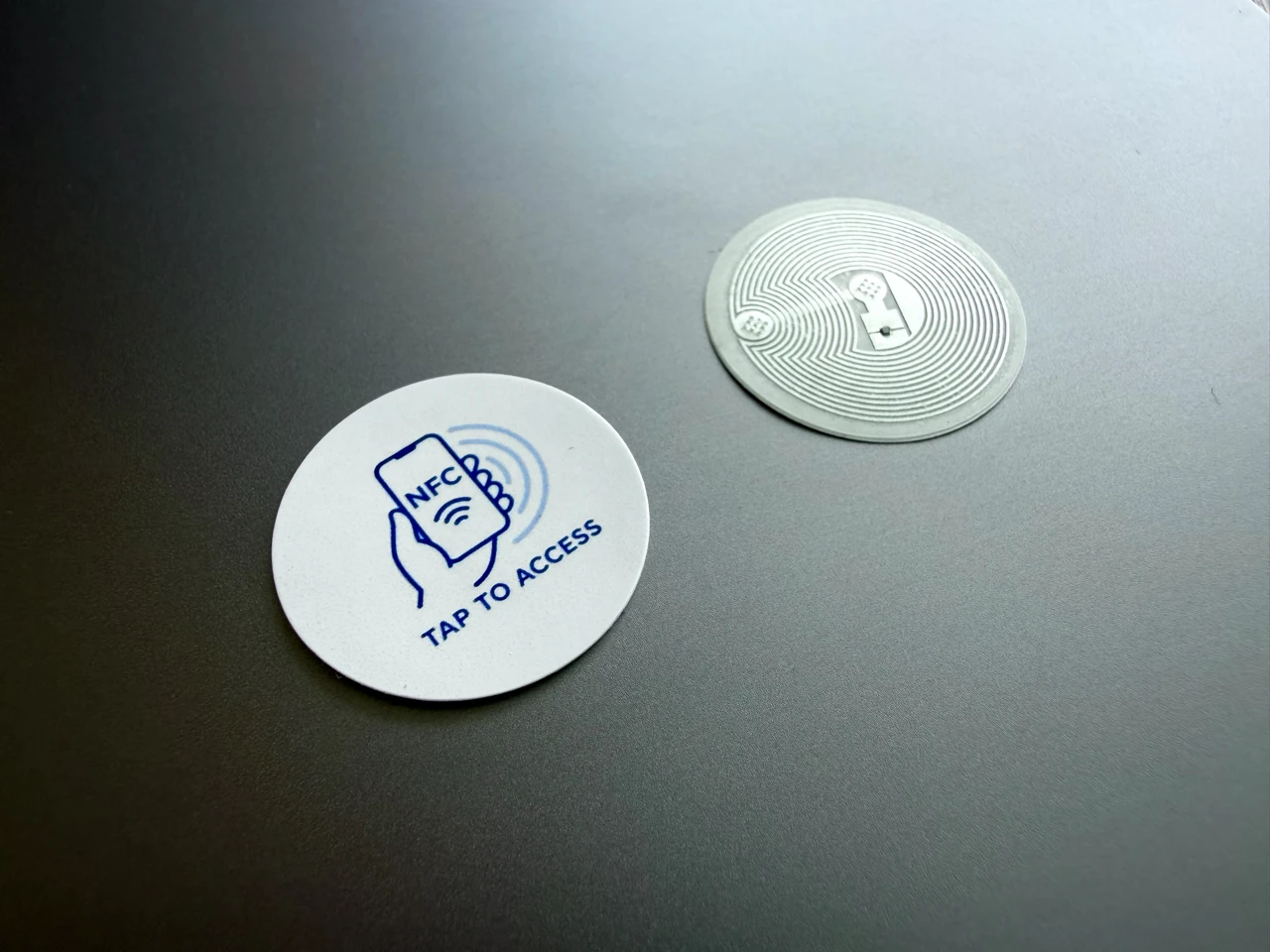
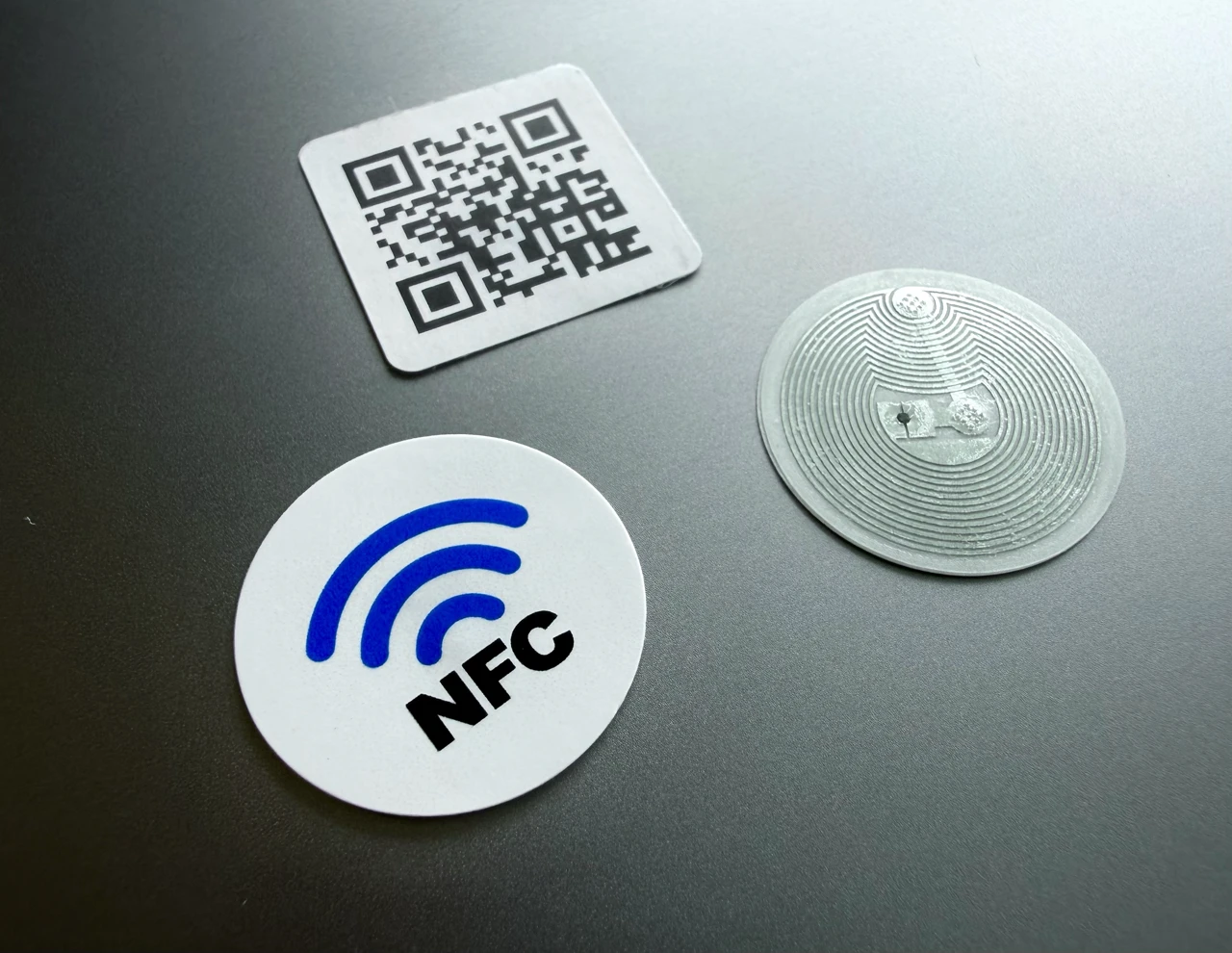
An NFC sticker contains a small chip programmed with a web address. When a compatible smartphone reads it, the finder can follow the phone's prompt to open the linked page. A matching QR Code offers another route to the same destination through the phone's camera.
On a dog or cat identification tag, that destination can be a dedicated pet profile with the owner's preferred contact methods. A short instruction such as "Found me? Tap or scan to contact my owner" explains the action without requiring the finder to understand NFC.
NFCOP's guide to NFC stickers that open a URL explains this basic interaction. The sticker opens the address; the linked website provides the profile and any contact buttons. The finder generally needs internet access to load that page.
Put Owner Contact Details First
A lost-pet contact page should make the next step obvious. Place a clear "Call owner" button near the top, followed by an alternative contact method. Avoid sending the finder to a general homepage where they must search for the right person.
Give each dog or cat its own profile so the information matches the animal wearing the tag. Useful content can include:
- The pet's name and a recent, recognizable photograph.
- A primary phone number with a tap-to-call button.
- An optional text-message link or other contact method.
- A backup contact who has agreed to be listed.
- Brief instructions for contacting the owner or coordinating a return.
Keep the page readable on a phone and accessible without creating an account. A finder should be able to identify the pet and reach the owner without completing a long form or installing a dedicated app.
Treat the page as public information: anyone with the link may be able to view it. Publish only the details needed to make contact. A full home address, personal schedule or unrelated household information is unnecessary for that first conversation.
Choose a Suitable Tag or Holder
The physical tag needs as much attention as the webpage. NFCOP supplies adhesive NFC and QR Code stickers, rather than finished dog or cat collar medals. A business using these stickers for pet identification must source a suitable tag or holder and assess the completed assembly.
Check dimensions before choosing the accessory. NFCOP lists a 25 mm round NFC sticker, a 25 × 25 mm QR sticker and separate 38 mm round protective films. These dimensions may be unsuitable for a small collar medal, especially when space is also needed for an attachment hole and printed instructions.
Metal also affects the design. NFCOP warns that direct placement on metal can interfere with reading. Consult its sticker dimensions, surface compatibility and protection guidance before selecting a mounting arrangement, then test the finished tag.
The included films provide water resistance and protection against scratches and UV exposure. That does not establish suitability for chewing, prolonged immersion or continuous collar wear. Size, weight, attachment security and durability need assessment for the intended dog or cat.
Keep the Contact Page Current
An online profile is useful only while its details remain accurate. Check the primary number, backup contact and contact buttons regularly, particularly after moving, changing numbers or transferring responsibility for a pet.
If the webpage keeps the same address, its owner can update the information on that page without changing the tag's link. NFCOP's optional Dynamic URL offers another option when the destination address itself needs to change. It redirects the sticker's link to a destination managed through the NFCOP dashboard.
Keep responsibility clear when a shelter or business helps set up a profile. Decide who maintains the webpage, who can edit the destination and how those responsibilities transfer after adoption. NFCOP's link-management feature does not itself create a pet-profile service.
Test the Complete Contact Process
Before using a tag, test both access methods on the finished accessory. Confirm that the NFC sticker opens the correct profile and that the QR Code remains visible and readable. Check the page on multiple phones and test every contact button.
Keep a readable phone number on the physical identification tag as an additional contact route. NFC and QR access depend on the finder having a suitable phone and being able to load the destination. Inspect the accessory regularly for damage or loose components.
These tags help someone contact you after finding your pet. They do not provide GPS tracking, automatically locate a missing animal or replace an implanted identification microchip. A link visit should not be interpreted as a verified pet location.
Prepare a Clear Link Before Ordering
For pet businesses and rescue teams, start with the contact page and a suitable physical accessory. Then choose artwork that clearly identifies the tap point and explains why someone should scan the QR Code.
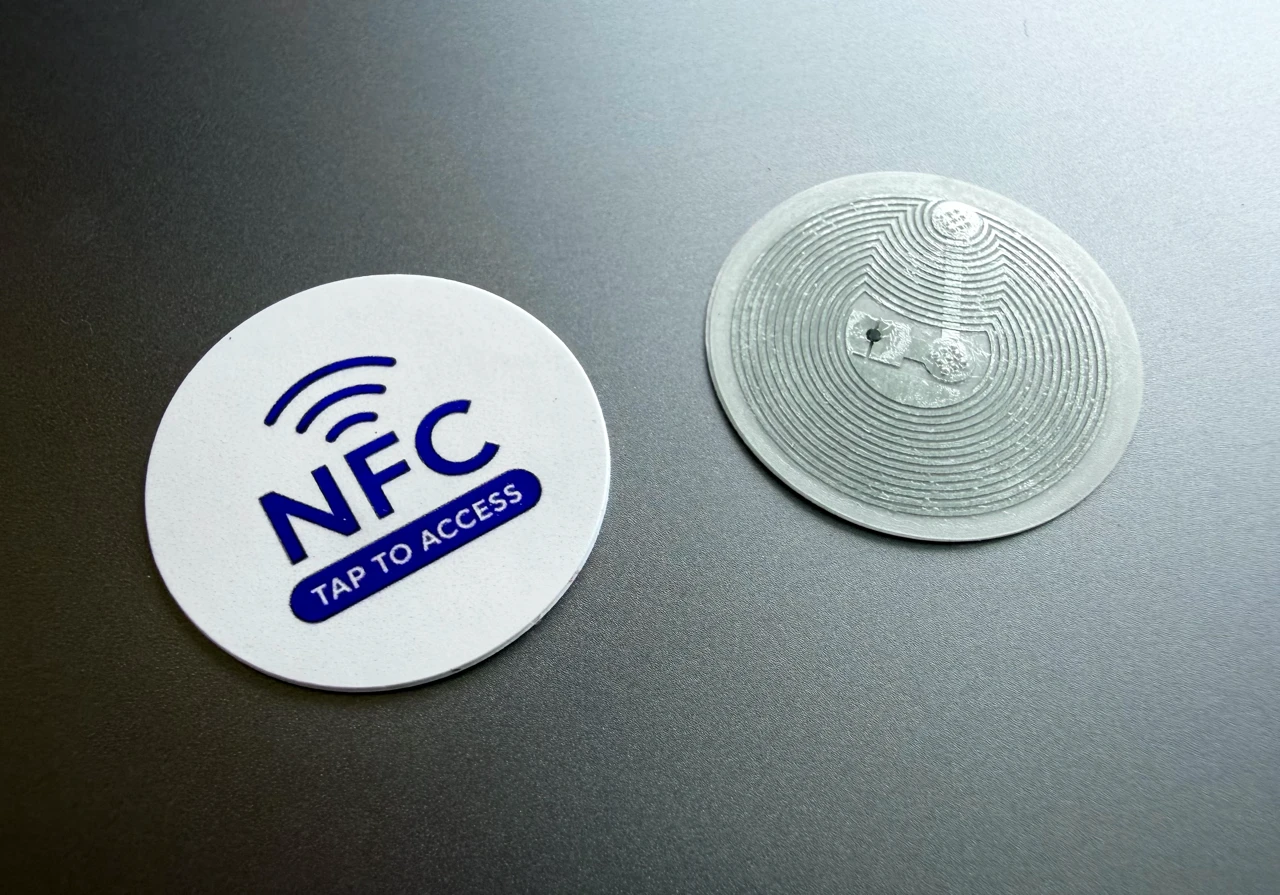
NFCOP provides custom printed, pre-encoded NFC stickers with matching QR Code stickers, allowing both access methods to open the chosen URL. Once the accessory has been assessed and the contact page tested, the stickers can provide a practical connection between a found dog or cat and the person waiting to hear from its finder.