 NFC OPERATIONS
NFCOP makes contact sharing faster, smoother, and more professional by connecting physical cards, badges, desk signs, stickers, and devices to digital profiles. For sales teams, founders, consultants, recruiters, agencies, and field teams, the goal goes beyond creating an attractive printed sticker. The real value is making the next customer action clear, immediate, and measurable.
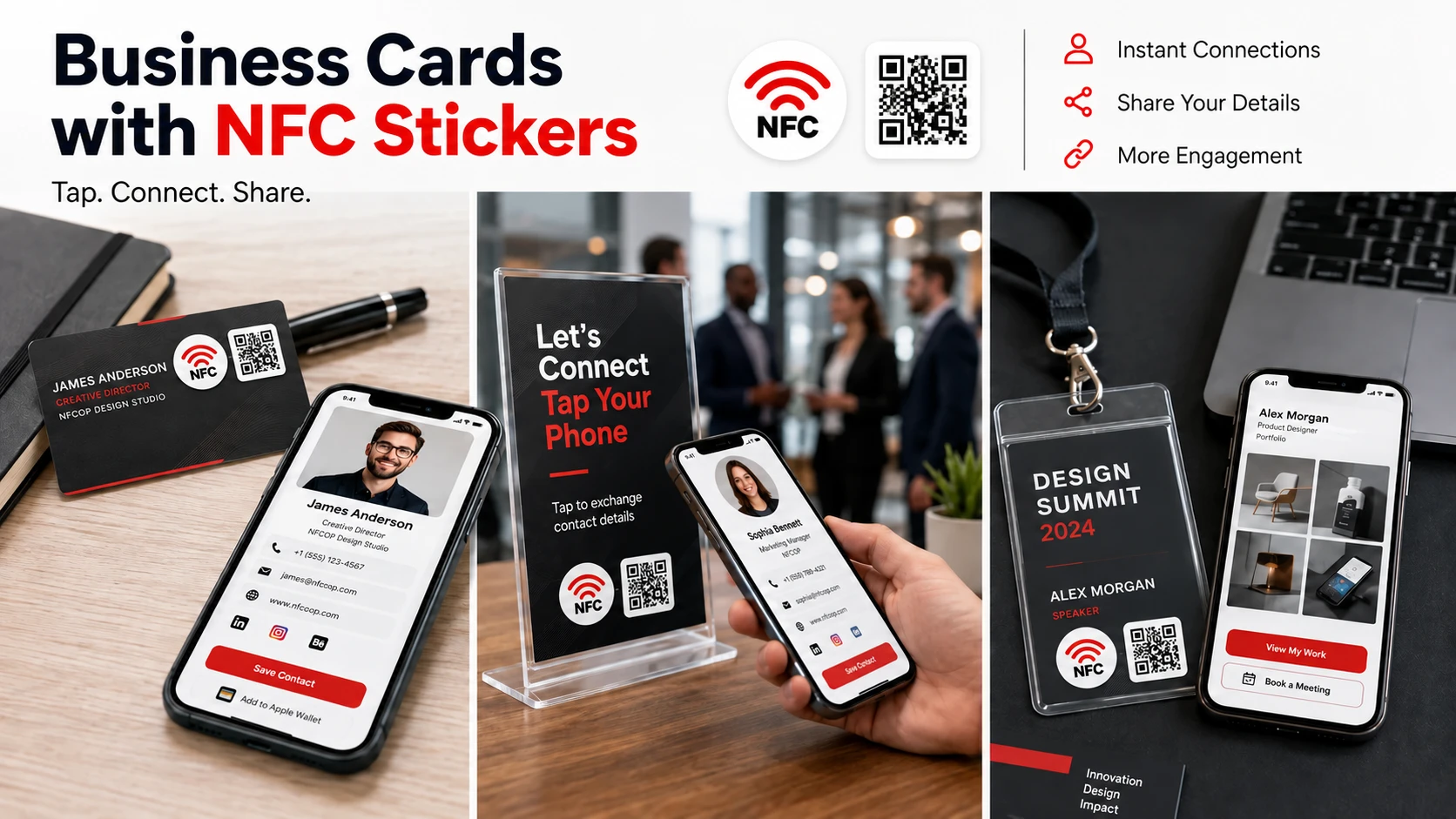
Why NFC Contact Sharing Matters
Traditional paper business cards are easy to lose, while manually typing names, email addresses, phone numbers, or profile URLs creates unnecessary friction. A well-designed NFC and QR Code sticker removes those extra steps by creating a direct connection between a real-world interaction and the digital page where the customer can take action.
The most effective setup keeps the experience simple: tap or scan, open the right page, and continue without confusion.
- Place the most important contact action at the top of the destination page.
- Create personalized sticker designs for individual team members.
- Use Dynamic URLs to keep profile pages and links up to date without replacing the sticker.
Contact URLs and Networking Placements
| Placement | URL to Open | Marketing Purpose |
|---|---|---|
| Business card | Contact profile or vCard | Allows people to save contact details quickly. |
| Laptop or phone | Portfolio or booking page | Makes it easy to continue the conversation during meetings, events, and demonstrations. |
| Desk sign | Team directory or contact form | Provides a convenient contact point in offices, reception areas, and customer-facing spaces. |
Useful destination URLs can include digital business cards, contact pages, booking links, LinkedIn profiles, portfolios, team directories, and downloadable vCards. The best choice depends on where the NFC sticker will be used and what the visitor is most likely to need at that moment.
For example, a sticker placed on a meeting table may open a contact or booking page, while a sticker on a product package could direct customers to support information, registration, or a product-specific landing page. A sticker on a badge might open a personal profile or digital business card.
Instead of choosing a URL simply because it is convenient to copy, choose the destination that best matches the physical context. Every sticker placed on a table, product, sign, package, badge, device, or counter should help answer the visitor’s next question with as little friction as possible.
Make Contact Sharing Easier to Manage
For companies with multiple team members, NFC contact stickers can also create a more consistent customer experience. Each employee can have a personalized design and destination page while the company maintains a consistent visual identity across the entire set.
Dynamic URLs can make the system even more flexible. If a team member changes roles, updates a booking page, switches social profiles, or needs to direct visitors to a different landing page, the destination can be updated without reprinting or replacing the NFC sticker.
Make Contact Sharing Effortless
NFCOP can produce custom printed NFC stickers, encode the NFC chips, include matching QR Code stickers, and provide optional Dynamic URLs for future link updates and performance statistics. Stickers can be prepared and delivered ready for use, making it easier to launch a professional contact-sharing experience across your team or organization.
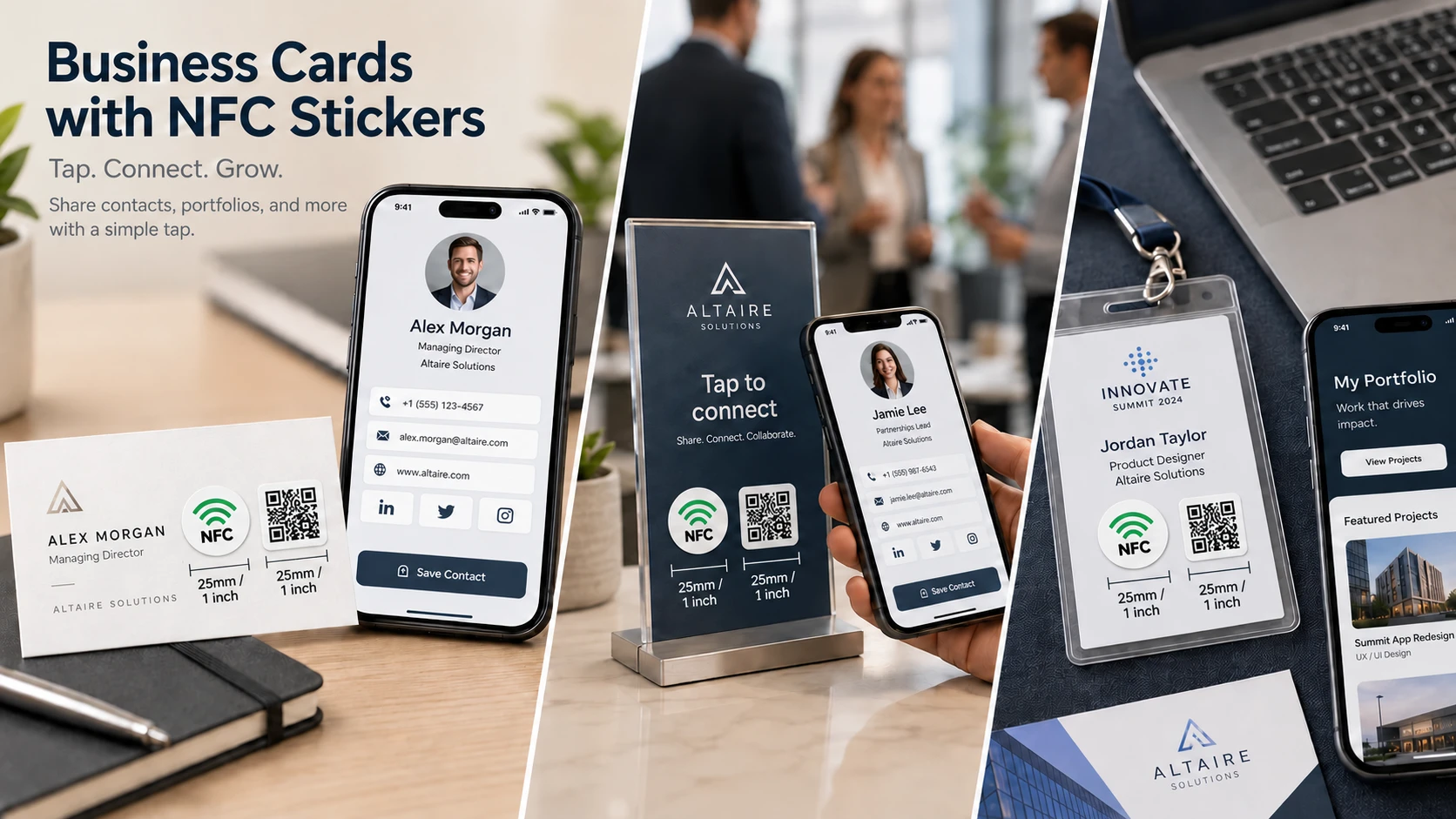
To get started, prepare the URL you want visitors to open, choose your sticker design, confirm the required quantity, and begin creating your custom NFC stickers.