 NFC OPERATIONS
NFCOP helps businesses choose the right URLs for NFC and QR Code stickers, because the destination is what turns a tap or scan into a meaningful customer action. Whether you manage a restaurant, event, retail store, or marketing campaign, the goal is not simply to create an attractive sticker. The goal is to make the next step clear, immediate, and measurable.
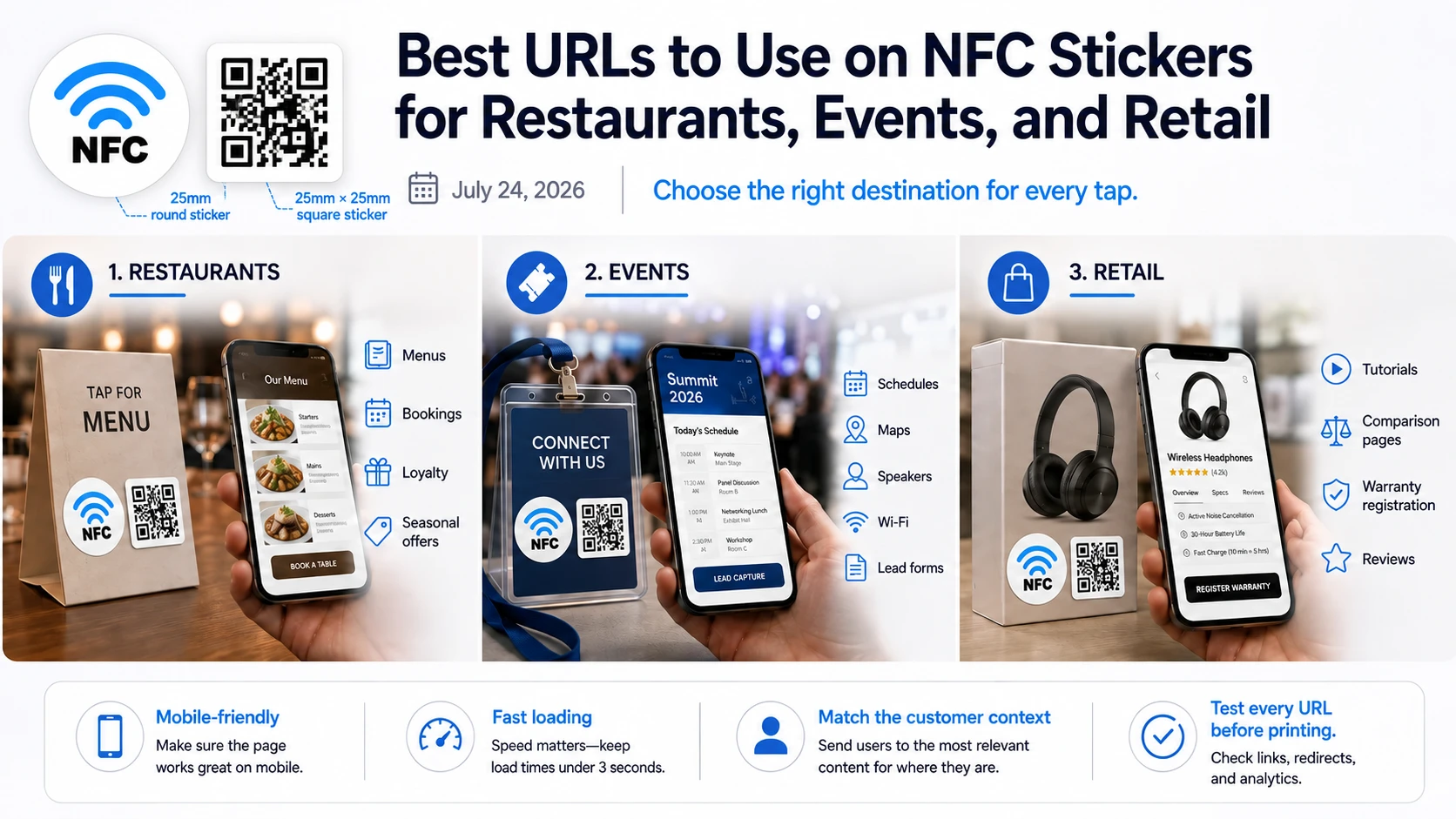
Why the Destination URL Matters
Many NFC and QR Code campaigns underperform because they direct customers to a generic homepage instead of a page designed for the specific situation. A well-planned NFC or QR Code sticker creates a direct connection between a real-world interaction and the digital page that helps the customer take action.
The experience should be simple: tap or scan the sticker, open the most relevant page, and continue without unnecessary navigation or confusion.
- Use direct URLs for permanent or rarely changing destinations.
- Use Dynamic URLs when campaign destinations may need to change later.
- Make sure every landing page is mobile-friendly, fast, and easy to use.
Best URLs for Different Sticker Placements
| Placement | Recommended URL | Marketing Purpose |
|---|---|---|
| Restaurants | Digital menu, reservation page, online ordering, review page, or special offer | Make it easier for customers to move from the table to the next action. |
| Events | Registration page, venue map, agenda, booth content, contact form, or follow-up page | Give attendees instant access to useful information without additional printed materials. |
| Retail | Coupon, loyalty program, gift card, product page, warranty registration, or promotion | Turn in-store interest into measurable digital engagement and conversions. |
Choose a URL That Matches the Customer's Moment
Some of the most effective destinations for NFC and QR Code stickers include digital menus, booking pages, Google Review links, event schedules, maps, lead forms, coupons, loyalty programs, product pages, warranty registration pages, and seasonal landing pages.
The key is to choose the page that best matches the physical context rather than simply linking to the easiest page available. A sticker placed on a restaurant table should help diners order, view the menu, or leave a review. A sticker on product packaging might lead to instructions, warranty registration, or additional product information. An event badge or booth sticker could open a schedule, presentation, contact form, or follow-up offer.
Every sticker should answer the question the customer is most likely to have at that exact moment.
Direct URLs vs. Dynamic URLs
A direct URL works well when the destination is unlikely to change. However, campaigns that run for several months, support seasonal promotions, or require performance tracking can benefit from Dynamic URLs.
With a Dynamic URL, the destination can be updated without replacing the printed NFC or QR Code sticker. This makes it easier to reuse the same physical sticker for new promotions, updated menus, changing event information, or different landing pages. Dynamic URLs can also support statistics and campaign measurement, helping teams understand how customers interact with their stickers.
Choose URLs That Turn Attention Into Action
NFCOP can produce custom printed NFC stickers, encode the NFC chips, include matching QR Codes, and provide optional Dynamic URLs for future destination changes and statistics. Stickers can be prepared and delivered ready to use, helping businesses launch NFC and QR Code campaigns with less setup.
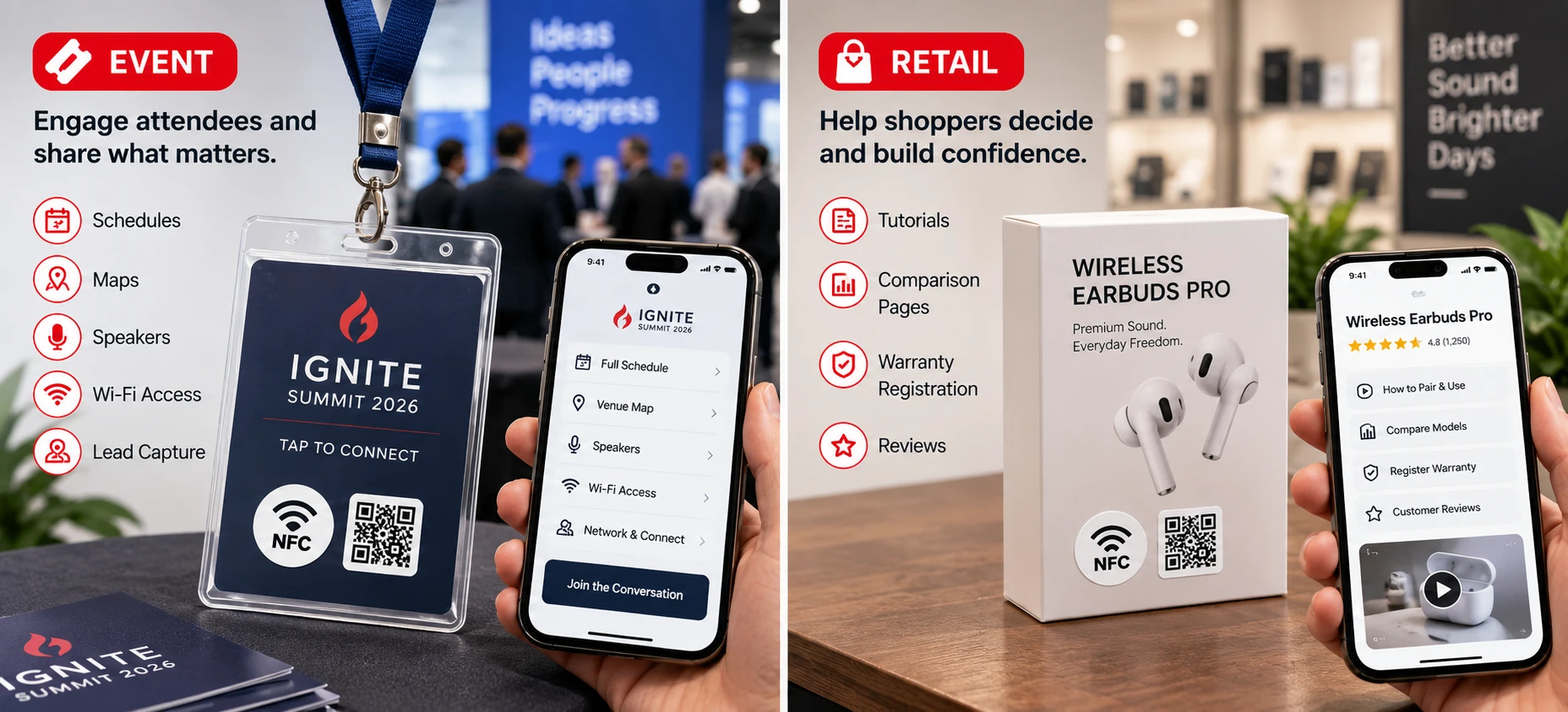
If NFC and QR Code stickers fit your project, the process is straightforward: prepare your destination URL, choose your design, confirm the quantity, and start creating stickers that connect customers directly to the next action.