 NFC OPERATIONS
A newly announced restaurant mobile-ordering initiative in Hong Kong is putting NFC stickers alongside table QR Codes, giving diners a simple way to open menus and access ordering services from their phones.
The development reflects growing interest in connecting restaurant tables directly to digital services. Instead of asking customers to search for a menu or ordering website, restaurants can make the right online destination available at the exact moment customers need it.
For restaurant owners, the interesting part is not the NFC technology itself. It is the practical opportunity to make menus, online ordering, and takeaway reorders easier to access through a small physical touchpoint.
Restaurant Ordering Is Becoming a Tap-or-Scan Experience
The recent restaurant mobile-ordering announcement in Hong Kong describes a system where customers can scan a table QR Code or tap an NFC sticker to browse a menu and order through their smartphones.
The ordering, payment, and restaurant management functions belong to the connected service platform. The NFC sticker and QR Code act as convenient entry points, helping customers reach that digital experience from the physical table.
This is an important distinction for smaller restaurants. They do not necessarily need a completely new ordering system to benefit from a tap-or-scan experience. If they already have a mobile-friendly digital menu or online ordering page, a simple NFC URL sticker can make that existing service easier to find.
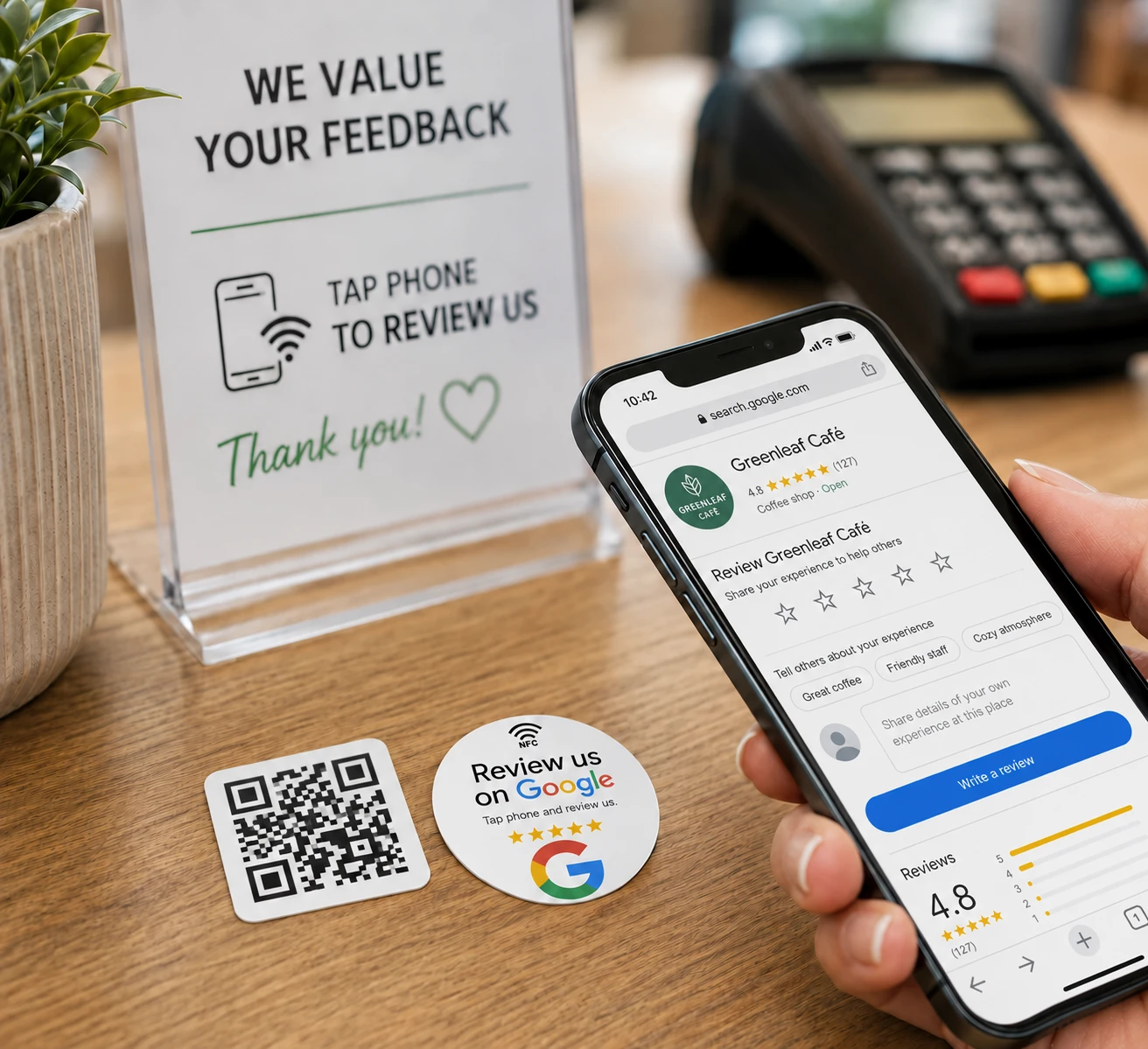
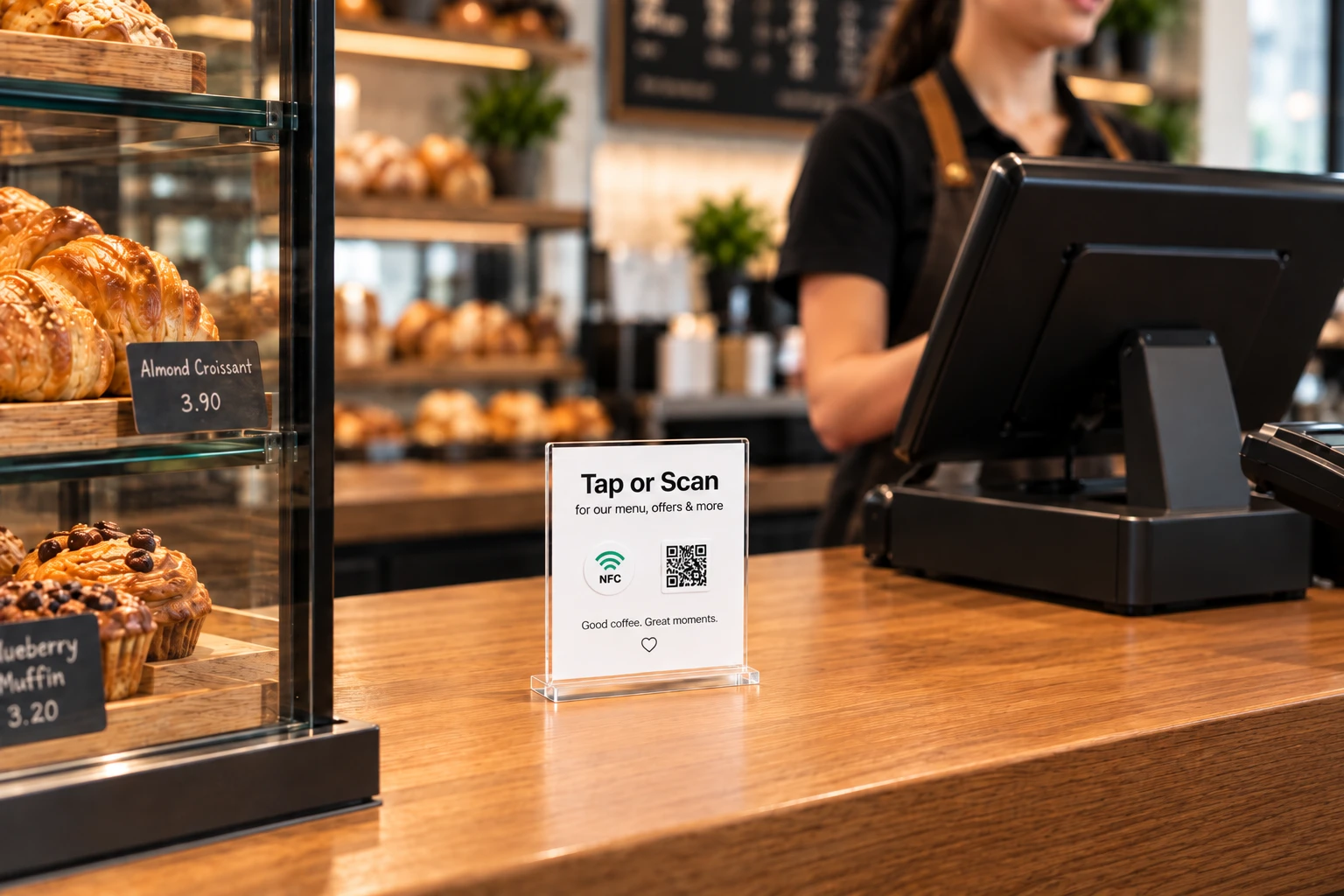
Imagine arriving at a café during a busy lunch period. A small sign on the table says "Tap or Scan to View Menu." You tap it with a compatible phone, and the café's menu opens. If the restaurant already supports online ordering, the linked page can also provide a way to place an order.
The physical interaction is simple, and the destination determines what customers can do next.
Why NFC Restaurant Ordering Matters for Smaller Businesses
Restaurant operators often focus on improving food quality, service, and the overall dining experience. But small obstacles in the customer journey matter too, especially when a customer wants something as straightforward as viewing a menu.
A website may already contain the right information, yet customers still need to find it. They might search the restaurant's name, navigate several pages, or ask staff for the correct link.
A well-placed NFC sticker and matching QR Code reduce those extra steps by connecting the physical location directly to a relevant URL.
The approach can be especially useful for:
- Independent restaurants: Let diners open an existing digital menu directly from their table.
- Cafés and coffee shops: Give customers a convenient link to a mobile ordering page while waiting at the counter.
- Takeaway businesses: Place a reorder link on packaging to help returning customers find the ordering website.
- Food trucks and pop-up restaurants: Connect printed displays to current menus, product information, or ordering pages.
These examples do not require the sticker to perform any complex restaurant operation. Its job is simply to open the right webpage. The restaurant's own website or external ordering platform provides the remaining functionality.
From Restaurant Tables to Takeaway Packaging
One useful lesson from the move toward tap-or-scan ordering is that the location of the sticker matters just as much as the link it opens.
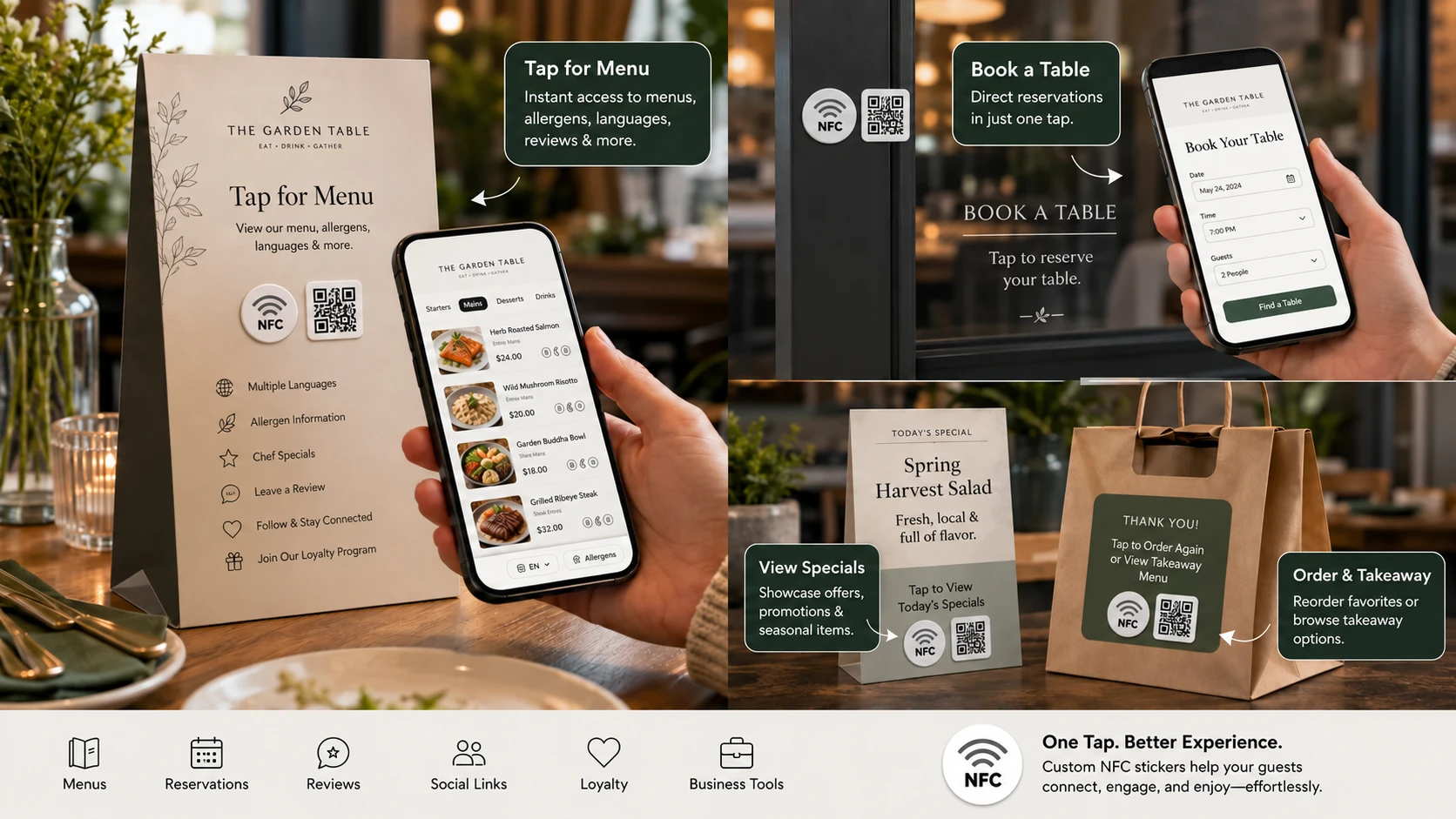
At a dining table, customers are probably looking for a menu, drinks list, or ordering page. A sticker placed beside the table number can lead directly to that information. If the restaurant's existing software supports table-specific ordering, each table can also use its assigned ordering URL.
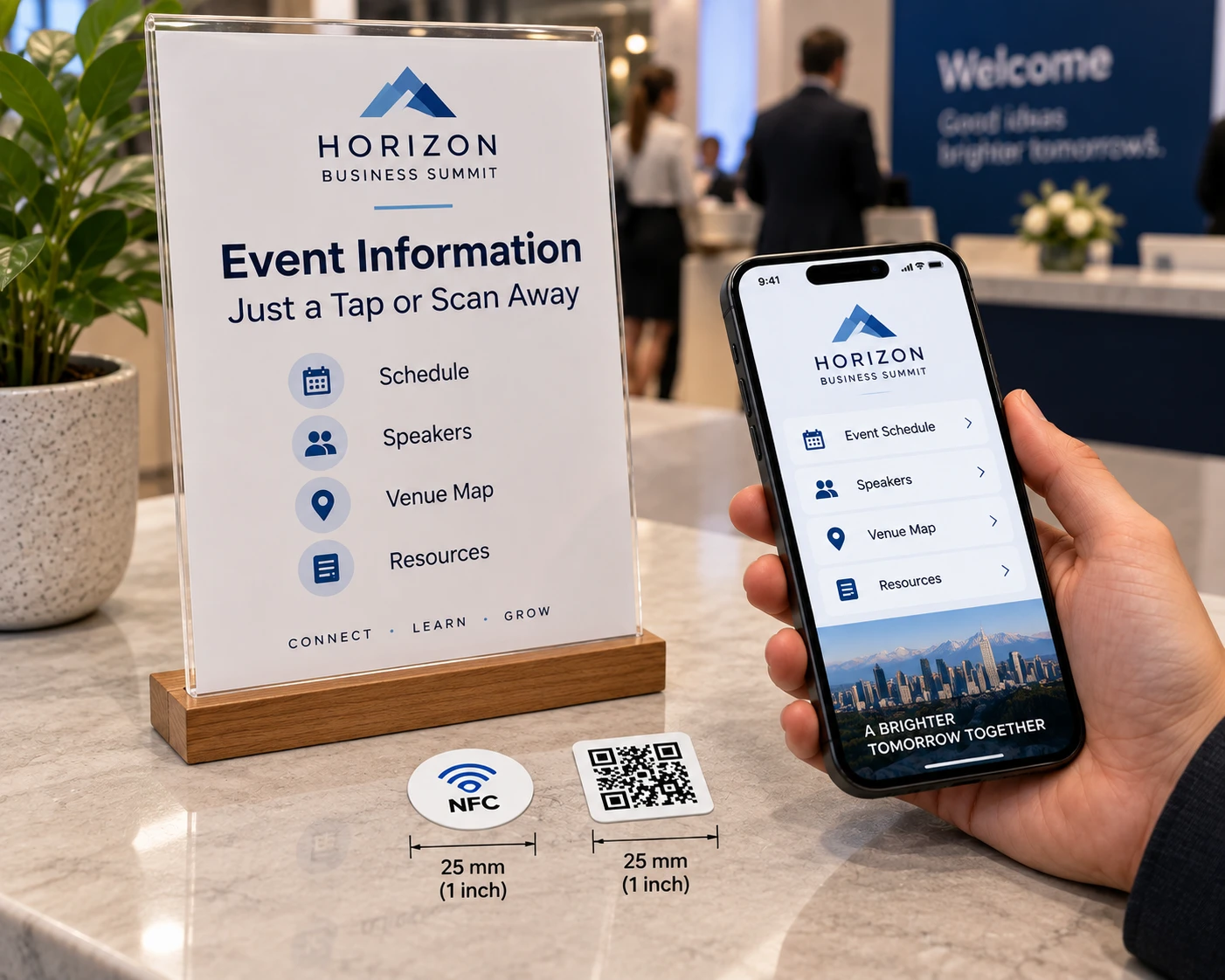
At the counter, the customer's goal may be different. Someone waiting for coffee might want to browse the menu for another item or explore the café's current offers. A tap-or-scan sign can open a suitable page without requiring customers to search for it.
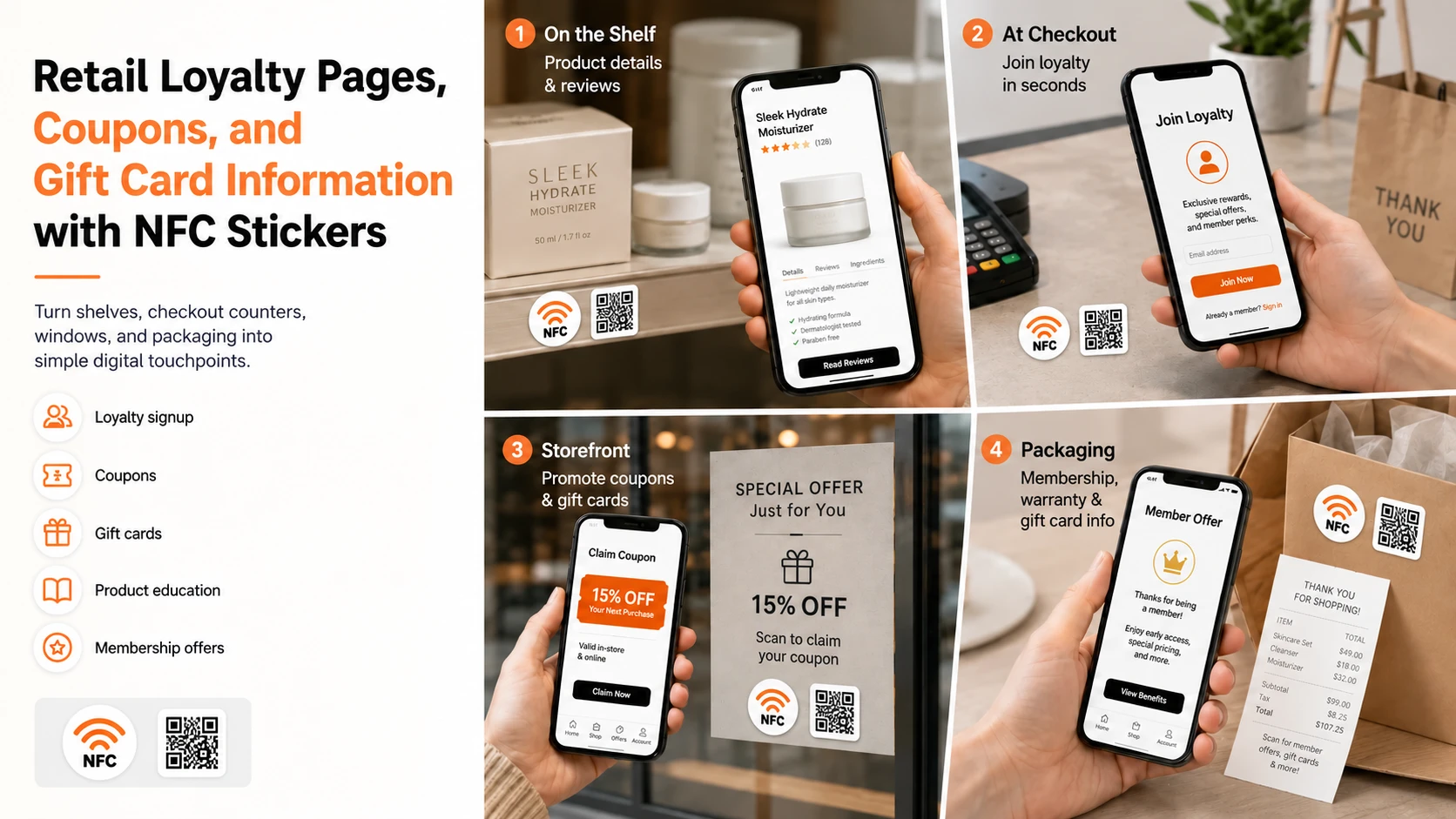
Takeaway packaging offers another practical opportunity. A sticker on a food container or paper bag can link to the restaurant's reorder page, making it easier for customers to return to the same service after enjoying their meal.
The key is to make the destination relevant. A table sticker should help someone who is dining, while a packaging sticker should help someone who may want to order again.
NFCOP's restaurant digital menu sticker guide explores additional ways to connect tables, counters, and physical displays with useful online destinations.
Why Combining NFC With QR Codes Makes Sense
Although NFC offers a convenient tap interaction, QR Codes remain familiar to many smartphone users. Providing both options lets customers choose the method they prefer.
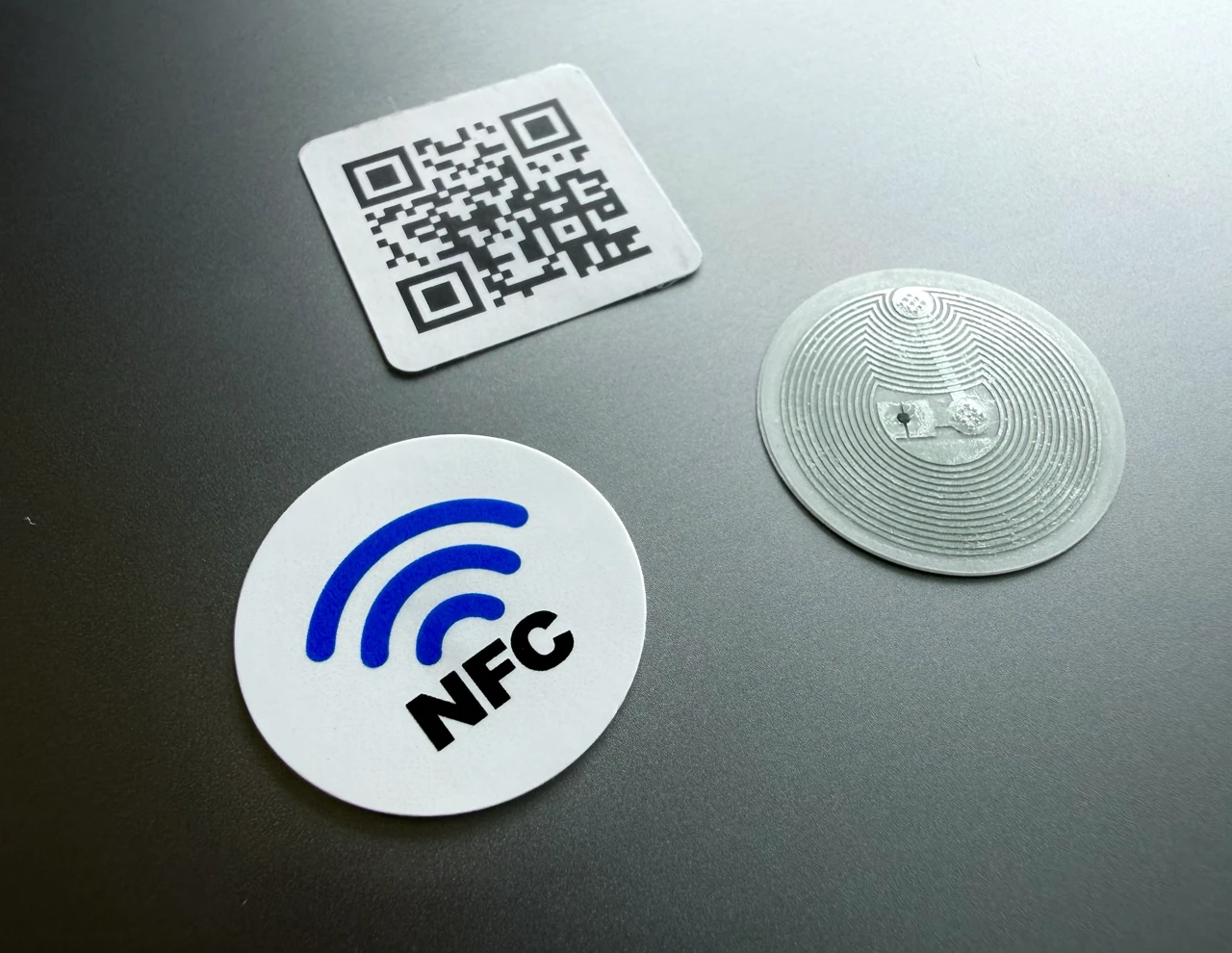
With an NFC sticker, a compatible smartphone can read the programmed URL when held near the tag. With a QR Code, customers can use their phone's camera to scan the printed code and open the same destination.
Neither method requires a dedicated app just to open an ordinary webpage on most modern smartphones. Customers may still need to sign in or follow additional steps if the linked ordering service requires them.
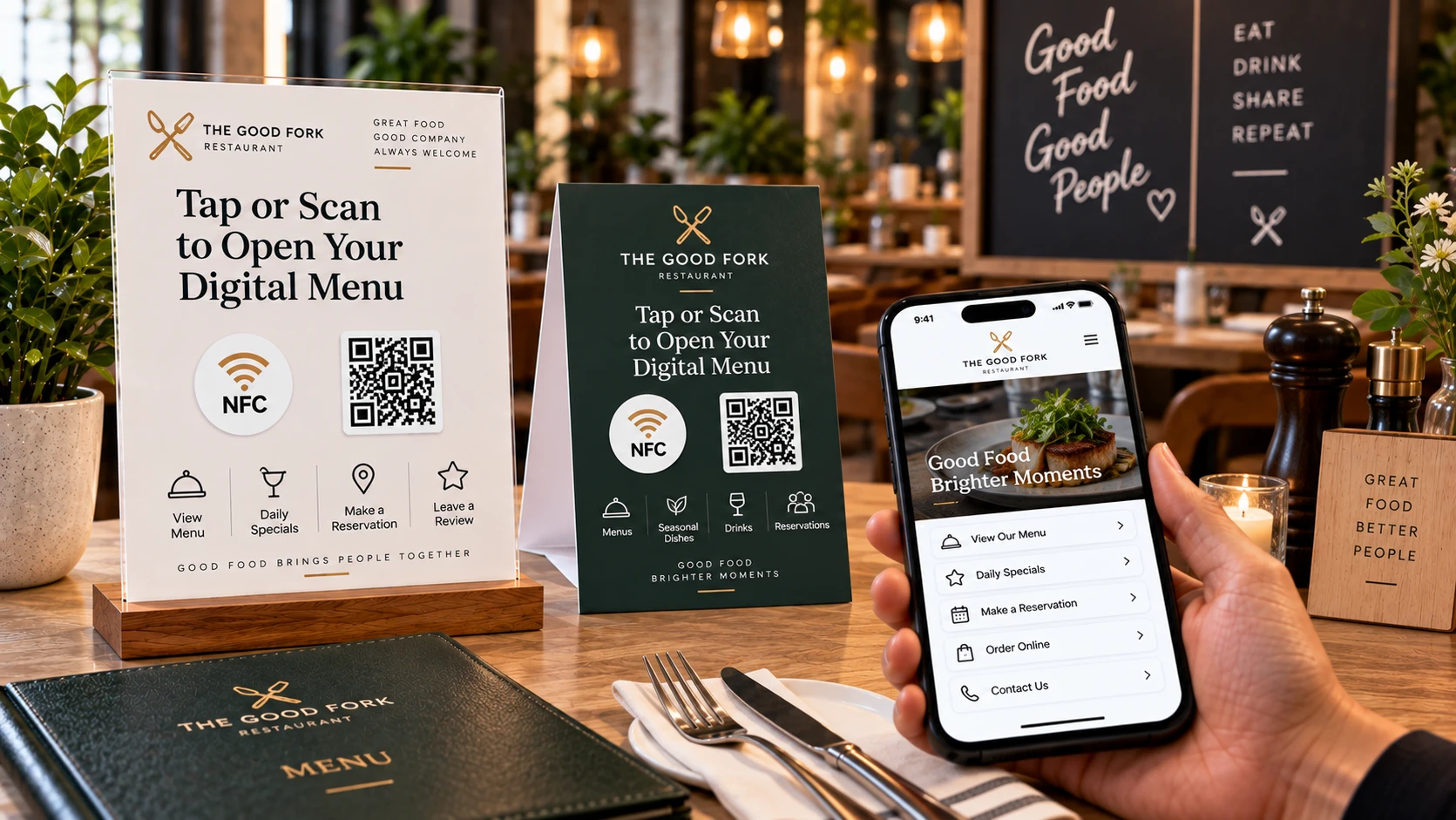
Clear instructions are equally important. A label such as "Tap or Scan to Order" makes the next action obvious, while "Tap or Scan to View Menu" is more appropriate when the destination only displays information.
Restaurants should also test their links before installing stickers throughout the premises. A mobile-friendly website, clear menu navigation, and an understandable ordering process are essential to making the experience useful.
Keeping Restaurant Menus and Ordering Links Up to Date
Menus evolve. Restaurants introduce seasonal specials, change prices, update service hours, and sometimes switch online ordering providers.
A standard NFC URL sticker opens the address programmed into it. For businesses expecting their destinations to change, NFCOP also offers optional Dynamic URLs that allow the destination to be updated later without replacing the physical sticker.
For example, a restaurant could use the same printed touchpoint to open a new menu page after changing its website. Dynamic URL usage statistics can also help the business understand interactions with its tap-or-scan placements.
These statistics show link activity rather than confirmed food orders or purchases. Restaurants still rely on their connected ordering platforms for order management, payment processing, and transaction reporting.
The NFCOP FAQexplains sticker compatibility, Dynamic URLs, and how matching NFC and QR Code stickers work together.
A Simple Way to Bring Tap-or-Scan Access to Your Restaurant
The latest restaurant-ordering developments highlight an increasingly practical idea: customers should be able to reach digital services from the physical places where they need them.
For a small restaurant, getting started can be as straightforward as choosing an existing mobile-friendly menu or ordering URL and placing a clear tap-or-scan touchpoint on a table, counter, or takeaway package.
NFCOP supplies custom printed, professionally pre-encoded NFC URL stickers with matching QR Code stickers. Restaurant owners can choose their own artwork, logo, destination URLs, and quantities, while NFCOP handles printing, encoding, matching, and delivery.
The stickers arrive ready for placement, without requiring the restaurant to program the NFC chips itself. Optional Dynamic URLs offer additional flexibility when linked destinations need to change.
Whether customers want to browse a menu at their table or open a takeaway ordering page from home, the principle remains the same: one clear physical touchpoint leading to one useful online destination.
Explore custom NFC and QR Code stickers from NFCOP to give your restaurant customers a convenient way to tap, scan, and reach the information or ordering service they need.