 NFC OPERATIONS
NFCOP makes review collection easier by turning the moment after a great customer experience into a simple tap or scan. For local businesses, restaurants, hotels, clinics, salons, and service teams, the goal is not just to create an attractive sticker. It is to make the customer’s next action clear, immediate, and easy to complete.
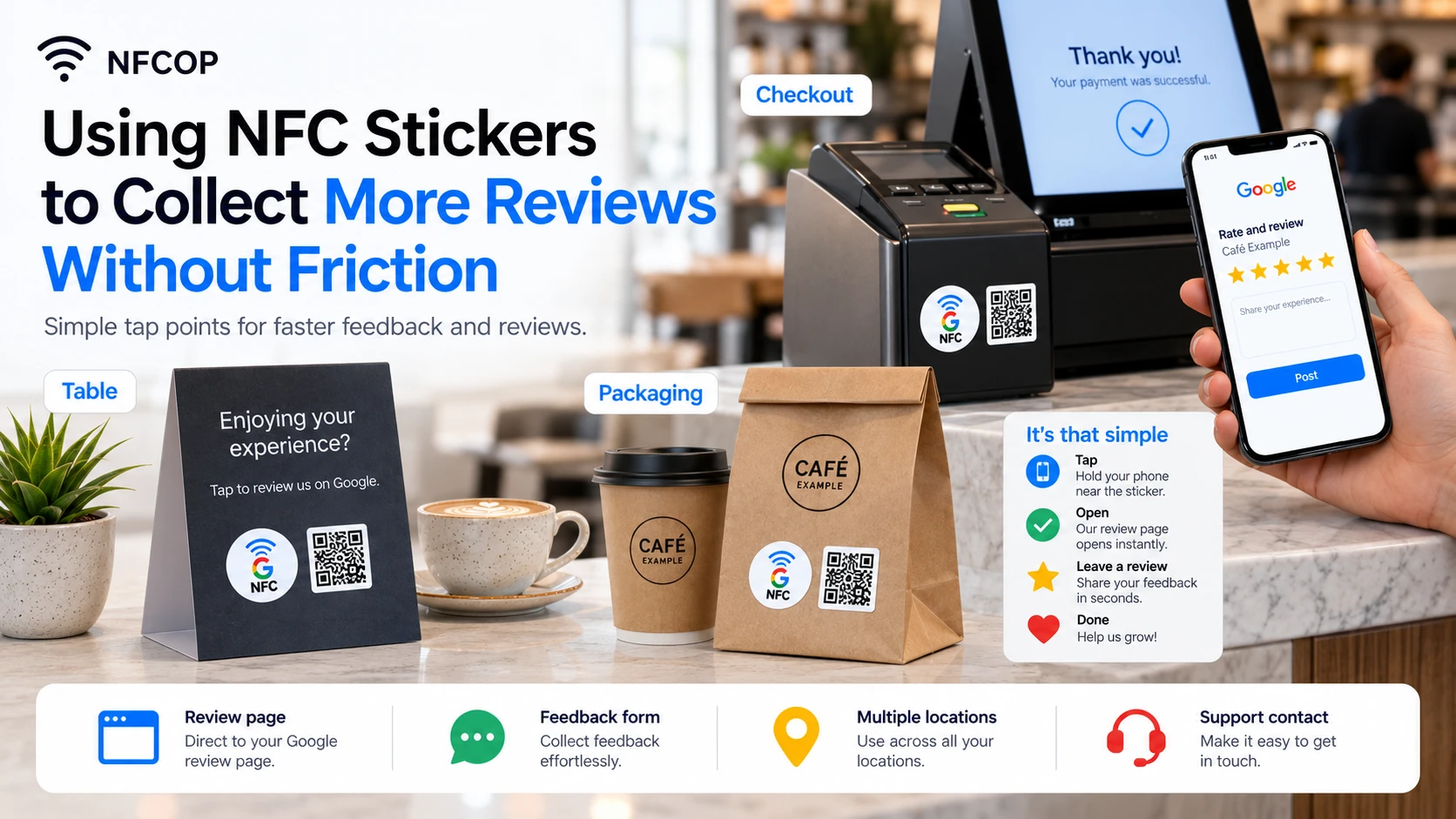
Why NFC and QR Code Review Stickers Matter
Many customers are happy to leave a review, but asking them to search for the correct business profile later creates unnecessary friction. A well-designed NFC and QR Code sticker creates a direct connection between the real-world customer experience and the online page where they can take action.
The most effective review campaigns keep the process simple: tap or scan the sticker, open the correct page, and continue without extra steps or confusion.
- Use clear and polite wording such as “Tap or scan to leave a review.”
- Provide support or feedback options when customers need assistance.
- Use separate destination URLs for different business locations.
- Place stickers where customers are most likely to interact with them naturally.
Review Links and Feedback Placements
| Placement | URL to Open | Purpose |
|---|---|---|
| Reception desk | Google Review profile | Encourages customers to leave a review immediately after a positive service experience. |
| Restaurant table | Review page or feedback form | Makes it easy to share feedback while the dining experience is still fresh. |
| Product insert | Review page or support form | Collects reviews or support requests after the customer receives the product. |
Useful destination URLs can include Google Review links, location-specific review pages, customer feedback forms, support forms, or satisfaction surveys. The best destination depends on where the sticker is placed and what the customer is likely to need at that moment.
A sticker placed on a table, counter, product, package, sign, badge, or reception desk should lead to a page that makes sense in that physical context. Instead of choosing a URL simply because it is convenient to copy, choose the destination that creates the smoothest experience for the customer.
Make the Customer Journey Simple
A successful NFC review sticker should require as little explanation as possible. Customers should immediately understand what to do and what will happen after they tap or scan.
Combining NFC technology with a visible QR Code also gives customers more than one way to interact. Customers with NFC-enabled smartphones can tap the sticker, while others can simply scan the QR Code with their camera.
Make Review Collection Easier With NFCOP
NFCOP can produce custom printed NFC stickers, encode the NFC chips, and include matching QR Codes so your stickers arrive ready to use. Optional Dynamic URLs can also make it possible to update destination links later and access useful interaction statistics without replacing the printed stickers.
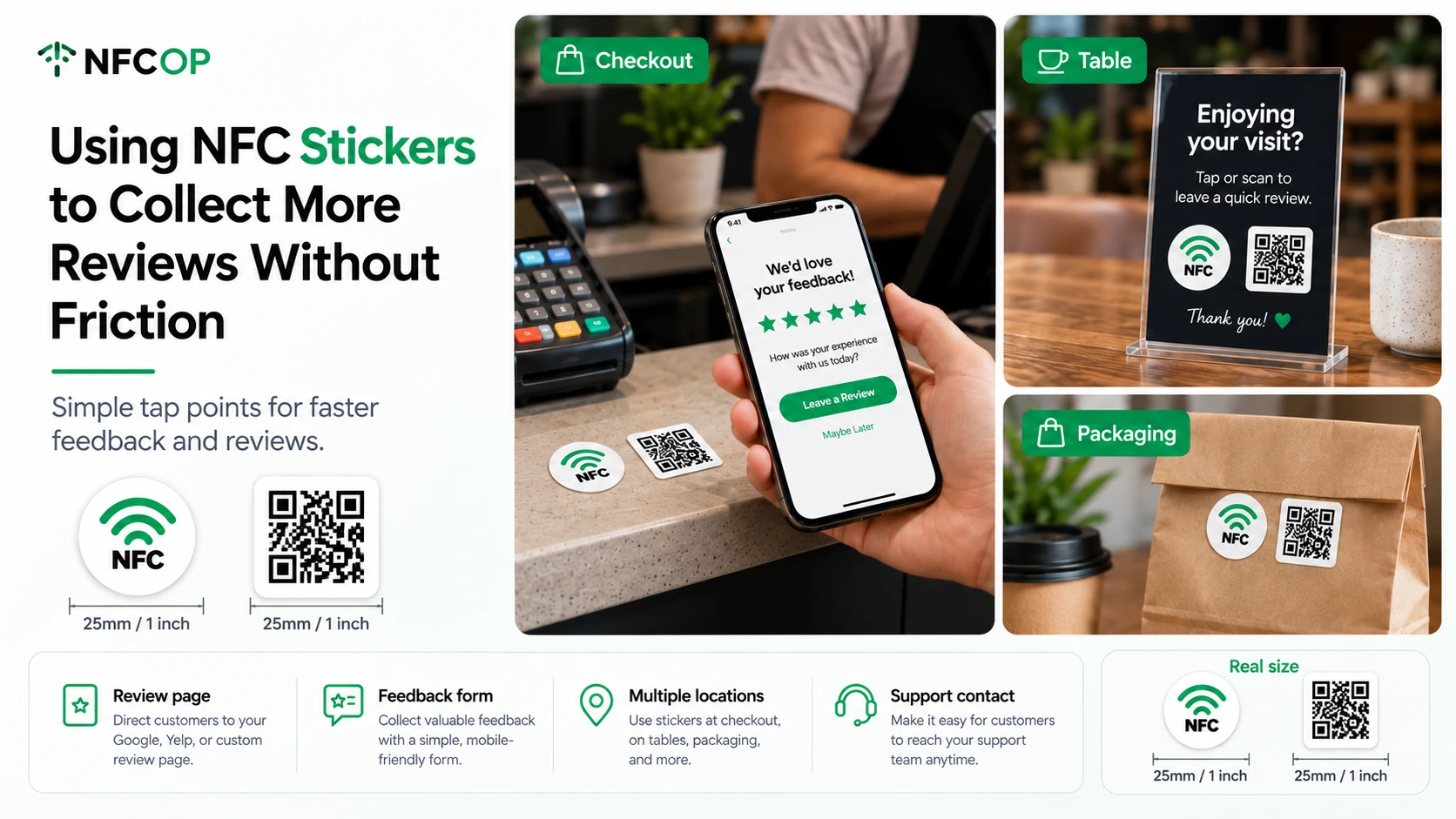
To get started, prepare your destination URL, choose your design, confirm the quantity you need, and create NFC and QR Code stickers that make it easier for customers to take action at the right moment.