 NFC OPERATIONS
NFCOP shows how restaurant menu stickers can give guests instant access to digital menus by tapping or scanning from a table, counter, entrance, window, or takeaway package. For restaurants and cafés moving customers toward digital menus, the goal is not simply to create an attractive sticker. The sticker should make the next action clear, fast, and easy to measure.
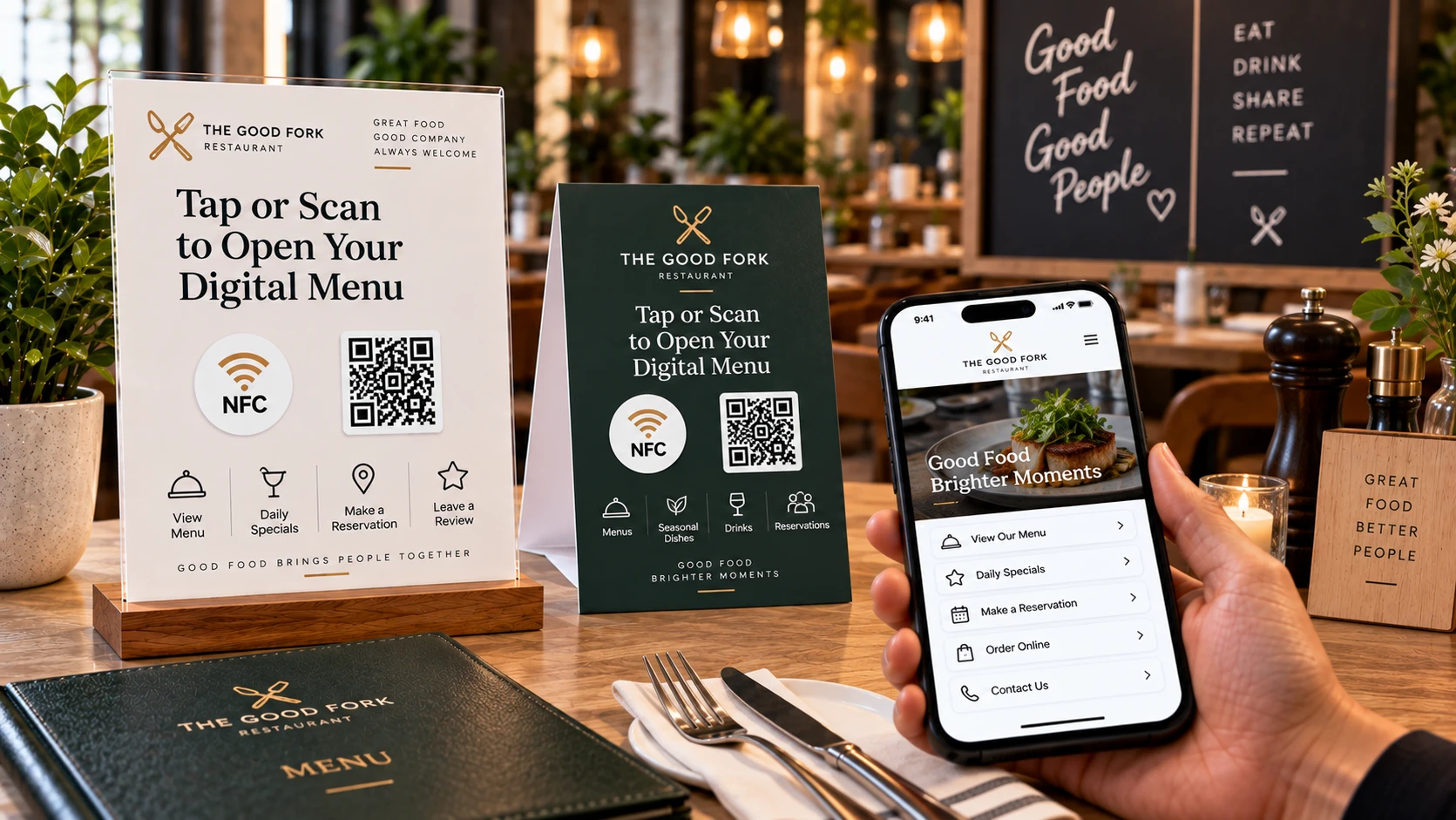
Why NFC and QR Code Menu Stickers Matter
Guests expect quick and convenient access to menus. While traditional QR Code menus work well, adding NFC gives customers another option: they can simply tap their compatible smartphone instead of opening the camera and scanning a code.
A well-designed NFC and QR Code sticker creates a direct connection between a physical location and the digital page customers need. The experience should be simple: tap or scan, open the correct page, and continue without unnecessary steps or confusion.
- Keep digital menu pages fast and mobile-friendly.
- Use clear instructions such as “Tap or Scan to View Menu.”
- Update seasonal menus and promotions without replacing the physical stickers.
Digital Menu URLs and Restaurant Placements
| Placement | URL to Open | Marketing Purpose |
|---|---|---|
| Table | Digital menu or ordering page | Helps dine-in guests browse and order quickly. |
| Window or entrance | Reservation or booking page | Allows customers to book even when the restaurant is closed. |
| Takeaway bag or packaging | Reorder, loyalty, or review page | Encourages repeat orders and continued customer engagement. |
Useful destination URLs can include digital menus, online ordering pages, reservation systems, allergen information, multilingual menus, loyalty programs, review pages, and seasonal promotions.
The key is to match the destination page with the customer's physical context. A sticker placed on a restaurant table should usually open a menu or ordering page, while a sticker on takeaway packaging may work better for reorders, reviews, or loyalty offers. Whether the sticker is placed on a table, sign, product, package, badge, counter, or window, it should answer the question the customer is most likely to have at that moment.
Make Digital Menu Access Faster
NFCOP can produce custom printed NFC stickers, encode the NFC chips with your chosen URL, and include matching QR Codes so customers can choose between tapping and scanning. Optional Dynamic URLs can also make it possible to update destinations later and monitor engagement statistics without replacing the stickers.
To get started, prepare the URL you want customers to open, choose your sticker design, confirm the quantity, and create NFC and QR Code stickers that are ready to use when they arrive.