 NFC OPERATIONS
NFCOP helps turn everyday physical surfaces into digital touchpoints. By placing an NFC and QR Code sticker exactly where customer attention happens, businesses can give people a fast, convenient way to open the right online destination without typing a URL or searching for a page.
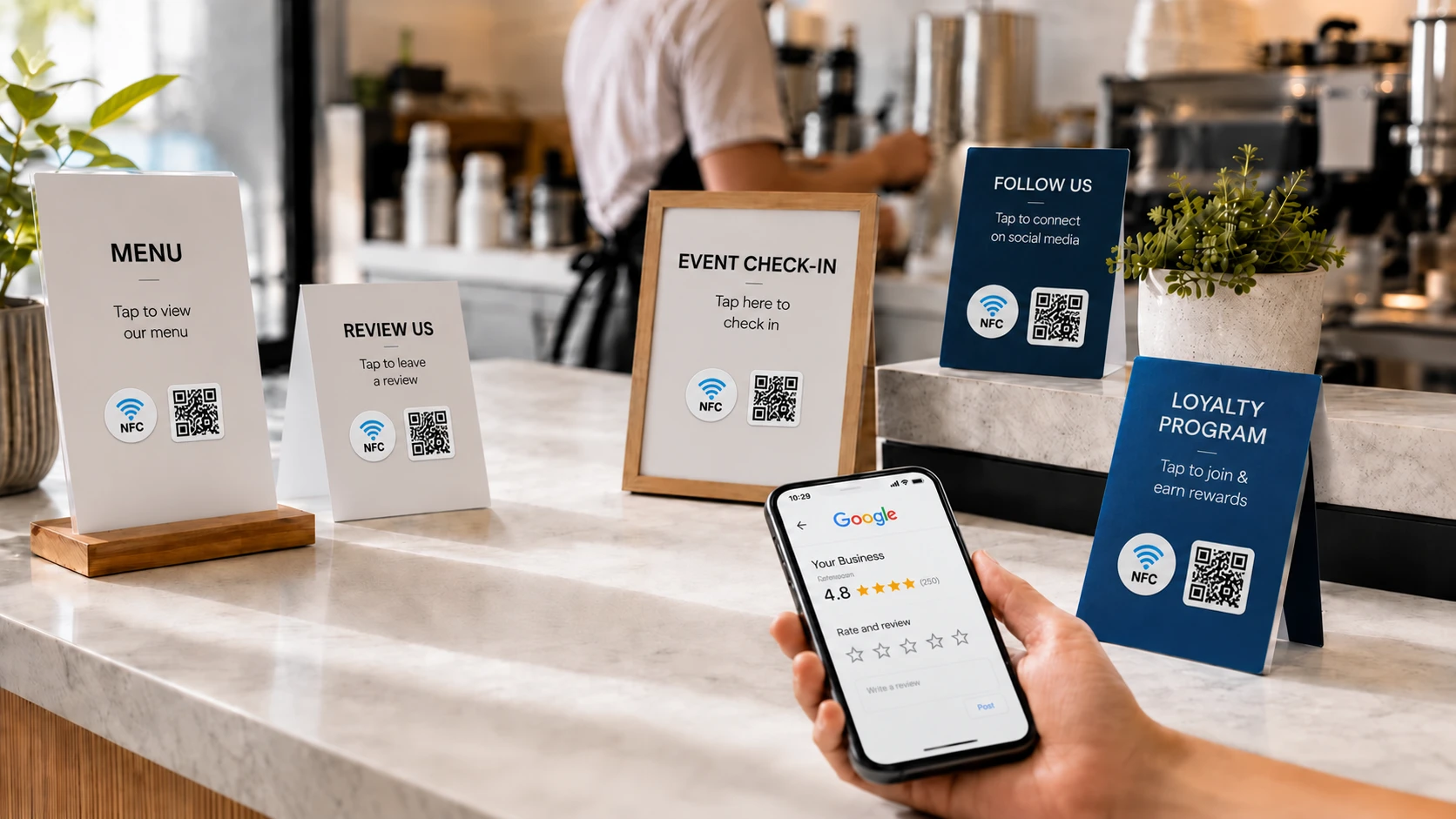
For retailers, restaurants, event organizers, agencies, and product brands, an effective sticker campaign is about more than attractive printing. The goal is to make the next customer action clear, immediate, and measurable.
Why NFC and QR Code Stickers Matter
Traditional printed materials often rely on customers to type a web address, search for a business online, or remember to visit a page later. Every additional step creates an opportunity for interest to fade before the customer takes action.
A well-planned NFC and QR Code sticker removes that friction. Customers can simply tap or scan to move directly from a physical interaction to the digital page that helps them continue. The most effective campaigns keep the experience straightforward: tap or scan, open the right page, and take the next step.
- Choose one clear destination URL for each physical touchpoint.
- Place simple action wording such as “Tap Here,” “Scan to View,” or “Open Menu” near the sticker.
- Make sure the printed design matches both your brand and the digital experience customers will see.
Best URLs for Physical Touchpoints
| Placement | URL to Open | Marketing Purpose |
|---|---|---|
| Restaurant table | Digital menu or booking page | Guests can instantly access the information they need without waiting or typing. |
| Product packaging | Instructions, registration, warranty, or support page | The product can continue the customer relationship after the purchase. |
| Event booth | Campaign landing page or lead form | Visitors can respond or leave their details while interest is still high. |
Useful destination URLs can include landing pages, digital menus, review pages, booking systems, social profiles, product information, registration forms, support pages, and promotional offers.
The key is to choose a destination that matches the customer's situation. Do not simply link to your homepage because it is convenient. A sticker placed on a restaurant table, product, package, sign, badge, display, or counter should help answer the question the customer is most likely to have at that exact moment.
Create a Better Customer Journey
The physical placement and digital destination should work together as one experience. For example, a sticker on product packaging might open setup instructions, while a sticker at an event booth could open a lead form or special campaign offer. A restaurant table sticker may lead directly to a menu, ordering page, or reservation system.
When the destination matches the context, customers spend less time searching and more time taking action.
Make Every Surface a Tap-or-Scan Touchpoint
NFCOP can produce custom printed NFC stickers, encode the NFC chips with your chosen URL, and provide matching QR Code functionality for customers who prefer to scan. Optional Dynamic URLs can also make it possible to update destinations later and access campaign statistics without replacing the printed stickers.
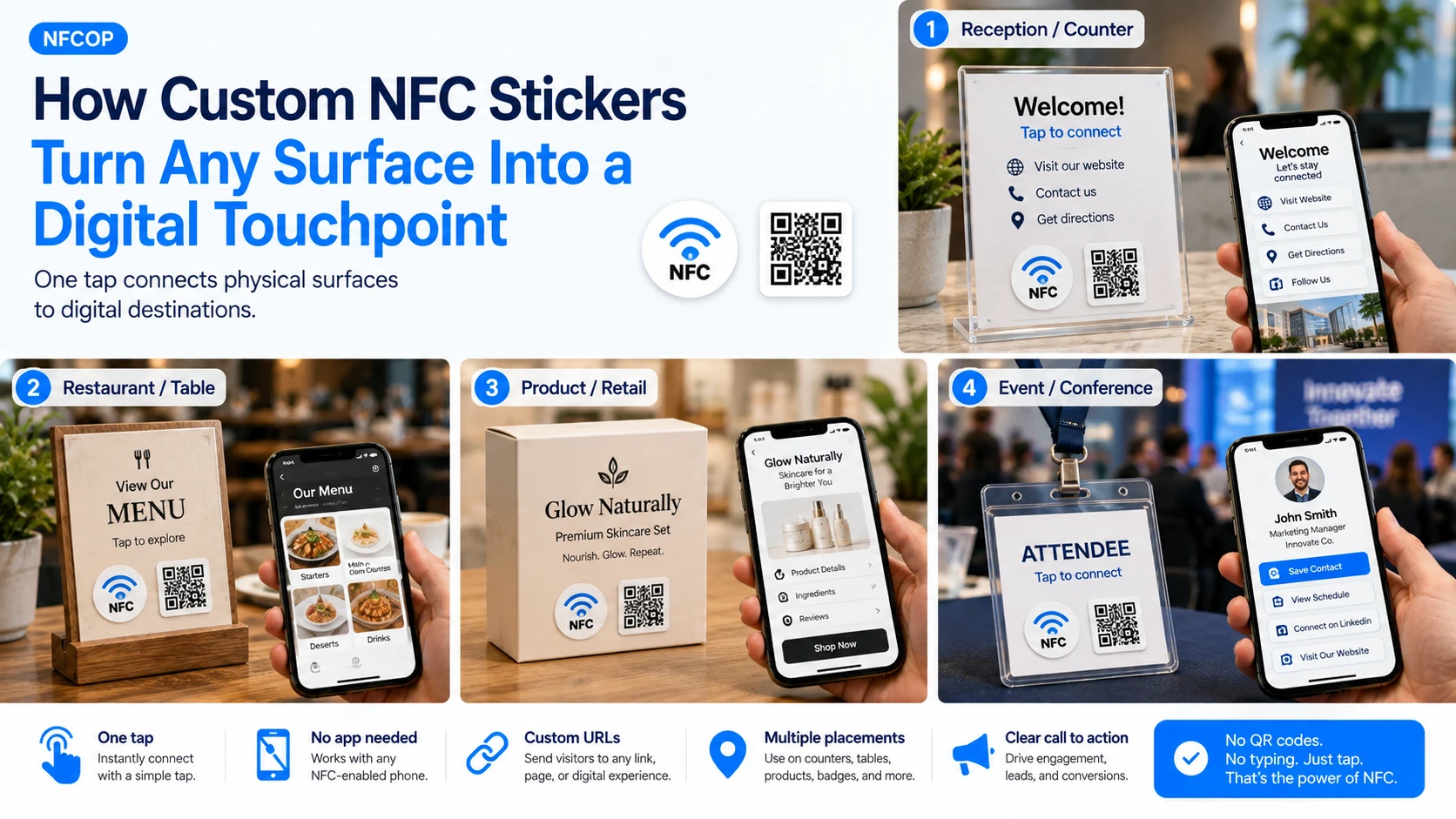
Your stickers can be prepared and delivered ready to use. To get started, prepare your destination URL, choose your sticker design, confirm the quantity you need, and create a simple tap-and-scan experience that connects your physical marketing directly to the digital action you want customers to take.